

Online stores built with WooCommerce rely heavily on the performance of hosting companies. Every product page, cart update, and checkout request interacts with the server and database in real time. That’s why woocommerce hosting plays a critical role in how well an online store performs.
If the hosting provider is slow or unreliable, the entire shopping experience can suffer. Product pages may take longer to load, checkout may fail during busy periods, and customers might abandon their carts. For a growing online store, these issues can directly affect sales.
This woocommerce hosting guide explains how hosting environments support a WooCommerce store and what store owners should look for before choosing a woocommerce host. The article also explores hosting types, performance requirements, WooCommerce traffic behavior, and security practices that help maintain a stable online store.
Understanding hosting for WooCommerce helps store owners select the right hosting plan and avoid infrastructure problems as the store grows.
Understanding WooCommerce Hosting
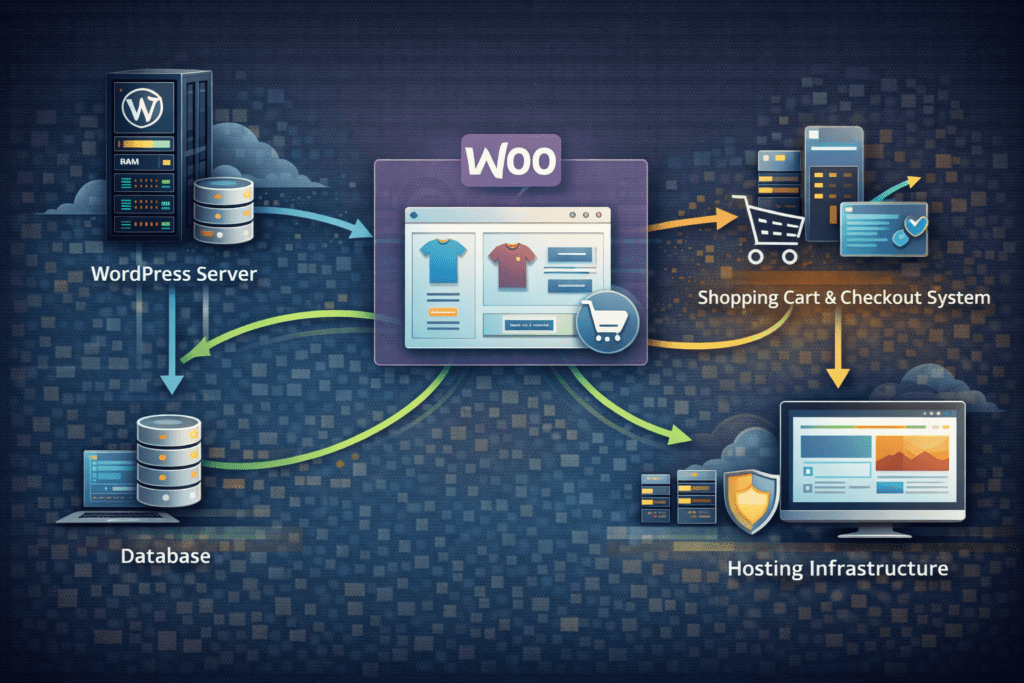
WooCommerce hosting refers to a hosting environment optimized for running a WooCommerce store on WordPress. While a normal wordpress hosting setup can run WooCommerce, specialized woocommerce hosting environments are designed to handle eCommerce activity more efficiently.
A WooCommerce website performs many dynamic actions that standard wordpress sites usually do not.
These environments must support heavy database activity, product queries, cart sessions, and customer account management.
• WooCommerce store activity: Product browsing, cart updates, and checkout processes generate constant server requests.
• Database interaction: Product data, orders, and customer accounts rely heavily on database queries.
• Hosting environment: The hosting server must process dynamic WooCommerce requests quickly.
Because of this workload, many hosting providers offer managed woocommerce hosting environments optimized specifically for WooCommerce websites.
What Makes WooCommerce Different from a Standard WordPress Site
A normal wordpress site usually serves static content like blog posts and pages. A WooCommerce store works very differently.
WooCommerce websites process real time shopping actions.
• Shopping carts: Cart contents update dynamically as customers browse products.
• Customer accounts: Login sessions store order history and personal data.
• Checkout processes: Payment and shipping calculations require database queries.
• Order management: The WooCommerce system processes orders and updates product inventory.
During promotions or sales, WooCommerce traffic can increase quickly. A hosting server must handle these dynamic actions without slowing down the website.
That’s why hosting for WooCommerce requires stronger infrastructure compared with a basic wordpress website.
WooCommerce Hosting Performance Requirements
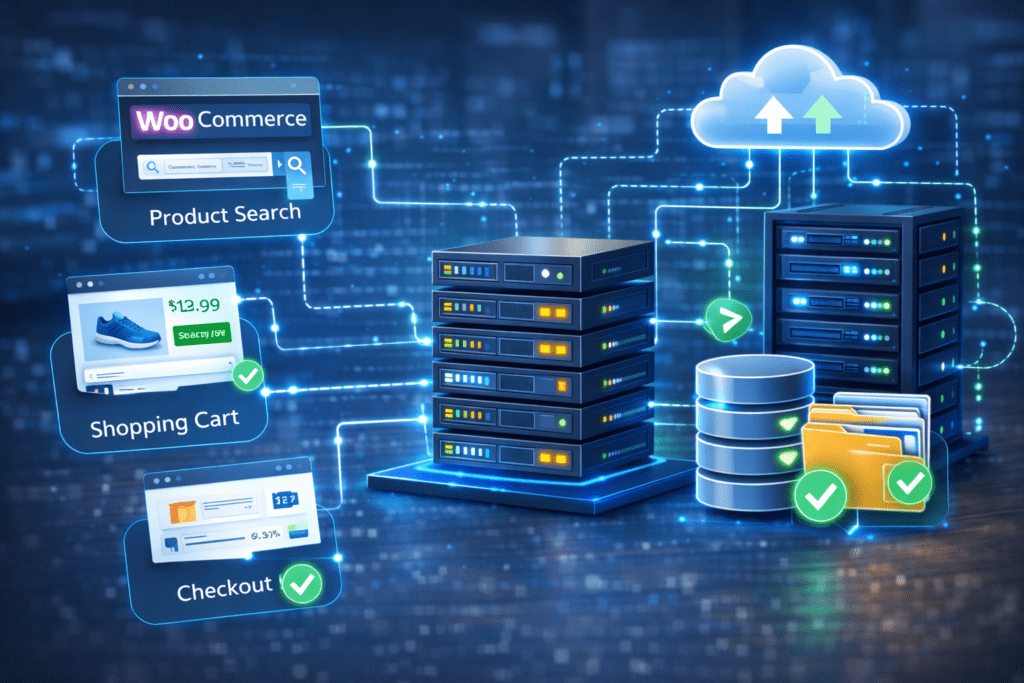
A WooCommerce store generates far more dynamic activity than most wordpress sites. Every product page, search request, and checkout process interacts with the database.
The hosting environment must process these requests efficiently.
• Server processing: Fast CPU resources help process multiple shoppers at the same time.
• Memory resources: Adequate RAM helps maintain stable WooCommerce performance.
• Database performance: WooCommerce relies heavily on database queries for products and orders.
• Server stability: Hosting infrastructure must support traffic spikes during promotions.
Strong infrastructure helps maintain stable woocommerce performance even when the store experiences increased traffic.
WooCommerce Hosting Technical Requirements
Running a WooCommerce store requires a hosting environment that meets certain technical requirements. Since WooCommerce processes product pages, cart sessions, and checkout requests dynamically, the hosting server must support these operations efficiently.
A hosting environment that meets the recommended technical specifications helps maintain stable store performance.
Several technical factors are especially important for WooCommerce websites.
• PHP version: WooCommerce works best with modern PHP versions. Hosting providers should support a recent PHP version because newer versions improve performance and security.
• MySQL or MariaDB database: WooCommerce stores product data, orders, and customer accounts inside the database. A reliable MySQL or MariaDB database helps maintain fast data retrieval and stable store functionality.
• Memory limits: WooCommerce stores often require higher memory limits than standard WordPress websites. Sufficient PHP memory allows the server to process product queries, cart sessions, and checkout requests smoothly.
• WooCommerce recommended hosting specifications: WooCommerce generally recommends hosting environments that support modern PHP versions, strong database performance, and enough server resources to handle dynamic store activity.
Meeting these technical requirements helps ensure that the WooCommerce store operates reliably, especially when the number of products, customers, and orders increases.
Why WooCommerce Hosting Matters for an Online Store
Hosting infrastructure affects almost every part of a WooCommerce store.
Faster hosting environments improve the experience for customers and help maintain stable store performance.
• Product page speed: Faster loading pages help improve conversions.
• Checkout reliability: Stable servers reduce checkout errors.
• Database performance: Faster database queries significantly improve the functionality of a WooCommerce store’s operations.
• Customer experience: Reliable hosting improves the overall shopping experience.
That’s why woocommerce hosting plays such an important role in running a successful online store. The next sections explain how to identify poor hosting performance and how different hosting types support WooCommerce stores.
Why Choosing the Right WooCommerce Host Is Important
The woocommerce host you choose directly affects how well your online store performs. Every product page request, cart update, and checkout action relies on the hosting server.
If the hosting provider struggles to process requests, the WooCommerce store may slow down during busy periods. This can affect both user experience and order completion.
A reliable hosting provider helps maintain stable store performance.
• Server stability: A reliable WooCommerce host keeps the online store available during traffic spikes, which is crucial for managed hosting solutions.
• Checkout reliability: Stable infrastructure prevents checkout errors.
• Performance consistency: Faster servers help product pages load quickly.
• Traffic handling: The right hosting provider manages higher WooCommerce traffic without crashing.
From what I’ve seen, the difference between an average hosting environment and a strong woocommerce hosting solution becomes obvious during busy sales periods.
Signs Your Current WooCommerce Hosting Is Not Good Enough
Sometimes a WooCommerce store grows faster than the current hosting plan can handle. When this happens, performance problems usually begin to appear.
Several warning signs indicate that the current woocommerce hosting environment may no longer be sufficient.
• Slow product pages: Product listings and category pages load slowly.
• Checkout errors: Customers encounter errors during checkout.
• Server crashes: Promotions or marketing campaigns overload the server.
• Scaling limitations: The hosting plan cannot support increasing WooCommerce traffic.
These issues often appear when a WooCommerce store begins attracting more visitors. Upgrading to a stronger hosting solution can often resolve these problems.
Hosting for WooCommerce: Types of Hosting Explained
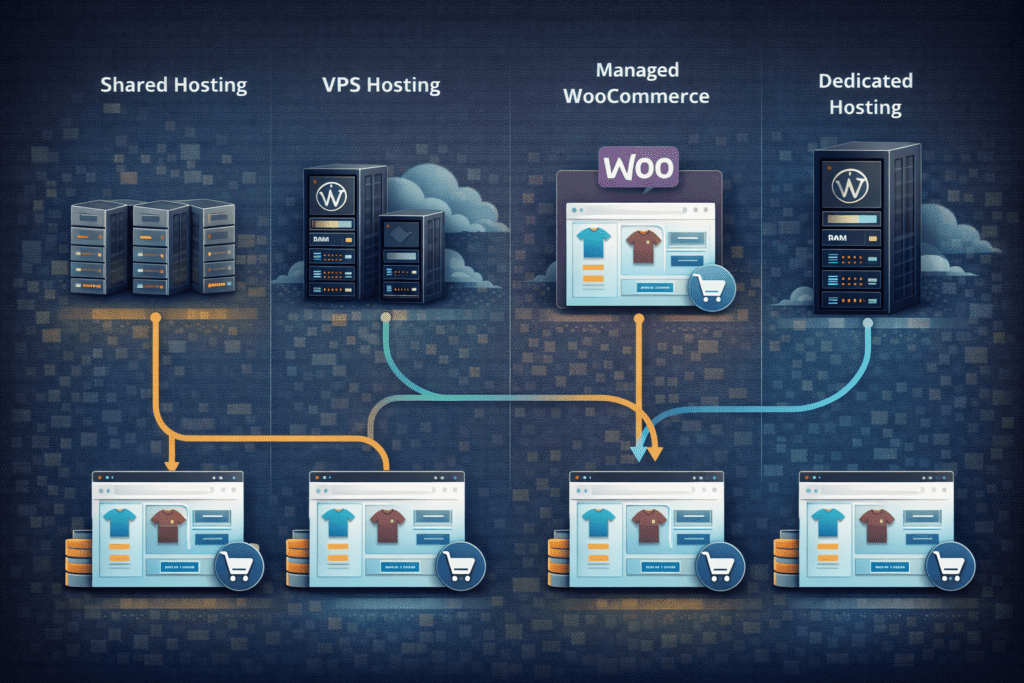
Understanding hosting types helps store owners choose the best woocommerce hosting based on store size and expected traffic.
Different hosting environments offer different levels of performance and control.
Shared WordPress Hosting
Shared hosting is usually the entry level option for small WooCommerce stores. Multiple websites share the same hosting server resources.
• Lower cost hosting: Shared hosting plans are usually affordable.
• Limited resources: Server resources are shared with other websites.
• Basic performance: Suitable for small WooCommerce stores with low traffic.
This type of hosting works best for new stores that are just starting.
Managed WooCommerce Hosting
Managed woocommerce hosting environments are optimized specifically for WooCommerce websites.
These hosting providers often configure servers specifically for wordpress and woocommerce workloads.
• Performance optimization: Servers are tuned for WooCommerce operations.
• Automatic updates: The platform manages software updates.
• Built in caching: Performance tools improve product page speed.
For many online stores, managed woocommerce hosting becomes a practical option as the store grows.
VPS Hosting
VPS hosting provides dedicated resources within a virtual server environment. This allows more control over performance compared with shared hosting.
• Dedicated server resources: CPU and RAM allocations are reserved.
• Greater control: Store owners can configure server settings.
• Better scalability: Resources can increase as WooCommerce traffic grows.
VPS hosting often works well for medium sized WooCommerce stores.
Dedicated Hosting
Dedicated hosting provides an entire server for a single WooCommerce store. This environment offers the highest level of control and performance.
• Exclusive server resources: No other websites share the server.
• High performance: Ideal for large WooCommerce stores.
• Enterprise level infrastructure: Suitable for stores handling heavy WooCommerce traffic.
Large online stores sometimes move to dedicated hosting when traffic becomes very high.
Managed WooCommerce Hosting vs Standard WordPress Hosting
Standard wordpress hosting can run WooCommerce, but it may not always be optimized for the demands of eCommerce.
WooCommerce websites process far more dynamic activity than a normal wordpress site.
Managed woocommerce hosting environments include server configurations specifically designed for online stores.
• Performance tuning: Servers are optimized for WooCommerce workloads.
• Advanced caching: Hosting environments include optimized caching systems.
• Security configurations: Hosting providers implement additional security protections.
• Infrastructure optimization: Servers are configured specifically for wordpress and woocommerce performance.
This specialized hosting environment helps maintain faster product pages and smoother checkout performance for an online store.
The next section explains the infrastructure features store owners should look for when evaluating different woocommerce hosting providers.
WooCommerce Hosting Infrastructure Features to Look For
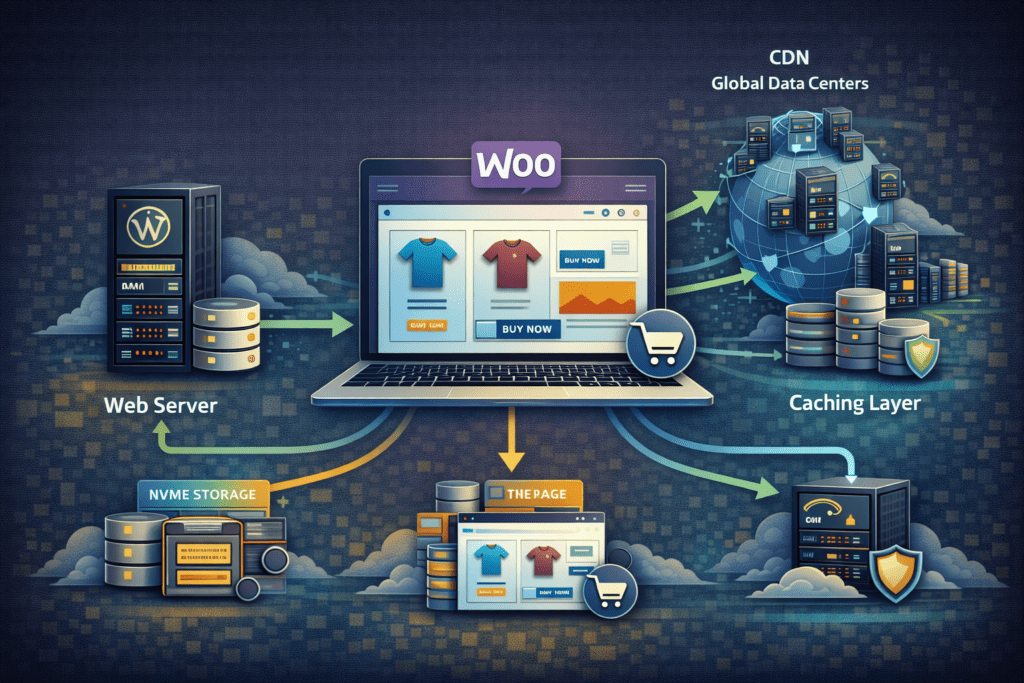
Not all hosting environments are optimized for running an online store. A strong WooCommerce hosting setup should include infrastructure designed to handle constant product queries, cart updates, and order processing, ensuring the best hosting experience.
When evaluating a woocommerce hosting provider, several infrastructure features are worth checking.
• SSD or NVMe storage: Faster storage improves database performance for products and orders.
• Server level caching: Caching reduces server processing for product pages.
• Global data centers: Multiple server locations help improve page speed worldwide.
• CDN integration: A CDN helps deliver images, product media, and assets faster.
• Reliable hosting server: Stable infrastructure helps maintain consistent WooCommerce performance.
These features help ensure the WooCommerce store loads quickly and remains stable even when multiple customers are browsing at the same time.
WooCommerce Traffic and Scaling Considerations
WooCommerce stores often experience sudden increases in traffic. Promotions, product launches, and seasonal sales can quickly increase the number of visitors on the website.
A hosting environment must be able to handle these spikes without slowing down.
For example, imagine an online store running a weekend promotion that suddenly attracts thousands of visitors. Product pages, carts, and checkout requests all increase at the same time. If the hosting server cannot scale resources, the WooCommerce store may slow down or even crash.
Scalable woocommerce hosting infrastructure helps maintain stable performance during these traffic spikes.
• Flexible server resources: Hosting plans should allow CPU and RAM upgrades.
• Traffic management: Infrastructure must handle sudden increases in visitors.
• Database stability: WooCommerce relies heavily on database activity.
• Scalable hosting environment: Resources should expand as the online store grows.
Planning for WooCommerce traffic early helps avoid downtime during successful marketing campaigns.
Key Factors to Consider When You Choose the Best WooCommerce Hosting
Selecting the best woocommerce host involves more than just comparing pricing. Store owners should evaluate several technical factors before choosing a hosting provider.
A good woocommerce hosting environment supports store performance, reliability, and future growth.
Server Performance and Speed
Server speed plays a major role in how quickly product pages and checkout systems load. Faster infrastructure helps maintain a smooth shopping experience.
• Fast hosting server: Faster processing improves WooCommerce performance.
• Database efficiency: Strong database performance improves product queries.
• Optimized infrastructure: Servers configured specifically for WooCommerce stores.
Scalability for WooCommerce Traffic
Online stores rarely remain the same size forever. As a WooCommerce store grows, the hosting environment must support additional visitors.
• Scalable hosting plan: Resources should increase when WooCommerce traffic grows.
• Flexible infrastructure: Hosting providers should support store expansion.
WooCommerce Compatibility
Not every hosting provider supports WooCommerce equally. The hosting environment must work smoothly with WooCommerce extensions and plugins.
• Plugin compatibility: The hosting provider should support WooCommerce plugins.
• WordPress and WooCommerce support: Servers should support both platforms properly.
Uptime and Reliability
A stable hosting environment helps prevent store downtime. Reliable infrastructure ensures that customers can browse products and complete orders without interruptions.
• High uptime guarantees: A good woocommerce host maintains consistent uptime.
• Stable hosting infrastructure: Reliable servers reduce the risk of outages.
Security and Backup Features
Security plays an important role when running an online store. WooCommerce websites process customer data and payment transactions.
• Free SSL certificate: SSL encryption protects customer data.
• Regular backups: Backups help restore the WooCommerce store if problems occur.
• Security monitoring: Hosting providers should monitor websites for threats.
These factors help store owners choose hosting that provides the best WooCommerce hosting environment based on performance, traffic expectations, and long-term growth.
WooCommerce Hosting Costs: What to Expect
The cost of woocommerce hosting varies depending on the type of hosting environment and the size of the online store. Smaller stores usually begin with simpler hosting packages, while larger stores often require stronger infrastructure.
Different hosting options offer different levels of performance and scalability.
• Shared hosting plan: Shared hosting is often the most affordable option for small WooCommerce stores.
• Managed WooCommerce hosting: Managed woocommerce hosting environments typically cost more because they include optimization and automation.
• VPS hosting: VPS hosting provides stronger performance and dedicated resources.
• Dedicated hosting: Dedicated hosting environments are usually used by larger WooCommerce stores with heavy traffic.
The cost of hosting should match the store’s traffic level and performance needs. Choosing a hosting plan that is too small may cause performance issues later.
How to Choose the Best WooCommerce Hosting for Your Store
Selecting the best woocommerce host depends on the size of the store, expected traffic, and long term growth plans. Different stores require different hosting environments.
Understanding your hosting needs helps simplify the decision.
For Small or New WooCommerce Stores
New online stores often start with a simpler wordpress hosting environment.
• Optimized WordPress hosting: A hosting provider offering wordpress hosting optimized for WooCommerce can support smaller stores.
• Flexible hosting plan: Choose a hosting plan that allows upgrading later.
• Basic infrastructure: Small stores usually begin with shared hosting or entry-level hosting services offered by various hosting providers.
This type of hosting setup is often enough for a new WooCommerce store.
For Growing Online Stores
As an online store gains customers, the hosting environment may need stronger infrastructure.
• Managed woocommerce hosting: Managed environments are optimized for WooCommerce workloads.
• Performance optimization: Hosting providers often configure servers specifically for online stores.
• Scalability: Hosting plans should support increasing WooCommerce traffic.
This stage often requires moving beyond basic hosting packages.
For High Traffic WooCommerce Sites
Larger WooCommerce stores often experience heavy traffic and require stronger infrastructure.
• VPS hosting: Virtual servers provide dedicated resources.
• Dedicated hosting: Large stores may require a dedicated hosting server.
• Enterprise level infrastructure: Larger WooCommerce stores benefit from stronger hosting environments.
Choosing the right hosting environment early helps prevent performance problems later.
WooCommerce Hosting and Website Speed Optimization
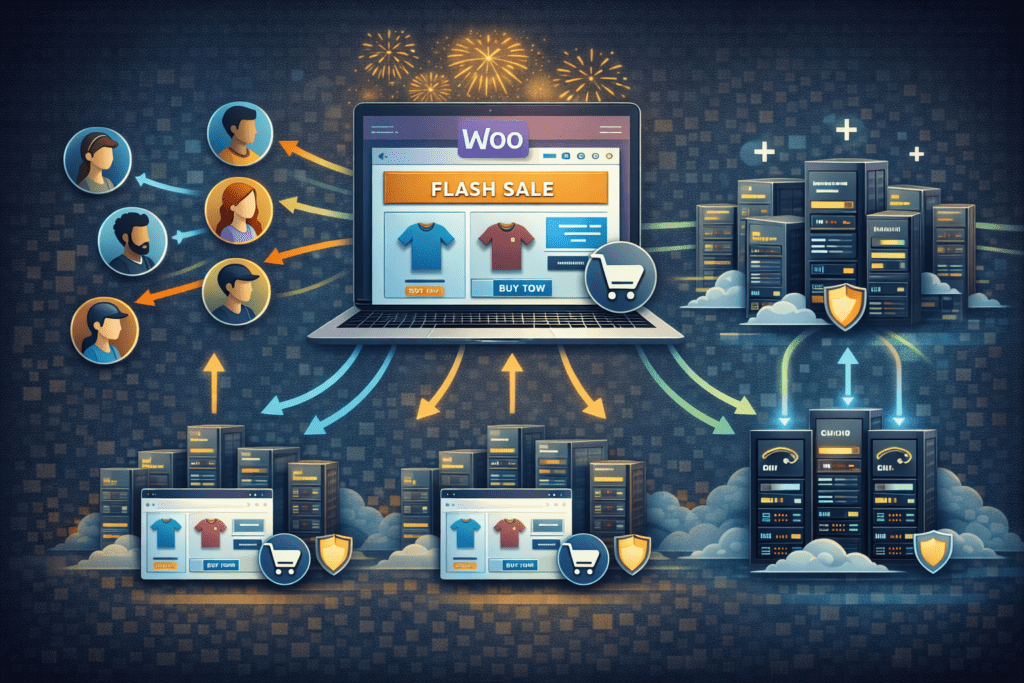
Website speed plays a critical role in WooCommerce performance. Slow product pages or checkout delays can affect customer experience and reduce conversions.
A strong woocommerce hosting environment helps improve overall website speed.
• Server response time: Faster hosting servers reduce page loading delays.
• Database performance: WooCommerce relies heavily on database queries.
• Optimized hosting infrastructure: Hosting environments optimized for WooCommerce improve performance.
• CDN integration: A CDN helps deliver images and assets faster.
Improving hosting performance can make a noticeable difference in how quickly product pages load.
Best Practices for WooCommerce Hosting Performance
Following several best practices can help maintain stable WooCommerce performance as the store grows.
Use a Reliable Hosting Provider
A reliable hosting provider helps maintain consistent website performance.
• Strong hosting infrastructure: Reliable hosting providers maintain stable servers.
• Optimized WordPress hosting: Servers should support both WordPress and WooCommerce.
Optimize Your WooCommerce Store
Optimizing the WooCommerce website itself can also improve performance.
• Enable caching: Caching reduces repeated server processing.
• Optimize images: Large product images can slow down page loading.
• Reduce unnecessary plugins: Too many plugins can increase server load.
Monitor WooCommerce Traffic
Tracking traffic helps store owners understand when the hosting plan needs upgrading.
• Traffic monitoring: Monitor visitor activity during promotions.
• Upgrade hosting plan: Increase server resources when WooCommerce traffic grows.
These practices help maintain a stable WooCommerce store even during busy periods.
Security Best Practices for WooCommerce Hosting
Security is essential for any online store handling customer accounts, payments, and personal information.
A strong woocommerce hosting environment should include several security protections.
SSL and Data Protection
SSL encryption protects customer data transmitted between the website and the user’s browser.
• Free SSL certificate: Most hosting providers include a free SSL certificate.
• Secure transactions: SSL encryption protects payment information.
Regular Website Backups
Backups protect the WooCommerce store if data is lost or files become corrupted.
• Automatic backups: Hosting providers often create daily backups.
• Manual backups: Store owners may create additional backups before updates.
Malware Protection and Monitoring
Monitoring helps detect security threats before they damage the website.
• Malware scanning: Security tools detect harmful files.
• Threat monitoring: Hosting providers monitor suspicious activity.
Secure Login and Admin Protection
Protecting the WordPress dashboard helps prevent unauthorized access.
• Strong passwords: Secure login credentials protect the admin account.
• Login protection: Security tools can limit login attempts.
Following these security best practices helps protect WooCommerce websites and customer data.
When You Should Upgrade to a New WooCommerce Hosting Plan
As a WooCommerce store grows, the hosting environment may need stronger infrastructure, often provided by managed WordPress hosting solutions. Upgrading the hosting plan can improve website performance and reliability.
Several situations may indicate that an upgrade is necessary.
• Increasing WooCommerce traffic: More visitors require stronger hosting infrastructure.
• Slow website performance: A stronger hosting plan can improve page loading speed.
• Expanding product catalog: Larger product databases increase server load.
• Growing online store: Scaling infrastructure helps support business growth.
Recognizing these signs early can prevent performance issues during busy sales periods.
Common Mistakes When Choosing WooCommerce Hosting
Choosing the wrong hosting provider can cause performance and reliability problems later.
Several common mistakes appear when store owners evaluate hosting providers.
• Choosing the cheapest hosting package: Low cost hosting plans may lack sufficient resources.
• Ignoring future WooCommerce traffic: Stores often grow faster than expected.
• Using basic WordPress hosting: Not all WordPress hosting environments are optimized for WooCommerce.
• Ignoring security practices: Weak security can expose the online store to risks.
Avoiding these mistakes helps ensure the WooCommerce store runs smoothly.
Key Insights Most WooCommerce Store Owners Miss
Several important details about WooCommerce hosting are often overlooked.
Understanding these insights can help store owners choose the right hosting environment.
• Hosting performance affects conversions: Faster product pages can improve sales.
• Not all WordPress hosting supports WooCommerce equally: Some hosting providers are optimized specifically for WooCommerce.
• Early infrastructure scaling helps: Upgrading hosting early prevents downtime during promotions.
Recognizing these factors can help store owners build a stable WooCommerce website.
FAQs About WooCommerce Hosting
What is WooCommerce hosting?
WooCommerce hosting is a type of wordpress hosting optimized specifically for running a WooCommerce store.
How do I choose the best WooCommerce hosting for my online store?
To choose the best woocommerce hosting, look for fast servers, scalability, strong security features, and a reliable hosting provider.
Can I run WooCommerce on normal WordPress hosting?
Yes. WooCommerce can run on standard wordpress hosting, but hosting environments optimized for WooCommerce usually provide better performance.
What type of hosting is best for a WooCommerce site?
Managed woocommerce hosting or VPS hosting usually works best for most WooCommerce stores.
Does WooCommerce hosting affect website speed?
Yes. A fast woocommerce host improves product page speed and overall user experience.
When should I upgrade to a new WooCommerce hosting plan?
Upgrading is recommended when WooCommerce traffic increases or when the website begins to experience slower performance.
Final Verdict: Choosing the Right WooCommerce Hosting for Your Store
Choosing the right woocommerce hosting is one of the most important decisions when running an online store. The hosting provider affects page speed, checkout performance, and overall store stability.
A reliable woocommerce host helps maintain fast product pages, stable checkout processes, and secure customer transactions.
By following this woocommerce hosting guide, store owners can better understand hosting options, evaluate infrastructure requirements, and choose the best woocommerce hosting based on their store’s size and expected growth.
Investing in the right hosting plan early allows the WooCommerce store to scale smoothly as the business expands.