
Choosing a web host for the first time can feel confusing. Let’s keep it simple. From my research, most beginners in the US don’t fail because they can’t build a site. They fail because they don’t know how to choose web hosting for beginners that fits their goals.
Here’s what I noticed. When people pick the right web hosting service early, things just move faster. Setup feels easier. Pages load quicker. And you’re not stuck every week talking to support.
This guide is here to help you choose web hosting for beginners the smart way. We’ll focus on what really matters for US websites, without tech overload.
If this is your first web project, don’t worry. Everyone starts here.
Introduction – Why Choosing the Right Web Host Matters

This guide will help beginners decide:
- What to look for in a web host
- How to avoid common mistakes
- How to choose a web host that works for US websites
Why is this choice important in the US?
Because your web hosting provider controls how fast your site loads for US visitors, how strong your uptime is, and how helpful your customer support will be when something breaks.
For small US-based sites, a reliable web host with US servers can make a big difference. In most cases, faster sites keep people around longer.
Bottom line? Your website needs web hosting that won’t slow you down.
What Is Web Hosting? (Quick Refresher)

Web hosting is a hosting service that stores your website files and shows them to visitors through a web server.
Your web host keeps your website files safe and sends them to browsers when someone visits your domain. That’s how your web pages appear online.
So when you create a website, you’re really renting space from a web hosting provider.
Simple idea. But choosing the right web hosting service is where it matters.
Why Beginners Need a Beginner-Friendly Web Host
A beginner doesn’t need premium hosting or complex tools. You need a web host that makes things easy.
Here’s what beginners usually need most:
Ease of use
A clean dashboard and simple setup. Making it easy saves time and stress.
Reliable support
Good customer support helps when you’re stuck. And you will get stuck. That’s normal.
Simple setup
One-click installs and a website builder help you get online fast.
From my research, a reliable web hosting provider that focuses on simplicity is often the best hosting choice for beginners.
You don’t want to fight your hosting package. You want it to work quietly in the background.
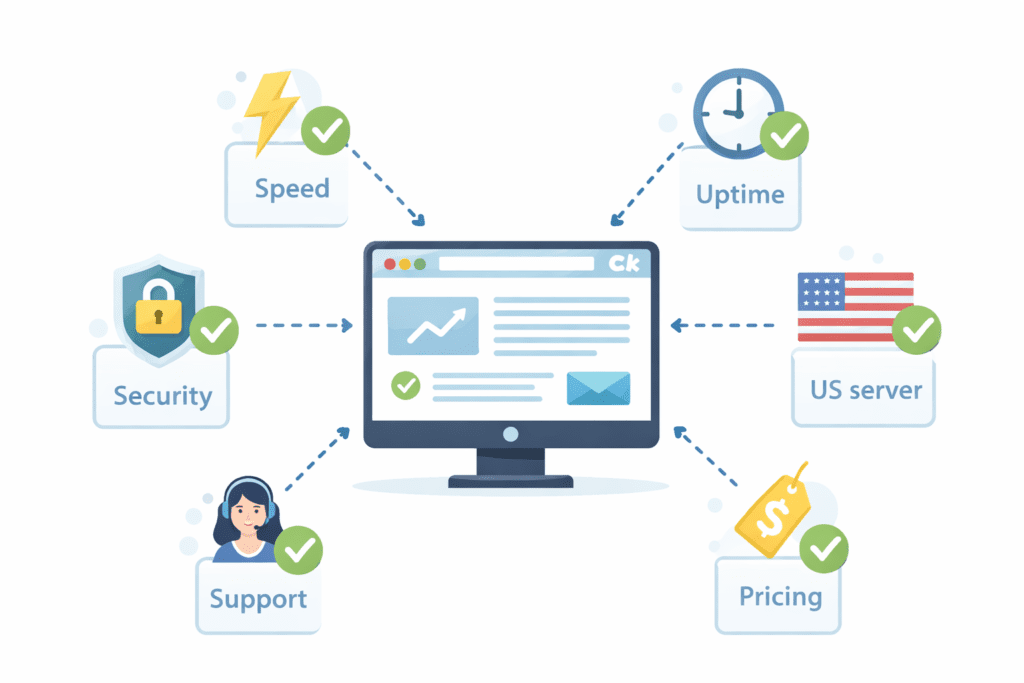
Key Factors to Consider When Choosing a Web Host in the US

Now this is where most beginners pause. There are too many options, and every web host claims it’s the best hosting provider. Let’s keep it simple and look at what actually matters when you choose a web host in the US.
Ease of setup and control panel
Your hosting package should be easy to manage. A simple dashboard saves time and headaches.
Server location in the US
If your visitors are in the US, your web hosting provider should have US servers. That usually means faster speed.
Speed and performance
A reliable web host must load pages fast. Slow sites lose visitors. It’s that simple.
Uptime and reliability
Look for strong uptime. In most cases, 99.9% uptime is the minimum you want from a hosting service.
Customer support quality
Good customer support matters more than people think. When your site breaks, fast help keeps you moving.
Security features
Your web host should include security features like a free SSL or at least a free SSL certificate to protect your site.
Pricing and renewal costs
Intro prices look cheap. Renewal prices are what you’ll really pay. Always check both.
Scalability for growth
Your hosting option should grow with your site. Later, you may need cloud hosting or even vps hosting.
These points help you choose a web hosting provider that fits your website needs today and tomorrow.
Types of Web Hosting and What’s Best for Beginners
There are different hosting types, but not all are right for a beginner.
Shared hosting is usually the cheapest web option. Your site shares a server with others. For most beginners, shared hosting is enough to start.
Managed WordPress hosting
If you use WordPress, managed WordPress hosting handles updates and security. A managed WordPress hosting plan saves time.
Cloud hosting
Cloud hosting helps when traffic grows. It’s flexible, but not always needed at first.
VPS hosting
VPS hosting gives more control and power. It’s better for later growth.
There’s also dedicated hosting, but honestly, that’s for bigger sites, not your first web project.
Understanding hosting types helps you choose a web hosting service without overbuying.
Top Hosting Providers for Beginners in 2026
| Web Host | Best For | Starting Price (US) | Free Domain (1st Year) | Free SSL | Ease of Use | Customer Support | Good For |
|---|---|---|---|---|---|---|---|
| Bluehost | Beginners | $2.95/month | Yes | Yes | Easy | 24/7 Chat & Phone | First-time websites |
| Hostinger | Budget | $2.49/month | Yes | Yes | Easy | 24/7 Chat | Low-cost projects |
| SiteGround | Support | $3.99/month | Yes | Yes | Easy | 24/7 Chat & Phone | Help-focused users |
| A2 Hosting | Speed | $2.99/month | No | Yes | Easy | 24/7 Chat & Phone | Faster loading sites |
| DreamHost | Simple Setup | $2.59/month | Yes | Yes | Very Easy | 24/7 Ticket & Chat | Personal blogs |
How Much Should Beginners Expect to Pay in the US?
Hosting costs in the US usually fall into these ranges:
- Shared hosting: about $2 to $8 per month
- Managed WordPress hosting: $15 to $30 per month
- Cloud hosting: $10 to $40 per month
- VPS hosting: $20 to $60 per month
Most hosting plans include:
- A free domain for the first year
- Free SSL
- Some bandwidth
- Email accounts
Cheapest web plans look good at first. But from my research, paying a little more often brings better uptime, speed, and customer support.
In most cases, affordable web hosting with clear renewal costs is better than chasing the lowest price.
That said, there are exceptions. If you’re just testing an idea, you might start cheap and upgrade later.
Must-Have Features for Beginner Web Hosting

When you compare hosting options, don’t get distracted by fancy extras. From my research, beginners in the US are happiest when their web host includes a few simple things that just work.
Here are the must-haves.
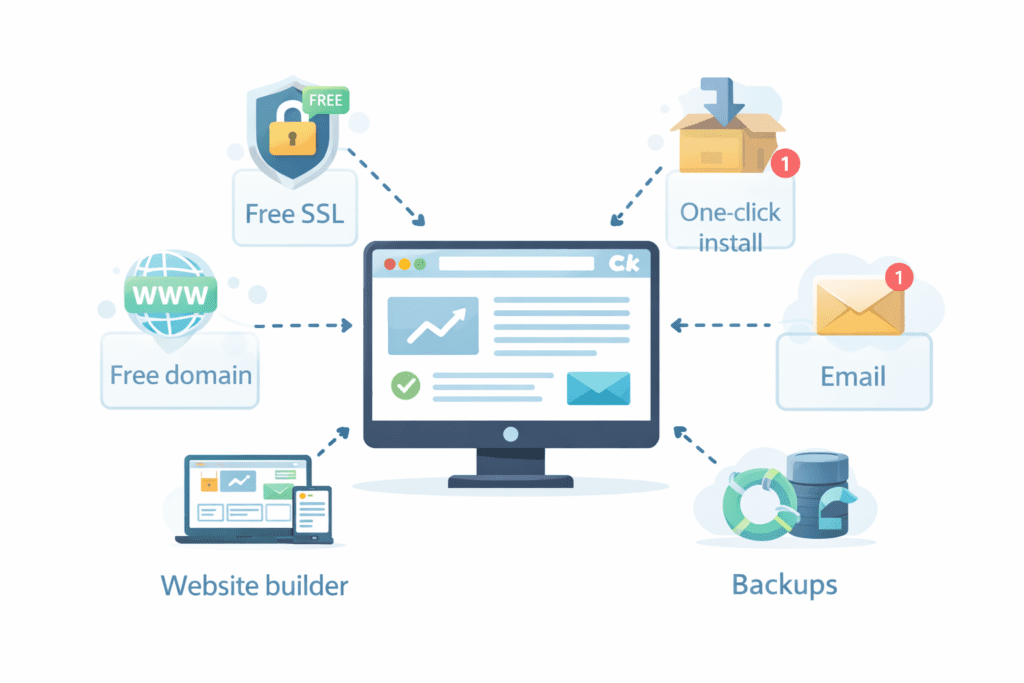
Free SSL
A free SSL or free SSL certificate keeps your site secure and builds trust. Many host offers include this now. If a hosting provider doesn’t, that’s a red flag.
One-click installs
One-click installs help you set up WordPress or another web application fast. This saves time when you create a website.
Email accounts
Basic email hosting lets you use a professional address. It looks more serious than a free inbox.
Backups
Good hosting solutions include regular backups. If something breaks, you can restore your website files.
Simple website builder
A built-in website builder, or even an AI website builder, helps beginners design web pages without code.
Free domain
Many provider offers include a free domain name or free domain for the first year. This lowers your starting cost.
From my view, these hosting features cover what most beginners really need.
Red Flags to Avoid When Choosing a Web Host
Now this is where people get stuck later. Some web hosting companies look great on the surface but cause problems after signup.
Watch out for these red flags:
Hidden fees
If pricing isn’t clear, pause. Renewal surprises are common with some hosting companies.
Poor reviews
No host is perfect. But if most reviews complain about uptime or support, that’s a warning.
No US servers
If your audience is in the US, your web hosting provider should have servers there. Without that, speed may suffer.
Limited support hours
A reliable web host should offer 24/7 customer support. Issues don’t wait for office hours.
No clear free SSL
If they don’t include a free SSL certificate, that’s not beginner-friendly in 2026.
If something feels off, trust that feeling. Another hosting provider is always out there.
Common Mistakes Beginners Make When Picking a Web Host
Here’s what I’ve seen most beginners do wrong. Honestly, I’ve made a few of these too.
Choosing only by price
Cheapest web plans look tempting. But low cost often means weak support or poor uptime.
Buying too much too early
You don’t need premium hosting, cloud hosting, or vps hosting on day one. Start simple.
Ignoring renewal rates
Intro prices end. Always check what you’ll pay later.
Skipping research
Not comparing hosts is risky. Even a short compare hosting check can save trouble.
Not thinking about growth
Your site may grow. Pick a hosting option that can scale without moving everything right away.
Hosting can feel overwhelming at first. That’s normal. But slowing down and reading the details usually leads to a better choice.
From my research, beginners who take one extra hour before signing up avoid months of frustration later.
Step-by-Step: How to Choose a Web Host as a Beginner
Now let’s put everything together. These are simple steps on how to choose a web host without overthinking it.
1. Define your website goal
Ask yourself what you want to build. A blog, portfolio, or small business site? Your website needs guide your choice.
2. Estimate traffic
If you expect low traffic, shared hosting is usually enough. You can upgrade later.
3. Set a budget
Decide what you can pay each month. Remember to check renewal prices.
4. Compare hosts
Take time to compare hosting. Look at uptime, bandwidth, support, and features.
5. Make a final choice
Choose a provider that fits your goals and budget. Then move forward.
These steps on how to choose usually work, but not always. There are exceptions. Still, they’re a solid start for most beginners in the US.
Is Free Web Hosting a Good Idea for Beginners?
Free hosting sounds great. But here’s the thing. Free hosting often comes with limits.
Free plans may:
- Show ads
- Limit bandwidth
- Offer weak customer support
- Restrict website files and features
In most cases, paid hosting is better if you want to create a professional-looking website. Paid plans usually include a free domain for the first year, free SSL, backups, and better uptime.
Free hosting can work for testing ideas or learning. But if you plan to host a real site, paid hosting is the safer choice.
FAQs – Choosing Web Hosting for Beginners
Which host is best for WordPress?
Many say WordPress hosting is the best when it’s managed. A good WordPress host saves time and effort.
Do I need US-based servers?
If your audience is in the US, yes. It usually improves speed.
Can I change hosts later?
Yes. You can move to another hosting provider or another hosting provider later if your needs change.
How long should I commit?
In most cases, 12 months is a safe start. It balances savings and flexibility.
What Should You Do Next After Choosing a Web Host?
Once you choose a web host, here’s what to do next:
- Buy your hosting plan and free domain name
- Set up your web application, like WordPress
- Upload your website files
- Create your first web pages
- Learn basic hosting management
- Make sure your web setup is secure and backed up
Most hosting providers include guides that walk you through these steps.
Final Thoughts
So what’s the key takeaway for US beginners?
Don’t rush. Focus on how to choose web hosting for beginners that fits your website needs, budget, and future plans. Look for a reliable web host with good uptime, fair pricing, strong customer support, and beginner-friendly tools.
Personally, I feel the best hosting is the one that doesn’t make you think about hosting every day. It just works in the background.
If this is your first web project in the US, start simple. Pick a host for your website, launch your site, and learn as you go.
Is it perfect? Probably not. But it’s best to begin than to wait.
That’s how most successful sites in web development start.