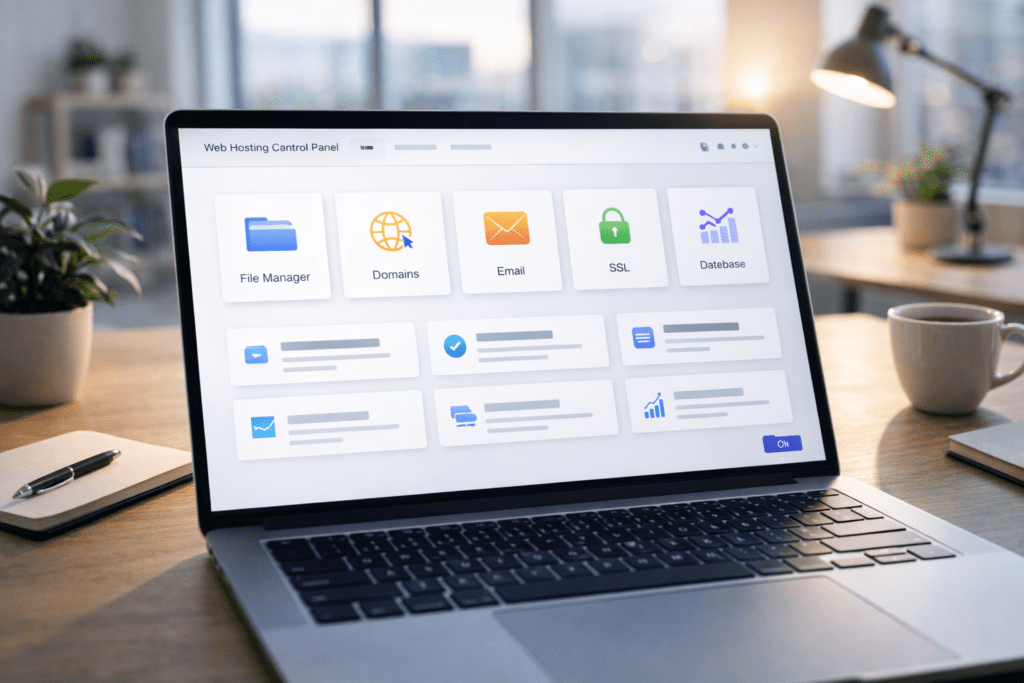
Here’s a fact. If you’ve purchased shared hosting in the last decade, you’ve almost certainly seen cPanel.
When people first log into their hosting account, they’re often greeted by a busy dashboard filled with icons. File manager. Email account. Databases. SSL. It can feel like a lot.
That’s why understanding What Is cPanel matters. It’s not random software. It’s the control dashboard that helps you manage your web hosting without touching complex server commands.
In this guide, we’ll break down what cPanel is, how it works, why so many hosting companies use it, and how you can actually use it in real situations like installing wordpress or creating a custom email.
What Is cPanel?
So, what is cPanel?
cPanel is a control panel used in web hosting that allows you to manage your website through a visual dashboard. Instead of typing technical commands into a server, you click tools inside the cpanel interface.
It sits inside your hosting account. Your hosting provider gives you access to it as part of your hosting plan. Once you log in, the cpanel dashboard becomes your main control center.
Beginners, bloggers, small businesses, developers, and agencies all use cPanel. It’s especially common in shared hosting and cpanel hosting environments.
The reason it’s popular is simple. cPanel makes managing a website easier. You can upload website files, create email accounts, manage domains, and install wordpress without coding knowledge.
In short, cPanel simplifies server management into something visual and practical.
Who Created cPanel and Why It Became Popular
cPanel was created in the late 1990s as a way to simplify server administration for website owners.
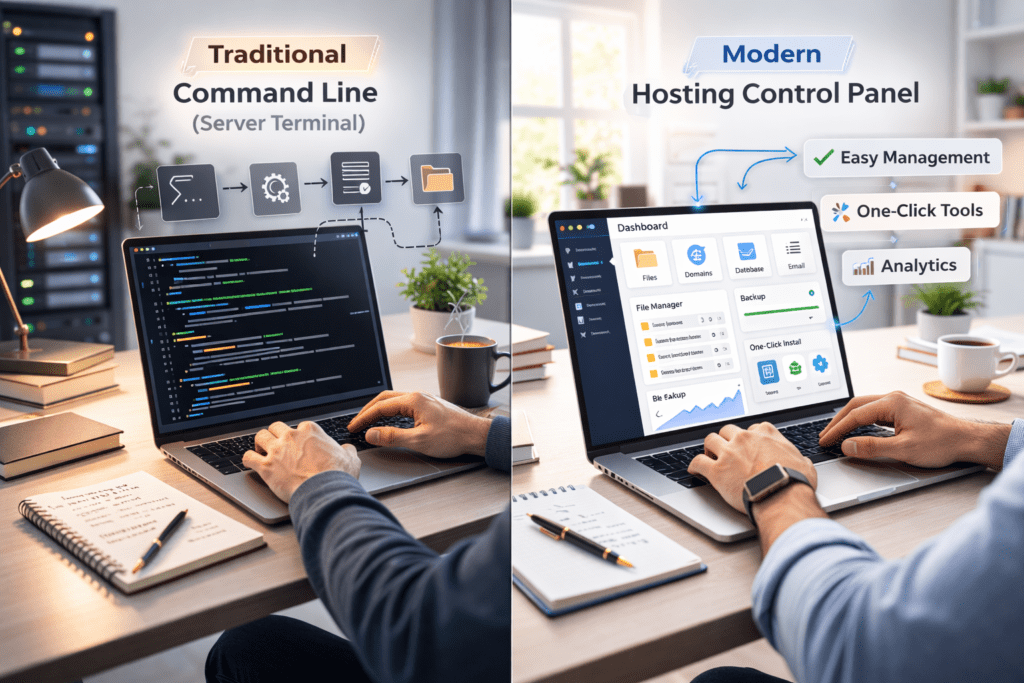
At the time, managing a website required direct server access. That meant using command lines and technical configuration. cPanel changed that by introducing a user-friendly dashboard.
Shared hosting providers quickly adopted it because it reduced support requests. Instead of explaining server commands, hosting companies could guide users through the cpanel dashboard.
Over time, it became an industry standard in the hosting industry. Many hosting companies built their hosting packages around cPanel because it was reliable and widely supported.
Its popularity also grew because of documentation. There are countless cpanel tutorials, forums, and blogs that help beginners get started with cpanel.
That network effect made it dominant in beginner hosting environments.
Quick Insight: cPanel Is Not Your Hosting Company
One important clarification.
cPanel is not your hosting provider.
Your web hosting provider gives you server space and website hosting. cPanel is simply the control panel used to manage that hosting account.
Many different hosting providers use the same cpanel dashboard. That’s why it may look similar even if you switch companies.
Understanding this difference helps avoid confusion. If something goes wrong with performance, it’s usually related to the hosting service or web hosting server, not cPanel itself.
cPanel is the tool. Your hosting provider runs the infrastructure behind it.
How to Access cPanel Step by Step Login Guide
Accessing cPanel is usually simple once you know where to look.
First, log into your hosting account through your hosting provider’s main dashboard. Most web hosting companies place a button labeled cPanel or Access cPanel inside your hosting plan details.
When you click that button, you’re taken directly to the cpanel dashboard. No extra configuration is needed in most shared hosting setups.
Some hosting companies also allow direct login through a URL. For example, you may access cpanel by visiting yourdomain.com/cpanel. In that case, you’ll enter your cpanel username and password provided by your web hosting provider.
Security matters here.
• Use a strong password for your cpanel account
• Enable two-factor authentication if available
• Avoid sharing login credentials
• Log out after managing your website
Keeping your hosting account secure protects your website files, email account data, and site resources.
Once logged in, you’ll see the main dashboard filled with icons grouped into categories.
How cPanel Works Step by Step Overview
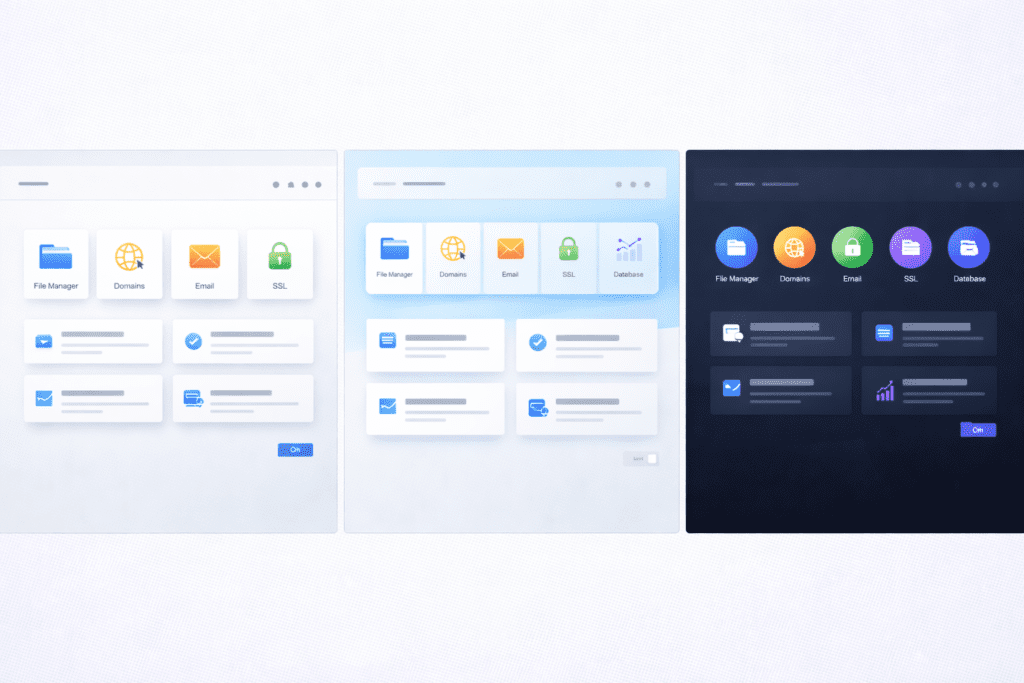
After login, the first thing you see is the cpanel dashboard.
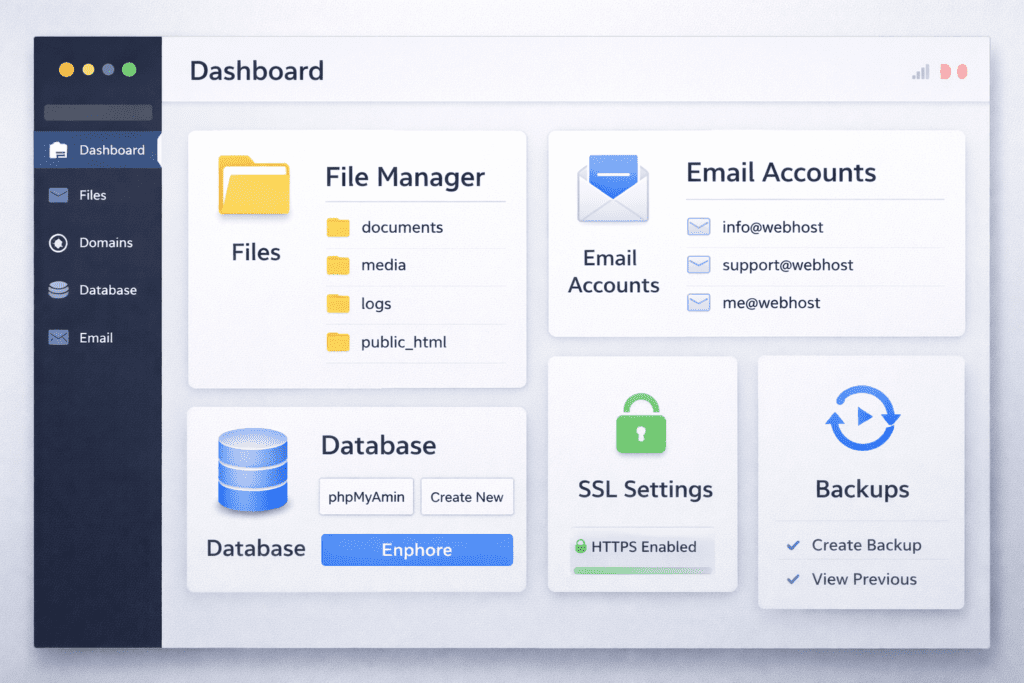
The dashboard is organized into sections like Files, Domains, Email, Databases, and Security. Each icon inside the dashboard connects to a specific tool in your hosting environment.
For example, when you open the file manager, you’re viewing your website files stored on the web hosting server. When you create a database, cPanel communicates directly with the server to configure it.
The layout may vary slightly depending on your hosting provider, but the structure remains similar. Categories, icons, and management tools are grouped for easier navigation.
You don’t need coding knowledge to use cPanel. That’s the point.
Instead of typing commands, you click options in the cpanel interface. It turns complex server operations into visual tasks.
Behind the Scenes What Happens When You Click a Button in cPanel
When you click “Create Email Account” or “Install WordPress,” something important happens in the background.
cPanel sends commands to the web hosting server automatically. It configures files, updates server settings, and adjusts permissions without you seeing the technical steps.
For example, when you install wordpress via cpanel, it creates a database, configures website files, and links everything together. Normally, this would require manual setup.
That automation prevents manual errors. It also saves time.
cPanel lets users perform complicated tasks without needing to understand how the website and server interact directly.
This is why so many webmasters choose cpanel web hosting. It gives control without overwhelming complexity.
Core Features Inside cPanel

The real value of cPanel becomes clear when you explore its features. The cpanel dashboard groups tools into clear sections so you can manage your web hosting without technical stress.
File Management
The file manager is one of the most used tools inside the cpanel interface.
You can upload website files, edit code, delete folders, and organize content directly from your browser. It works like desktop file explorer applications but inside your hosting account.
This makes file management simple for managing a website. You don’t always need an ftp account unless you prefer external tools.
If you want to install wordpress manually, upload themes, or adjust configuration files, the file manager gives you direct access.
Domain Management
cPanel lets you control domain settings from one place inside the dashboard.
You can:
• Add new domains to your hosting plan
• Create subdomains
• Set up redirects
• Manage DNS records
This makes it easier to manage your website and hosting environment together. If you run more than one website, the cpanel dashboard keeps everything organized.
Email Setup
Email management is another major reason people use cpanel hosting.
You can create a custom email account using your domain. For example, info@yourdomain.com.
You can also:
• Set email storage limits
• Access webmail
• Configure spam filters
• Create forwarders
Most web hosting plans feature email tools directly inside cPanel. That’s convenient for small businesses that want professional email without extra software.
Database Management
Databases power dynamic websites, especially wordpress website projects.
Inside cPanel, you can create MySQL databases and manage them using phpMyAdmin. When you install wordpress, a database is automatically connected.
This is essential for content management systems including popular content management systems like wordpress.
For developers, database tools allow version control and troubleshooting. For beginners, cPanel makes database creation straightforward.
Security Tools
Security tools inside the dashboard help protect your hosting account.
You can:
• Install SSL certificates
• Activate free SSL
• Block suspicious IP addresses
• Protect directories with passwords
cPanel provides easy access to these settings without needing deep server knowledge.
Security automation is one reason cPanel remains popular in web hosting environments.
Backup and Restore
Backups are often ignored until something breaks.
Inside the cpanel dashboard, you can create manual backups or download full account backups. Restoring website files is also possible through built-in tools.
Having backup options built into the control panel used for your hosting account reduces risk.
Why What Is cPanel Still Matters in 2026
With more beginner website creators launching new website projects every year, simplicity matters.
No-code tools and wordpress hosting platforms are growing. But behind those tools, server management still exists. cPanel bridges that gap.
It allows you to manage your web hosting without advanced skills. That balance of control and ease is why cPanel remains widely used.
Security automation, faster deployment, and intuitive dashboards impact long term success. When managing a website feels manageable, growth becomes easier.
That’s why understanding What Is cPanel still matters today.
Advantages and Limitations of cPanel
cPanel has stayed popular for a reason. But it isn’t perfect.
Advantages:
• Simple dashboard layout
• Strong documentation and community support
• Easy wordpress installation
• Built-in file management tools
• Integrated email account controls
• Broad compatibility with shared hosting
The cpanel interface is intuitive for beginners. Even if you’ve never managed web hosting before, the icons and categories make sense after a short time.
Now let’s be fair.
Limitations:
• Licensing costs can increase hosting plan pricing
• Performance depends on the hosting provider’s server
• Interface can feel cluttered at first
• Advanced users may prefer deeper server control
cPanel makes it easy, but it doesn’t control server speed by itself. Your hosting service still determines performance and uptime.
Who Should Use cPanel?
cPanel works well for different types of users.
Beginners
If you’re new to web hosting, cPanel makes managing a website straightforward. You can use cpanel to manage your website without touching server commands.
The dashboard groups tools clearly. That reduces confusion inside your hosting account.
Small Businesses
Business website owners benefit from email account management, domain control, and backup features.
cPanel lets you create custom email addresses and manage multiple domains inside one hosting plan.
Developers
Developers can adjust PHP versions, manage databases, and configure advanced settings inside the dashboard.
Tools like whm and web host manager allow resellers and advanced users to control multiple hosting accounts under one system.
In short, cPanel supports both beginners and more technical users, depending on how deeply you use it.
When cPanel May Not Be Necessary
There are situations where cPanel may not be required.
In managed wordpress hosting environments, much of the server configuration is handled automatically. You may interact mostly with the wordpress dashboard instead.
Some managed wordpress platforms use custom hosting dashboards instead of cPanel.
In fully managed hosting environments, your hosting provider handles updates, backups, and security settings without requiring you to access cpanel.
If your goal is minimal involvement, you might not need to use cpanel often.
cPanel Pricing and Licensing: Why Some Hosts Don’t Offer It
cPanel operates on a licensing model.
Hosting companies pay licensing fees based on the number of accounts running on a server. Those costs affect how hosting packages are priced.
In recent years, licensing adjustments increased costs for some hosting companies. As a result, a few providers switched to alternative control panel solutions.
This doesn’t mean cPanel is disappearing. It remains widely adopted in the hosting industry.
However, pricing changes explain why some web hosting providers offer hosting without cpanel or use custom control dashboard tools instead.
If you’re choosing between hosting packages, it’s helpful to know whether they include cpanel and how that affects pricing.
Common Mistakes Beginners Make With cPanel
Even though cPanel makes web hosting easier, mistakes still happen.
One common issue is deleting core website files inside the file manager. Removing the wrong folder can break your wordpress website instantly.
Another mistake is ignoring backup tools. cPanel makes it easy to create a backup, but many users skip it until something goes wrong.
Changing DNS settings without understanding the impact is also risky. A small edit can disconnect your domain from your hosting account.
Some users forget to update PHP versions. Outdated versions can affect wordpress performance and security.
Overinstalling plugins via auto-installers can also slow a website. Just because cPanel makes it easy doesn’t mean you should install everything.
cPanel vs Other Hosting Control Panels
cPanel remains popular because it’s stable, widely documented, and supported by many hosting companies.
The dashboard layout is consistent across most hosting environments. That familiarity makes switching between hosting providers easier.
Other control panel solutions may offer a different interface or pricing model. Some focus on developers. Others simplify the design for beginners.
The main difference often comes down to interface design and licensing costs.
Even with alternatives available, cPanel remains one of the most widely adopted solutions in web hosting and wordpress hosting.
Can You Switch From cPanel to Another Control Panel?
Switching control panels usually means switching your hosting provider.
Migration requires moving website files, databases, email account settings, and domain configurations. It’s possible, but it takes planning.
Some hosting companies support migration services. Others may require manual transfer through ftp or backup restoration.
Switching makes sense if you need different hosting environments or pricing flexibility.
But for most website owners, staying within one cpanel hosting setup is simpler.
Real-World Use Cases of cPanel
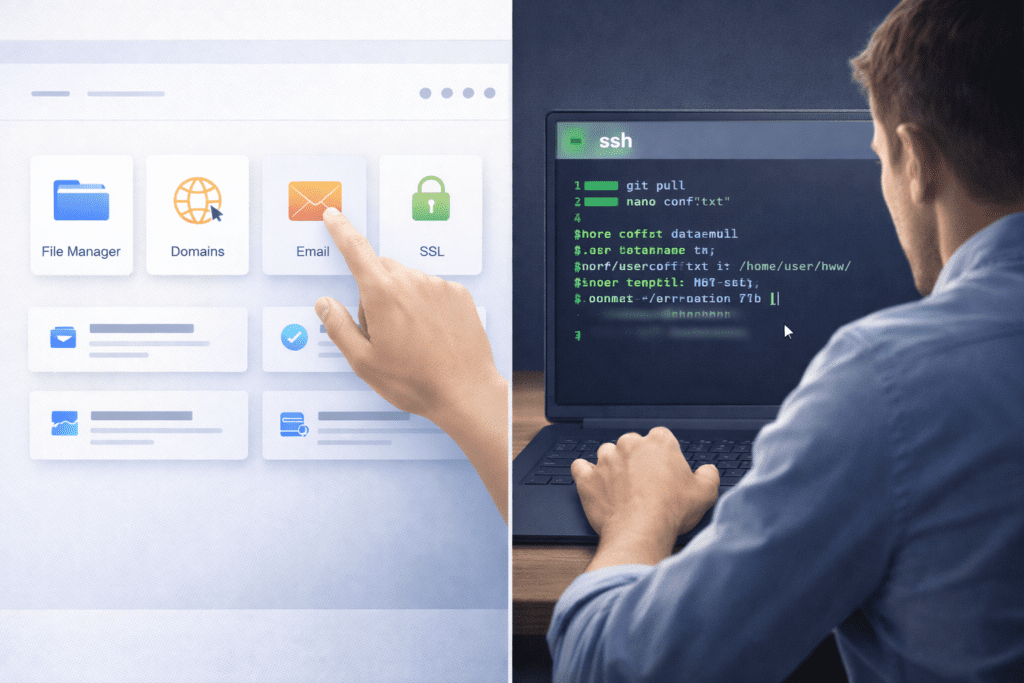
cPanel becomes practical when you use it for real tasks.
You might launch a new website by using the auto-installer to install wordpress. cPanel creates the database and configures your wordpress hosting automatically.
You might create a custom email for your business website inside the dashboard.
If your site is compromised, you can restore a backup through your cpanel account.
If you manage multiple domains under one hosting plan, the dashboard keeps everything organized.
These everyday tasks show why so many website owners rely on cPanel.
What Most Blogs Miss About What Is cPanel
One important point often gets overlooked.
cPanel does not control server performance alone. If your web hosting provider uses slow hardware, your website may still experience issues.
Resource limits inside your hosting account also affect functionality. CPU, RAM, and site resources matter just as much as the dashboard.
Ease of use impacts growth too. When managing a website feels simple, troubleshooting becomes faster and less stressful.
Understanding this balance helps you set realistic expectations.
Frequently Asked Questions About What Is cPanel
What Is cPanel used for in web hosting?
cPanel is used to manage web hosting tasks such as file management, database creation, domain settings, email setup, and security tools.
Do I need technical skills to use cPanel?
No. The cpanel interface is designed to be user-friendly. Most users can manage their hosting account without coding knowledge.
Is What Is cPanel the same as web hosting?
No. cPanel is the control panel used to manage your hosting service. Your web hosting provider supplies the server and infrastructure.
Can I manage multiple websites with cPanel?
Yes. Depending on your hosting plan, you can manage more than one website inside a single cpanel account.
Is cPanel free with hosting?
In most shared hosting plans, cPanel is included. Some providers may adjust pricing due to licensing costs.
How do I log into cPanel?
You can access cpanel through your hosting dashboard or by using a direct login URL provided by your web hosting provider.
What happens if my hosting does not offer cPanel?
Some hosting companies use alternative control panel solutions. You can still manage your website, but the dashboard may look different.
Is cPanel secure?
cPanel includes security tools like SSL management and password protection. Security also depends on your hosting provider and how you configure your account.
What is cPanel?
cPanel is a user-friendly control panel that helps you run a website and manage web hosting and cPanel tasks from one place.
How do I access your cPanel?
You can access your cPanel through a URL or link from your hosting provider or by using the login details they gave you.
What is the cPanel dashboard used for?
The cPanel dashboard contains tools for website management like files, email, databases, and security to help improve your website.
Is cPanel good for beginners?
Yes, cPanel is one because it gives a simple layout and a beginner’s guide feel so new webmasters can start quickly.
Can I run a website with cPanel on VPS hosting?
Yes, cPanel allows you to run a website on shared or VPS hosting and it works well with cPanel and WHM for servers.
How do I upload files to my site using cPanel?
Use the File Manager feature for direct file management or use FTP credentials provided by your cPanel hosting provider.
What features does cPanel offer for email and databases?
cPanel offers tools to create email accounts and manage MySQL or MariaDB databases from the same hosting dashboard.
Where can I get more help about cPanel?
Check cPanel forums and blogs, the guide to cPanel documentation, or your hosting provider for step-by-step cPanel tutorials.
Can I let specific sites use files from one account?
Yes, cPanel contains features to allow specific sites to use your files or to use one hosting account for multiple sites.
Final Thoughts: What Is cPanel and Should You Learn It?
So, what is cPanel?
It’s the dashboard that helps you manage your web hosting without technical stress. It connects your hosting account to the server in a way that feels manageable.
For beginners, it reduces complexity. For developers, it provides useful management tools. For businesses, it centralizes email, domain, and database control.
You don’t need to master everything inside the cpanel dashboard at once.
Start by exploring. Click through file manager. Review your backup settings. Create a test email account.
The more comfortable you become with cPanel, the more confident you’ll feel managing your website. And once you understand that layer, learning how hosting servers actually work becomes much easier.