

If you’ve ever asked yourself, what is CDN and why people keep talking about it, you’re not alone. Most beginners in the US hear this term when their website feels slow, even with a decent web host.
From my research, many website owners start looking into CDNs only after they notice longer load times or traffic spikes. That’s usually the moment they realize one server can only do so much.
This guide will explain what a CDN is, how it works, and when it actually makes sense for US websites. We’ll keep it simple. No heavy tech stuff.
Here’s the thing. A CDN doesn’t replace your hosting. It just helps your site deliver content faster and more smoothly to visitors across the US.
Let’s break it down.
Why CDNs Matter for Modern Websites

In this guide, you’ll learn:
- What a CDN really is in plain English
- How CDNs work behind the scenes
- Why they’re important for US websites today
Why do CDNs matter so much now?
Because visitors expect speed. If a web page takes more than a few seconds to load, most people leave. That hurts user experience and website performance.
On top of that, modern sites deal with:
- More web traffic
- Bigger images and videos
- Traffic spikes from social media
- Security risks like DDoS
A CDN helps handle all of this.
From what I’ve seen, even small US sites benefit once traffic starts to grow. CDNs aren’t just for huge brands anymore.
Bottom line? Faster delivery and better stability are now basic expectations.
What Is a CDN? (Simple Definition)
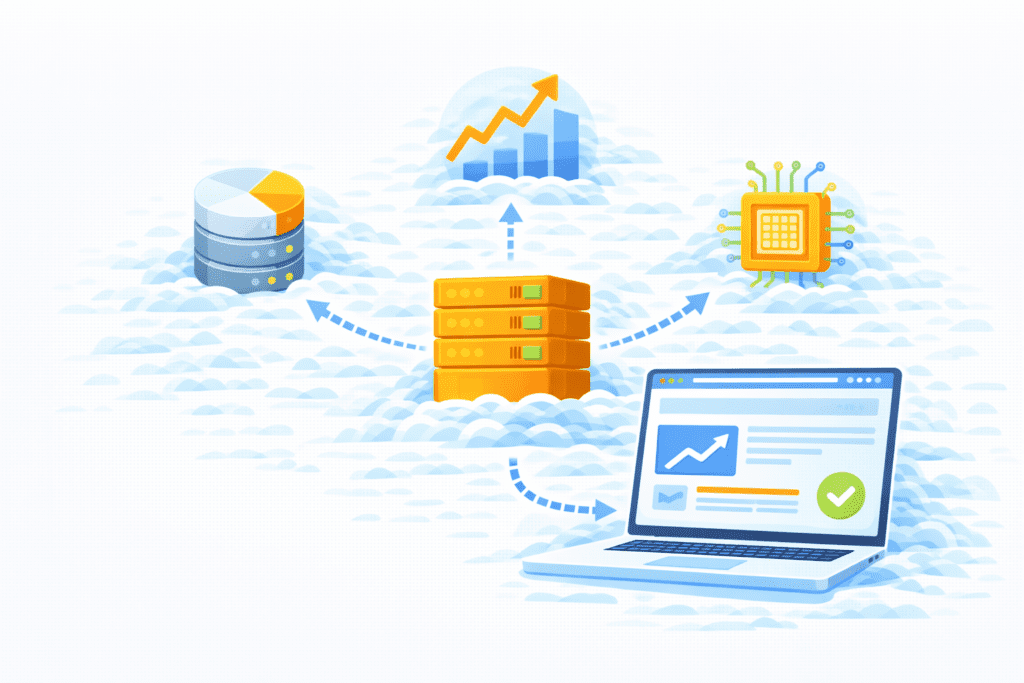
So, what is CDN in simple words?
A CDN, or content delivery network, is a group of servers that work together to deliver web content to users faster.
Instead of one server sending data to everyone, a CDN uses a network of servers spread across different locations. These servers store copies of your site’s files and send them to users from the closest spot.
In plain English:
A CDN brings your content closer to your visitors.
That’s it.
So when someone says “content delivery network,” they mean:
- Content: your images, files, pages, and scripts
- Delivery: sending that data to users
- Network: many servers working together
From my research, this setup is what makes CDNs so powerful for speed and reliability.
How a CDN Works

Every website has an origin server. That’s your main server where your site is hosted by your web host or web hosting services.
Here’s how CDNs work step by step:
- Your website content lives on the origin server.
- The CDN copies that content and stores it in a cache.
- That cache is saved on many edge servers in different data centers.
- When a user makes a user request, the CDN sends data from the nearest edge server, not always from the origin server.
So instead of one server handling all requests, you now have multiple servers helping out.
This setup:
- Reduces latency
- Improves load times
- Lowers server load on your origin server
- Makes data delivery more efficient across the network
From my research, CDNs use geographically distributed servers across the US and worldwide. That’s what makes pages feel faster.
Your site still depends on the origin server. But the CDN does most of the heavy lifting when visitors access your web content.
Here’s what I noticed. Once people understand this flow, CDNs stop sounding complicated.
What Type of Content a CDN Delivers
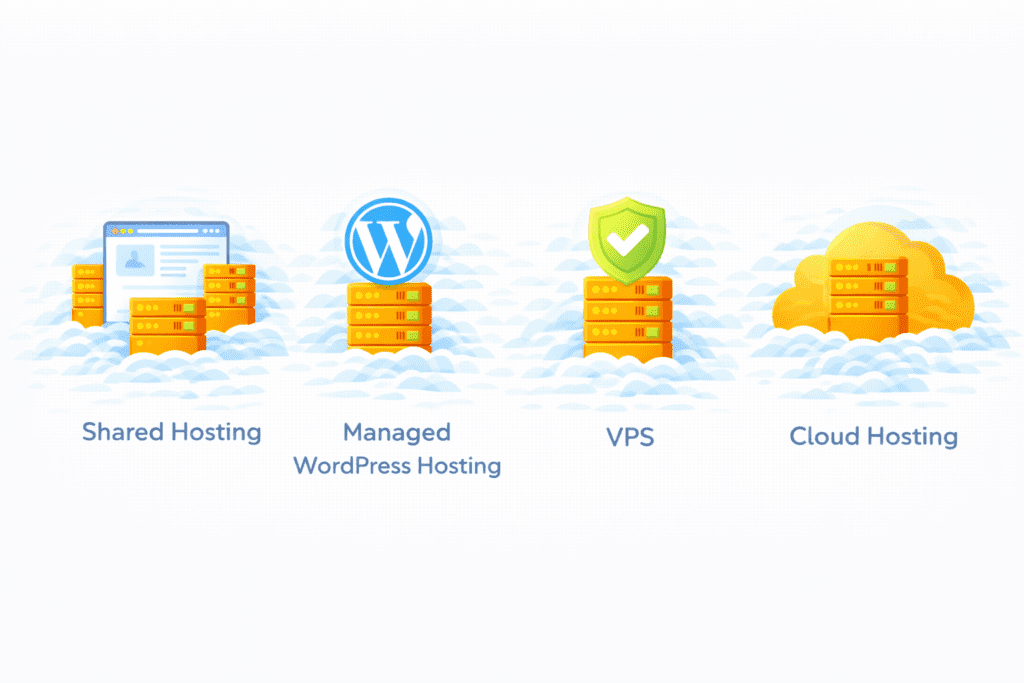
A CDN doesn’t just move one kind of file. It helps deliver many types of web content from servers closer to users.
Here are the main ones:
Images and videos
These files are heavy and use a lot of bandwidth. When a CDN caches images and videos on an edge server, website visitors get them faster without hitting your origin server every time.
CSS and JavaScript files
These files control how your web page looks and works. Serving them from a nearby CDN server improves load times and makes pages feel smoother.
Static vs dynamic content
- Static content: files that don’t change often, like images, styles, and scripts. These are perfect to cache.
- Dynamic content: content that changes based on users, like dashboards or carts. CDNs can still route these user requests faster, even if they aren’t fully cached.
From my research, CDNs work best with static content, but they also help dynamic content move more efficiently across the network.
Bottom line? A CDN can deliver most website resources your site uses.
Why CDNs Improve Website Speed in the US
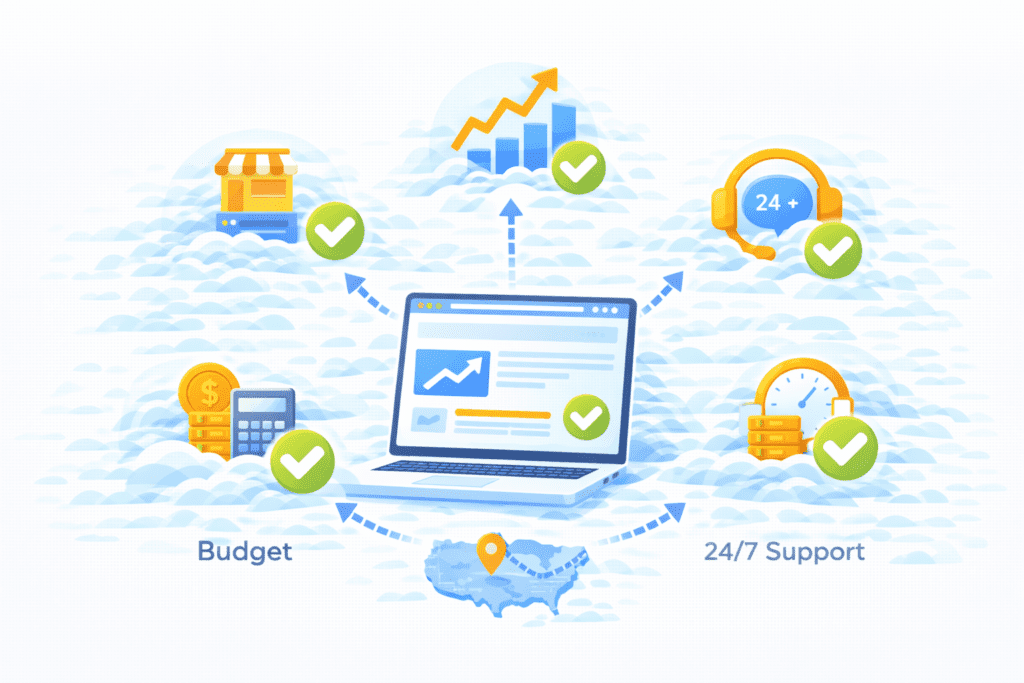
This is where CDNs really shine.
Reduced latency
Latency is the delay between a user request and the server response. When content comes from a nearby edge server instead of a far-away origin server, latency drops.
Even saving a few milliseconds can noticeably improve page load times.
Serving content from nearby US locations
Most leading CDN providers have data centers across the US. So whether someone visits from New York, Florida, or California, the CDN serves content from the closest location.
That’s faster delivery, plain and simple.
From my research, this setup greatly improves user experience and overall website performance for US audiences.
Here’s what I noticed. Sites using a CDN often feel snappier, even if the hosting server is already decent.
How a CDN Improves Website Reliability

Speed is great, but reliability keeps your site online.
A CDN improves reliability in a few ways:
Load distribution
Instead of one server handling all web traffic, CDNs spread requests across a distributed server network. That lowers server load on your origin server.
Protection during traffic spikes
If your site suddenly gets popular, CDNs help absorb traffic spikes so your site doesn’t crash.
Reducing server strain
By serving cached content, the CDN reduces the amount of data the origin server must provide. This helps avoid overload and keeps your site stable.
From my research, this setup keeps many US sites running even when others slow down or go offline.
Here’s the thing. A single server can only handle so much. A CDN gives you backup through multiple servers.
How CDNs Help With Website Security
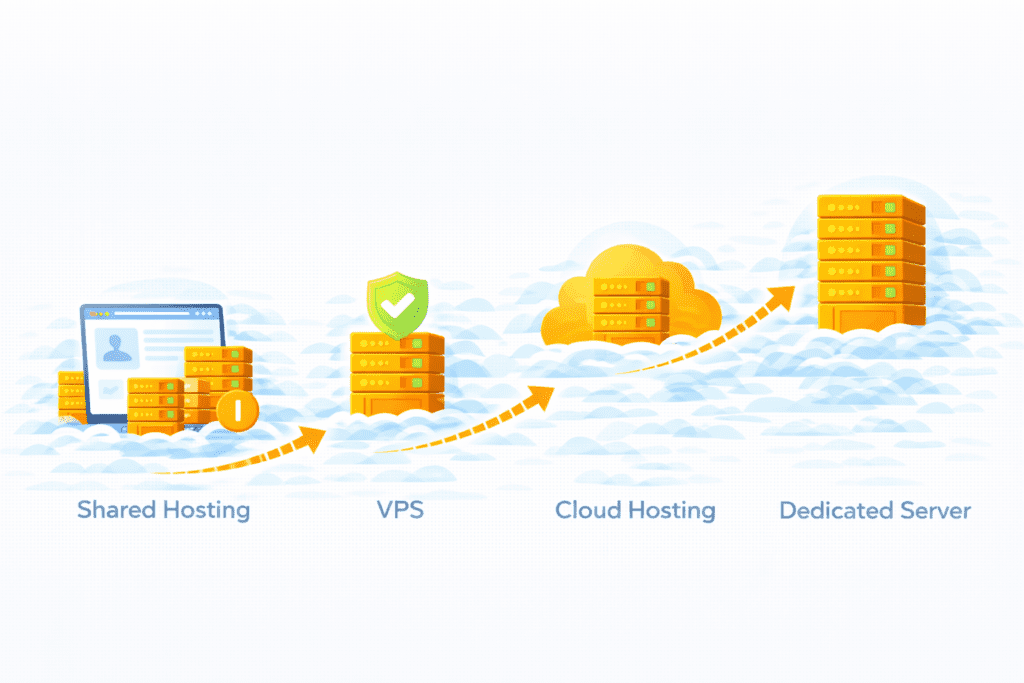
Most people think of speed first, but CDNs also help with website security.
From my research, many CDN services include protection against DDoS attacks. A distributed denial of service attack tries to overwhelm your server with fake traffic until it crashes. Because a CDN uses a distributed server setup, it can absorb and filter that traffic before it reaches your origin server.
Here’s how CDNs help protect your site:
- DDoS mitigation: Traffic is spread across many servers, making attacks harder.
- SSL support: Most CDNs work with HTTPS so data between users and servers stays encrypted.
- Basic firewall features: Some CDNs block suspicious network traffic at the network edge before it hits your web server.
This doesn’t replace full security tools, but it adds a strong extra layer. From my view, that’s one of the underrated benefits of using a CDN.
CDN vs Web Hosting – What’s the Difference?
This part confuses a lot of beginners, so let’s keep it simple.
Hosting stores content
Your web host provides the origin server where your website content lives. That’s your main server. All your files and your web application are stored there.
CDN delivers cached content
A CDN copies and caches content from your origin server and stores it on edge servers. When users visit, the CDN serves that cached content from the nearest location.
How they work together
Think of it like this:
- Web hosting = your home base
- CDN = delivery network
Your site still depends on hosting. The CDN just makes delivering content faster and more reliable.
From my research, most modern sites use both. They’re not competitors. They’re partners.
Do You Need a CDN for a US-Based Website?
Now the big question: do you really need one?
When a CDN is useful
A CDN makes sense if:
- Your visitors are spread across the US or globally
- You serve lots of images or media
- You see traffic spikes
- You want better load times and smoother performance
Even for smaller sites, using a CDN can noticeably improve website performance.
When it may not be necessary
You might skip a CDN if:
- Your site is tiny
- Traffic is very low
- All visitors are near your server
In these cases, good hosting alone may be enough.
From my view, most growing US sites benefit from a CDN sooner or later. You don’t need it on day one, but it often becomes useful as your site grows.
Here’s the thing. A CDN isn’t magic. But when speed and reliability start to matter, it’s a smart upgrade.
How CDNs Affect SEO and Core Web Vitals
Let’s keep it real. A CDN won’t magically push your site to the top of Google. But it helps with the things that matter.
Search engines care about:
- Page speed
- Load times
- User experience
A CDN improves these by serving content from a nearby edge server instead of a far-away origin server. That reduces latency and speeds up page load times.
Core Web Vitals look at how fast and stable your pages feel. From my research, many sites see better scores after using a CDN, especially in the US where visitors are spread across states.
So while a CDN isn’t a direct ranking factor, it supports SEO by making your site faster and more reliable.
Free vs Paid CDN Options
Now let’s talk cost.
What free plans offer
Many CDN providers offer free tiers with:
- Basic caching
- Global edge servers
- Basic DDoS protection
- Limited bandwidth
For small sites, free CDNs are often enough to start.
When paid plans make sense
Paid CDN services usually add:
- Higher bandwidth limits
- Faster performance
- More control over cache rules
- Advanced security features
- Priority support
From my view, free is great for testing. But if your site grows or handles more traffic, paid plans give more stability.
Common Mistakes Beginners Make With CDNs
Here are a few mistakes I see a lot:
Thinking CDN replaces hosting
It doesn’t. You still need a web host and an origin server.
Poor configuration
Wrong settings can break pages or cause missing files.
Not clearing cache
If you update your site but don’t clear cache, visitors may see old content.
Expecting instant miracles
A CDN helps, but it won’t fix slow hosting or heavy pages by itself.
Here’s what I noticed. Most CDN problems come from setup, not from the CDN itself.
FAQs – Content Delivery Networks
cdn provider: What is a CDN and how does it work with hosting?
A CDN provider is a service that distributes internet content and web content and applications across a network of geographically distributed CDN edge servers. Instead of delivering content from a single origin server, CDN hosting caches static and some dynamic content on content on multiple servers so delivering content from servers closest to the user reduces latency. This content distribution shortens load times, reduces bandwidth consumption on the origin, and complements traditional web hosting by offloading delivery tasks to the CDN service providers and improving overall delivery of web content.
using a cdn: How does a CDN integrate with my website hosting and web server?
Using a CDN usually involves changing DNS records or routing through the CDN service so requests for web content and applications are served from CDN edge servers. The CDN pulls data an origin server must provide initially and then caches copies across its network infrastructure. When a user requests content, the CDN selects an optimal CDN edge server-part of the core network-to deliver content quickly and efficiently, reducing the load on your website hosting and web server and improving response times globally.
benefits of using a cdn: What are the main advantages of adding a CDN to hosting?
Benefits of using a CDN include faster content delivery, reduced bandwidth consumption and bandwidth costs, improved uptime when CDN servers go offline elsewhere, better handling of traffic spikes, and lower load on the origin server. CDNs can reduce bounce rates by improving load times, improve SEO and user experience, and provide security features. Global CDN deployments and CDN service providers also help optimize content and manage delivery of web content across a resilient network.
bandwidth: Can a CDN reduce bandwidth and bandwidth consumption for my hosting plan?
Yes, a CDN can reduce bandwidth and bandwidth consumption by caching static assets (images, CSS, JavaScript, video) on CDN edge servers so fewer requests hit the origin server. This reduces the data an origin server must deliver and can lower costs associated with web hosting plans. CDNs can also optimize content delivery with compression and serve optimized versions for different devices to further reduce bandwidth and delivery time.
cdn services: What features do CDN services offer beyond faster delivery?
CDN services by CDN service providers often include DDoS protection, Web Application Firewall (WAF), SSL/TLS termination, edge caching rules, content invalidation, and analytics. CDNs can help with content management by routing requests, handling conditional delivery, and optimizing content for mobile or low-bandwidth connections. CDNs can also provide global CDN routing and failover so if some CDN servers go offline, content to the user is rerouted from other CDN servers.
web server: What happens if CDN servers go offline-will my web hosting still serve content?
If CDN servers go offline temporarily, many CDN configurations fall back to the origin web server to get content; however, this may increase bandwidth consumption and slow load times. Choosing a CDN with a resilient network infrastructure and good CDN provider SLAs reduces this risk. Combining a reliable website hosting provider with CDN hosting ensures content distribution continues and the delivery of web content remains available by delivering content from servers in other locations or directly from the origin when needed.
load times: How do CDNs reduce load times and improve user experience?
CDNs reduce load times by serving content from CDN edge servers that are close to the user, minimizing network hops across the core network. They cache and optimize content, compress files, and use smart routing to choose the fastest path for delivering content to the user. Faster content delivery lowers page load times, which can improve engagement and decrease bounce rates-CDN can reduce bounce rates by making pages load quickly on first visit and repeat visits.
cdns work: How does content distribution and caching actually function in a CDN?
CDNs work by replicating copies of web content to CDN edge servers around the world. When a user requests an asset, the CDN serves the cached copy from the nearest edge, reducing latency. If the asset is not cached, the CDN fetches it from the origin, adding the data an origin server must provide to its cache. CDNs also use cache-control headers and content management rules to determine how long to keep content on edge servers and when to refresh from the origin.
reduce bandwidth: How should I approach choosing a CDN for my website hosting needs?
When choosing a CDN consider global coverage, performance of CDN edge servers in your target regions, pricing and how it affects bandwidth and web hosting plans, feature set (security, caching rules, image/video optimization), and integration with your content management and web server stack. Evaluate CDN service providers’ network infrastructure, SLAs, and support. The right CDN hosting can deliver content quickly and efficiently, reduce bandwidth consumption, and provide measurable benefits of a CDN for your site and users.
What Should You Do Next After Learning About CDNs?

Now that you understand what is CDN and how it works, here’s what to do:
- Test your website speed with tools
- Look at where your visitors are located
- Decide if a CDN fits your goals
- Explore free and paid CDN options
- Try one and monitor results
From my research, testing before and after setup shows the real impact.
Final Thoughts
Here’s the simple takeaway for US beginners.
A CDN is a smart way to make your website faster, more reliable, and a bit more secure. It spreads your content across many servers so visitors get data from nearby locations.
You don’t need a CDN for every site. But if speed, growth, and stability matter to you, it’s often worth using.
Bottom line?
Start simple. Test the results. And when your site grows, a CDN can grow with it.