
You finally decide to launch a website and start looking at hosting plans late one evening. Every page says “easy,” every price looks low, and every feature list feels the same. After ten minutes, you still don’t know which option actually fits your needs.
This guide explains how to choose a Web Hosting Solution for beginners. It breaks hosting down in simple terms, shows what truly matters, and helps you avoid early mistakes. By the end, you’ll know how to spot a reliable option and why starting with the right host makes everything easier.

A simple comparison helps: two hosts may both cost $3 per month, but one renews at $12 and the other at $7. That difference alone changes the long term value.
What Is a Web Hosting Solution
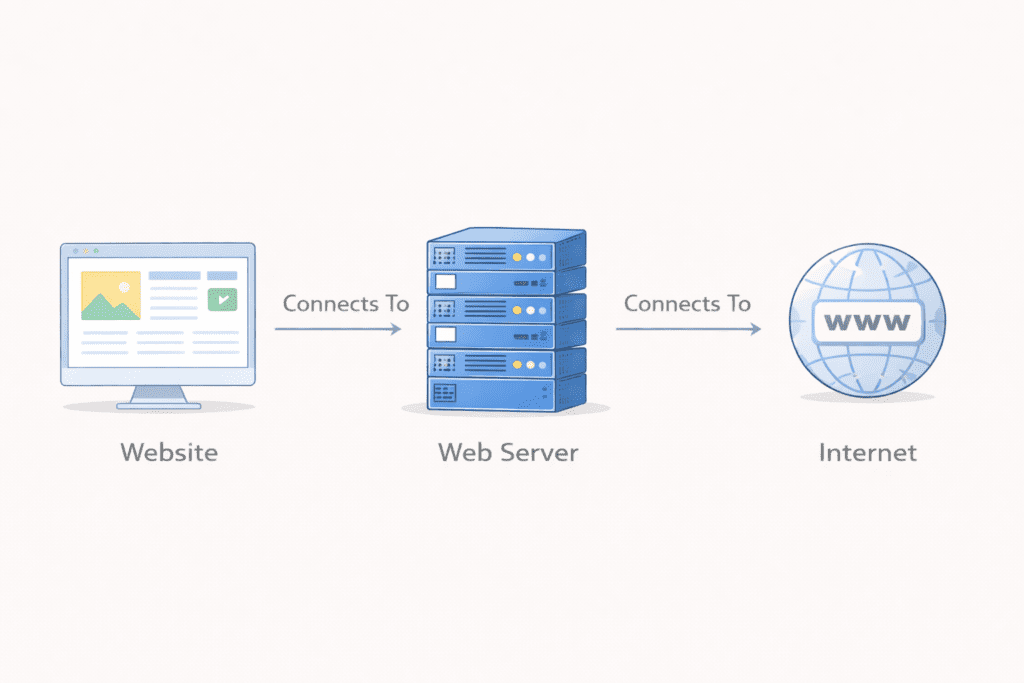
A Web Hosting Solution is the service that keeps your website online. It stores your site files and makes them available to visitors at all times. Without it, your site cannot load.
In plain terms, web hosting is a service that connects your website to the internet. If you want a deeper look at the process, this explains how web hosting works behind the scenes. A web host provides space on a web server. That server sends your pages when someone visits your web address, which is part of how a website loads in your browser..
Beginners do not manage the server directly. The hosting provider handles setup, updates, and basic security so your site stays accessible.
How Web Hosting Solutions Support Websites
Behind the scenes, hosting handles a lot of work. The web server stores files. It responds when visitors arrive. It keeps the site available even when traffic changes.
Good hosting keeps your website running smoothly. It helps web pages load fast. It also helps ensure your site is accessible on the internet without constant attention.A web host provides space on a web serverGood hosting keeps your website running smoothly. It helps web pages load fast. It also helps ensure your site is accessible on the internet without constant attention.
For beginners, this support matters more than advanced controls.
Web Host vs Web Hosting Solution
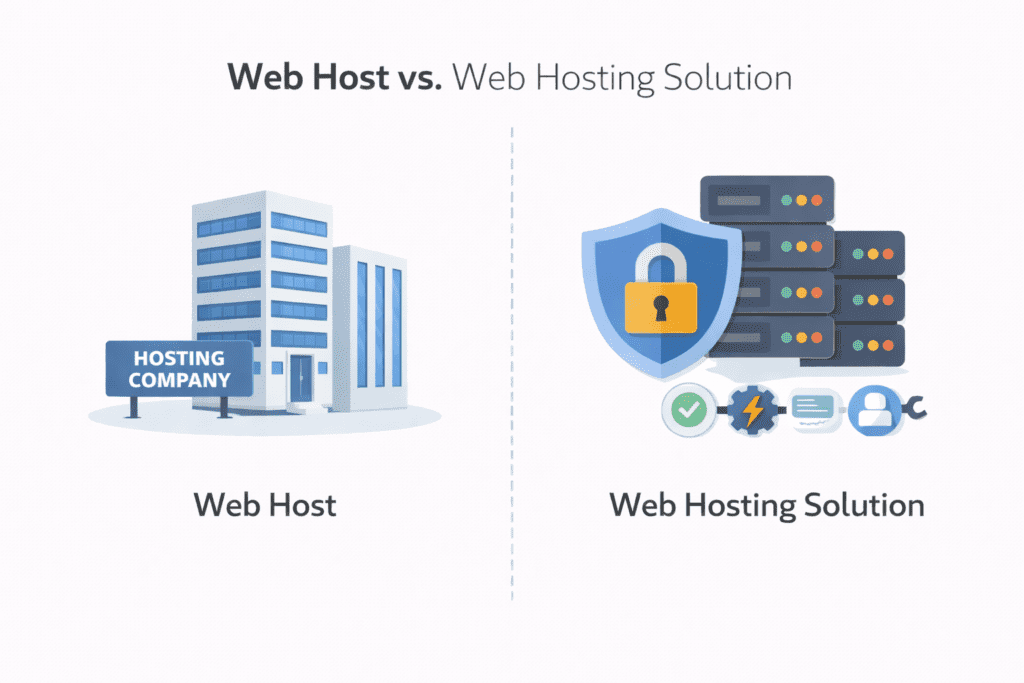
A web host is the company. The Web Hosting Solution is the service they offer.
Think of it this way. The host owns the system. The solution is the package you use. Different hosting companies offer different solutions, even if prices look similar.
Understanding this difference helps beginners compare options fairly and avoid choosing based only on a brand name.
What You Will Gain From This Guide
This guide explains how to choose a beginner friendly option. It shows what to look for in speed, pricing, and support. It also explains which hosting types fit early needs and which to avoid.
Most importantly, it helps beginners choose with confidence instead of guessing.
Why Choosing the Right Web Hosting Solution Is Important in 2026
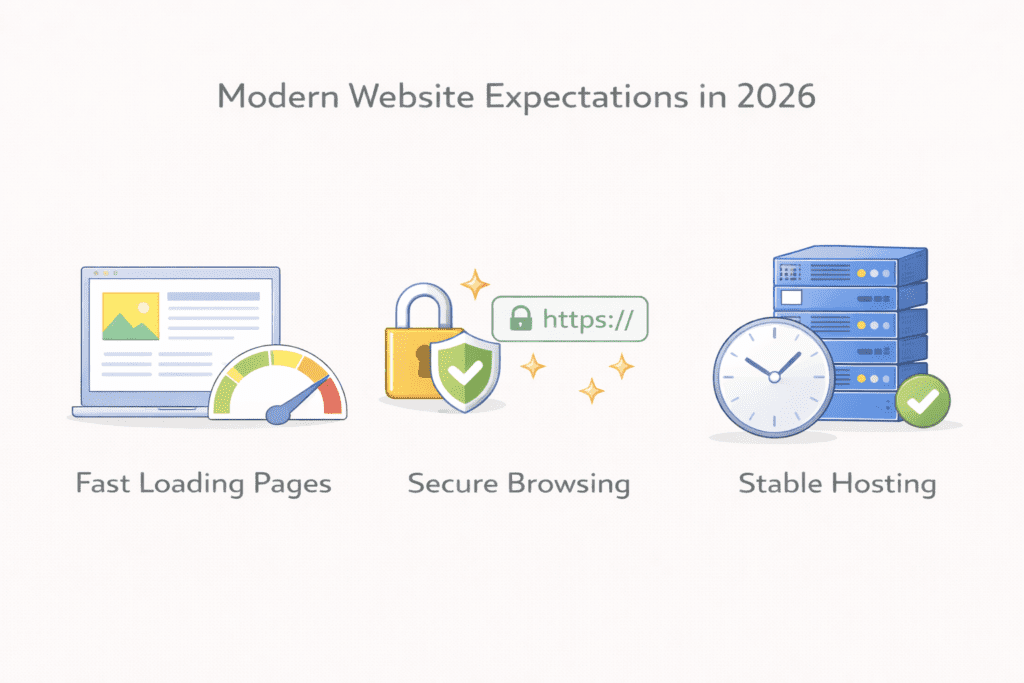
The way beginners build websites has changed. In 2026, choosing the wrong Web Hosting Solution creates problems faster than before. Speed expectations are higher. Security risks are real. Patience is lower.
Beginners need hosting that works smoothly from day one.
How beginner needs have changed in recent years
A few years ago, beginners could accept slow load times and limited tools. That no longer works.
Today, visitors expect pages to load quickly. They expect the site to stay online. They expect basic security to be active by default. If a site feels slow or broken, they leave.
This means a web host must do more than store files. The hosting environment must support stability and growth from the start.
Speed, security, and simplicity matter more now
Speed is no longer optional. A slow web server causes frustration and reduces trust. Even personal websites feel the impact.
Security is just as important. A missing free SSL or weak protection can block visitors or harm credibility. Beginners should not manage these things manually.
Simplicity matters because beginners are learning. A clean setup and easy website management reduce mistakes and stress.
A good Web Hosting Solution balances all three without adding confusion.
Why outdated hosting advice fails beginners
Older advice often pushes complex setups. It assumes beginners want control over every detail of the web server. Most do not.
Many guides still recommend advanced hosting types too early. This leads to higher hosting costs and harder setup.
In 2026, beginners need hosting that removes barriers. Clear pricing. Easy setup. Support that answers questions without pressure.
That is why choosing the right option now matters more than ever.
What happens when beginners choose poorly
A poor hosting choice leads to slow pages, unexpected bills, and limited support.
Some beginners lock into long contracts. Others choose plans that cannot handle growth. Switching later becomes stressful.
Choosing the right Web Hosting Solution early helps keep your website running, your costs predictable, and your learning curve manageable.
Why this decision shapes long term success
Hosting affects everything. Speed. Security. How easily your website grows.
A solid start gives beginners room to learn and improve. A weak start forces fixes and restarts.
That is why this decision deserves careful thought, especially in 2026.
Key Features Beginners Should Look for in a Web Hosting Solution
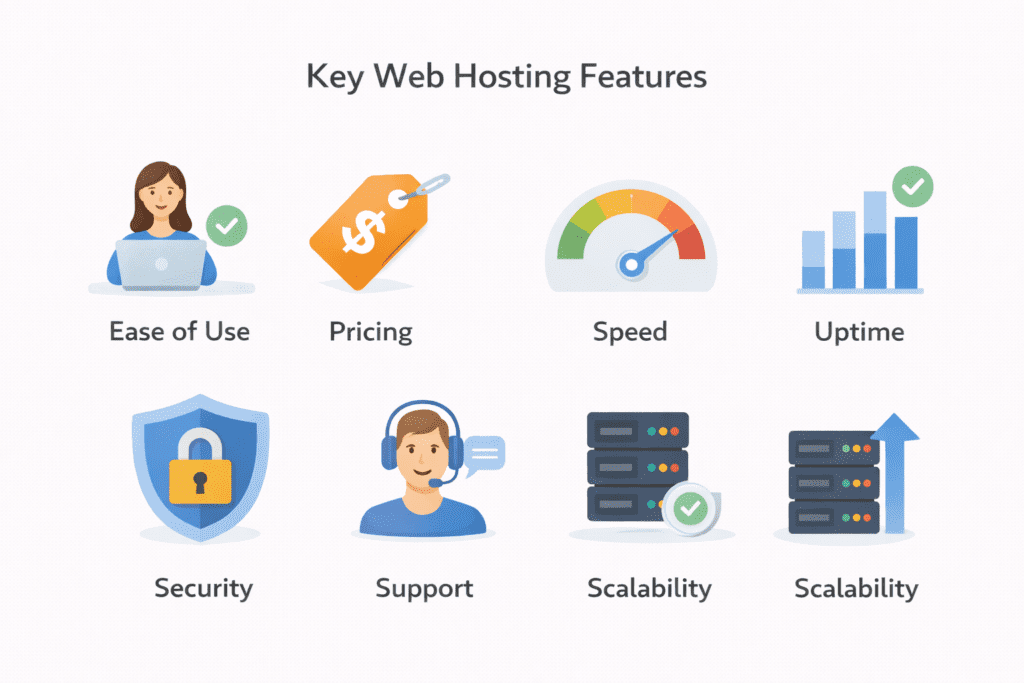
A strong Web Hosting Solution focuses on features that help beginners stay confident. Not tools that add confusion. These are the core areas that matter when choosing a web host in 2026.
Ease of use and setup
Ease of use shapes the first experience. A beginner should be able to log in and understand where things are.
A simple dashboard matters. A clear layout helps manage files, emails, and settings without stress. One click setup makes it easier to build a website without technical steps.
If setup feels complicated on day one, that web host is not beginner friendly.
Pricing and long term value
Pricing should make sense beyond the first month.
Many hosting companies show low entry prices, then raise costs later. Beginners should review renewal pricing and overall hosting costs early.
A good hosting plan explains what you pay now and what you pay later. Long term value matters more than short term discounts.
Website speed and performance
Speed affects how visitors feel about your site.
A reliable web server helps pages load quickly. Good hosting makes sure web pages load without delay, even during normal traffic.
For beginners, performance does not need to be extreme. It needs to be consistent. A solid Web Hosting Solution supports steady speed for new sites.
Uptime and reliability
Uptime shows how often your site stays online.
Even short outages reduce trust. Reliability matters because visitors expect access at all times. A good web host focuses on keeping your website running without interruptions.
This matters for blogs, small business sites, and personal websites alike.
Customer support quality
Support matters the first time something breaks.
A beginner friendly web host offers quick answers through chat, email, or phone. Clear explanations help beginners move forward without fear.
Strong support is part of the service, not an extra feature.
Security features included
Security should be active by default.
A free SSL protects visitor data and helps trust. Regular scans help block malware before damage happens.
Beginners should not need to install security tools manually. A good Web Hosting Solution includes these protections from the start.
Scalability for growth
Websites change over time.
A beginner may start small, then add content or traffic later. Hosting should allow upgrades without rebuilding.
A flexible hosting option supports growth as your website grows and helps handle a sudden traffic increase smoothly.
Why These Features Matter for Beginners
These features reduce risk and stress.
They help beginners focus on content, not fixes. They also help avoid switching hosts too early.
That balance is what makes a hosting solution worth choosing.
Types of Web Hosting Solution Options for Beginners
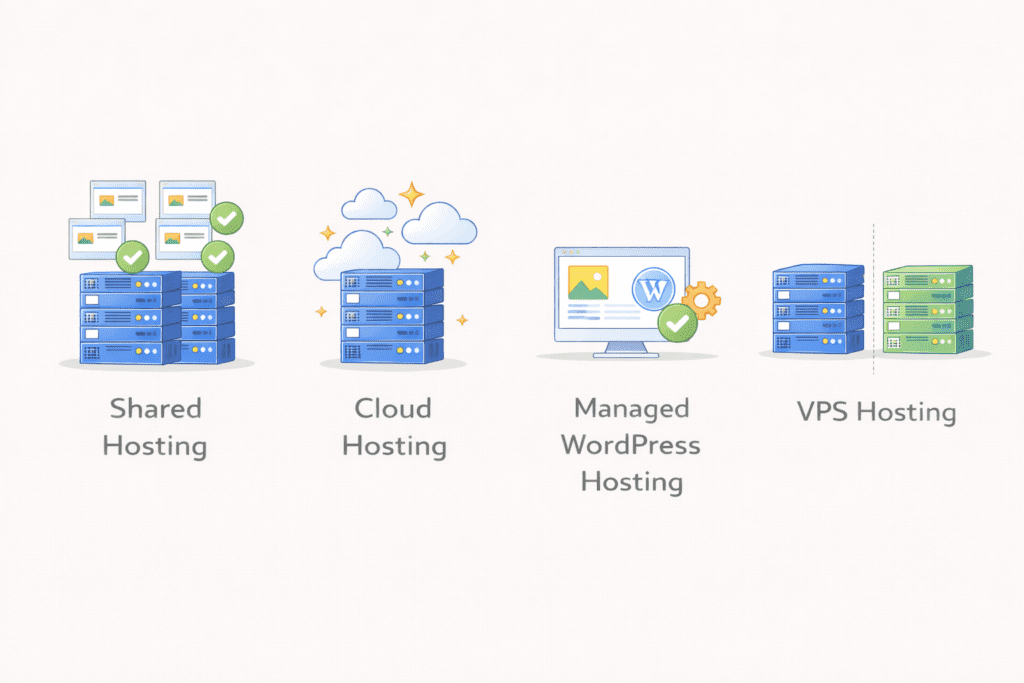
Not every hosting type fits a beginner. A good Web Hosting Solution matches skill level, budget, and growth plans. This section explains the main options beginners see and which ones make sense early on.
Shared hosting solutions
Shared hosting is the most common starting point. Your site shares a web server with other sites, which keeps costs low.
For a beginner, this option is usually enough. It works well for blogs, small business sites, and personal websites. A shared hosting plan is easy to manage and does not require technical knowledge.
Many hosting companies design shared plans as a choice for beginners because setup is simple and support is included.
Cloud hosting solutions
Cloud hosting uses more than one server to keep a site running. If one system slows down, another helps.
This option handles growth better than shared hosting. It fits sites that expect changing traffic or want extra stability.
For beginners, cloud hosting can wait. It costs more and adds complexity, but it becomes useful as a website grows.
Managed WordPress hosting solutions
Managed wordpress hosting is built only for wordpress sites.
Updates, backups, and speed settings are handled automatically. This reduces manual work and simplifies website management.
It works well for beginners who want less maintenance. Pricing is higher than shared hosting, but the ease can be worth it for some users.
Hosting types beginners should avoid early
Some hosting types add more responsibility than beginners need.
Dedicated hosting gives full control of a dedicated server. It also requires server knowledge and higher costs. Most beginners do not need this.
Advanced vps setups and vps hosting offer flexibility, but they expect users to manage more settings. These options are better later.
Starting simple avoids stress and wasted money.
Why Hosting Type Matters for Beginners
Each hosting type affects cost, learning curve, and stability.
Choosing the right type early helps keep your site accessible, your budget stable, and your setup manageable.
That is why understanding hosting types is a key step before choosing any provider.
Best Web Hosting Solution Options for Beginners
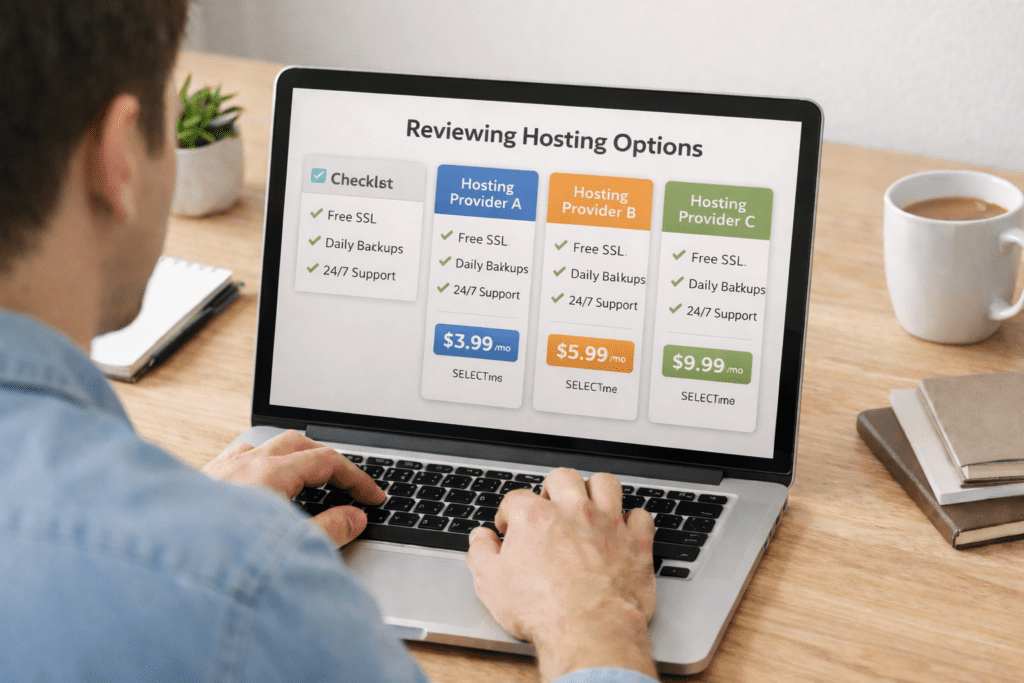
This section focuses on how a beginner should evaluate real options. The goal is not to promote names, but to explain what a solid Web Hosting Solution looks like in practice.
Each option below follows the same logic so comparisons stay fair.
Option 1: Entry Level Shared Hosting
Who it’s best for
This option fits a beginner launching a first blog, portfolio, or business website with basic needs.
Ease of use
Setup is simple. Dashboards are designed for beginners. You can build a website without touching technical settings.
Performance and reliability
Performance is stable for small sites. A shared web server handles normal traffic well when managed properly.
Pricing and value
This is usually the lowest cost option. Many plans include a free domain for the first year. Renewal costs are higher, so reviewing long term value matters.
Pros and cons for beginners
Easy setup and low entry cost help beginners start fast. Limited resources mean it is not ideal for heavy traffic.
Option 2: Cloud Based Hosting for Growing Beginners
Who it’s best for
This option suits beginners whose site starts small but may grow quickly.
Ease of use
Setup is slightly more complex than shared hosting, but still manageable with guidance.
Performance and reliability
Resources adjust when traffic changes. This helps keep the site stable during growth or sudden visits.
Pricing and value
Costs are higher than shared hosting. Pricing often scales based on usage, which beginners should monitor closely.
Pros and cons for beginners
Better flexibility supports growth. Higher cost and complexity may feel unnecessary early on.
Option 3: Managed WordPress Focused Solutions
Who it’s best for
This option fits beginners who plan to use wordpress and want minimal maintenance.
Ease of use
Updates, backups, and optimizations run automatically. This reduces learning pressure.
Performance and reliability
Servers are tuned for wordpress performance. Pages load consistently for typical traffic.
Pricing and value
Pricing is higher than shared hosting. The added convenience justifies the cost for some beginners.
Pros and cons for beginners
Low maintenance is the main benefit. Less flexibility and higher cost are the tradeoffs.
Option 4: Advanced Hosting Options to Delay
Some beginners consider vps, vps hosting, or even dedicated hosting early on.
These options offer more control, but they also require more responsibility. Managing a web server or a dedicated server adds complexity that most beginners do not need.
These options make sense later, not at the start.
Web Hosting Solution Comparison Table
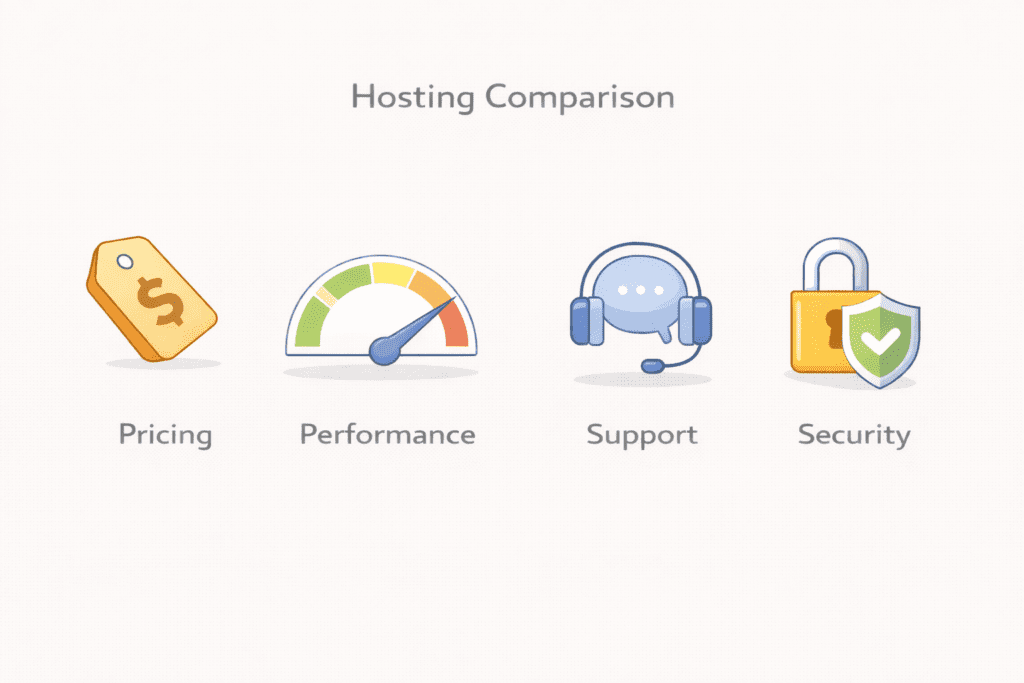
This table shows how beginner focused options compare at a high level.
| Hosting Type | Ease of Use | Starting Price (USD) | Performance and Uptime | Support Quality | Security Features | Best Beginner Use Case |
|---|---|---|---|---|---|---|
| Shared hosting | Very easy | $2.50 to $5/mo | Stable for small sites | Beginner friendly | Basic protection | First websites |
| Cloud hosting | Moderate | $10 to $20/mo | Flexible and scalable | Good availability | Strong defaults | Growing sites |
| Managed WordPress | Easy | $15 to $30/mo | Optimized for WordPress | Guided support | Automatic security | Low maintenance sites |
| VPS hosting | Advanced | $20 to $60/mo | High control | Technical support | User managed | Not for beginners |
This comparison helps beginners see differences without pressure.
Why This Comparison Matters
Beginners often compare prices first. That leads to confusion.
Comparing ease, performance, and growth support helps identify the right hosting solution instead of the cheapest option.
This approach reduces switching later and supports long term success.
How to Choose the Best Web Hosting Solution Step by Step
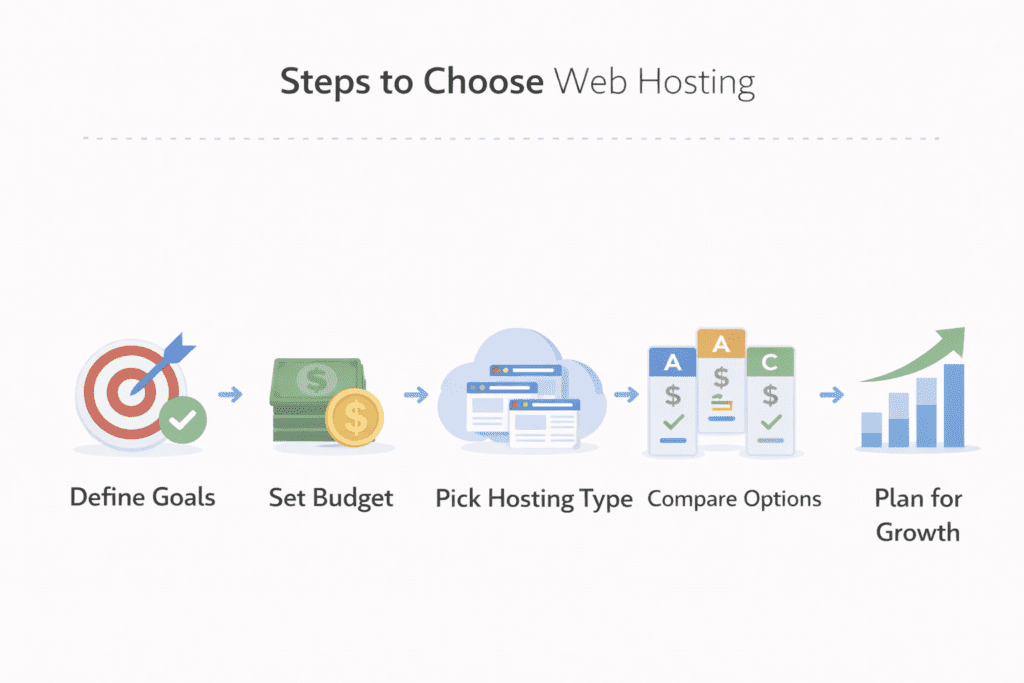
Choosing a Web Hosting Solution works best when you follow a clear order. Rushing usually leads to mistakes that are hard to undo later.
Step 1: Define your website goal
Start with one goal. A blog, a portfolio, or a business site.
Your goal decides the hosting option you need. Most beginners do not need advanced setups at the start. Simple goals work best with simple hosting.
Step 2: Set a realistic hosting budget
Look past the first month price.
Review renewal costs and total hosting costs for the year. This keeps expectations clear and avoids surprise bills.
Budget clarity helps you keep your website running without stress.
Step 3: Match hosting type to your needs
Use what you learned about types of web hosting.
Most beginners start with shared hosting. As traffic grows, cloud hosting or vps hosting may make sense later.
Avoid paying for power you do not need yet.
Step 4: Compare options carefully
Apply the same checks to every web hosting provider.
Compare ease of use, support, security, and pricing side by side. This shows which hosting provider actually fits your needs.
Comparing fairly helps you choose the best option for your situation.
Step 5: Choose a solution that allows growth
Your site may grow slowly or quickly.
A good Web Hosting Solution supports upgrades when your website grows and keeps your site stable during a traffic spike.
Growth support matters more than flashy features.
Common Web Hosting Mistakes Beginners Should Avoid
Many beginners choose based only on low price. That often leads to limits later.
Ignoring renewal pricing causes frustration.
Overpaying for advanced features like dedicated hosting or complex vps setups adds work without benefit.
Skipping backup and security risks data loss. Prevention is easier than fixing problems later.
Web Hosting Solution vs Website Builders
A website builder bundles design and hosting together. It is quick to launch, but flexible growth is limited.
Hosting offers control. Builders offer speed.
For small businesses and personal websites planning long term growth, hosting provides more flexibility. Builders fit quick projects with simple needs.
Knowing this difference helps beginners choose with confidence.
Frequently Asked Questions About Web Hosting Solution
What is a Web Hosting Solution
It is the service that stores your site files and keeps your website accessible on the internet.
Which web hosting solution is best for beginners
Most beginners start with shared hosting and upgrade later if needed.
How much does a web hosting solution cost per month
Entry prices usually start between three and five dollars per month, with higher renewal costs.
Is shared hosting a good web hosting solution for beginners
Yes. It is affordable, simple, and designed for beginners.
Can beginners change their web hosting solution later
Yes. Many people switch hosting as their site grows.
Do beginners need managed WordPress hosting solutions
Not always. It helps reduce maintenance, but standard hosting works fine early on.
Is a free web hosting solution safe for beginners
Free hosting often has limits and risks. Paid hosting is more reliable.
How long does it take to set up a web hosting solution
Most setups take only a few minutes.
What happens if my web hosting solution gets traffic spikes
Good hosting handles short spikes without issues.
How do I know if my web hosting solution can scale
Check upgrade paths and resource limits before choosing.
What makes a web hosting service beginner-friendly?
A beginner-friendly web hosting service offers an easy-to-use control panel, clear onboarding guides, one-click installers for platforms like WordPress, responsive customer support, and affordable hosting plans. These features help you get your site up and running quickly without deep technical knowledge and ensure your hosting account and website hosting tasks are straightforward.
How do I choose a web hosting provider when I’m just getting started?
Choose a web hosting provider by comparing uptime guarantees, customer support quality, pricing and renewal rates, included features (backups, SSL, domain options), and whether they offer beginner-friendly web hosting features like one-click installs. For many beginners, a shared hosting provider or basic web hosting plan from a reputable web hosting company is the right web hosting service to start with.
Is shared hosting a good choice for beginners?
Yes. Shared hosting is an ideal entry point because hosting is the most affordable option and the provider manages server maintenance. Shared hosting usually includes a simple control panel, multiple websites support on some plans, and one-click app installs—making it a practical solution for websites starting out and those learning how web hosting work.
What are the main differences between shared, managed, and dedicated hosting for someone new?
Shared hosting splits server resources among many customers and is cost-effective; managed hosting provides expert maintenance and higher-level support (often for WordPress hosting plans); dedicated hosting provides an entire server for your site and suits high-traffic or business-critical needs. Beginners typically start with shared hosting or a managed hosting option if they want more hands-off support.
How will a beginner know what hosting plan or type of hosting to pick?
Start by assessing your hosting needs: expected traffic, whether you need multiple websites, and if you’ll run resource-heavy apps. For small personal sites or new business sites, a basic web hosting plan or shared hosting is usually enough. If you plan on running an ecommerce site or high-traffic blog, consider upgrading to managed or cloud hosting as you grow.
What setup steps should I expect when I get started with web hosting?
Typical steps include registering a domain or connecting an existing one, creating a hosting account, using a control panel to install a CMS (like WordPress), uploading site files, securing the site with SSL, and configuring email and backups. Most web hosting companies offer step-by-step guides so beginners can access their site and make hosting work without advanced knowledge.
How important is customer support for beginner-friendly web hosting?
Customer support is crucial: responsive live chat, phone support, and helpful documentation can solve early problems and teach you how to manage your hosting account. Good support helps ensure your website is accessible at all times and reduces the learning curve as you get started with web hosting.
Can I host multiple websites on a beginner-friendly plan?
Many web hosting providers include the ability to host multiple websites on mid-tier shared hosting plans, but introductory plans may limit you to a single site. When choosing a web hosting company, check the plan details and whether they offer scalable options so you can add sites as your needs grow without moving to a new web hosting service provider.
Final Verdict: Finding the Best Web Hosting Solution for Beginners
A reliable Web Hosting Solution makes learning easier, not harder.
For beginners in the US, ease of use, clear pricing, and solid support matter most. Starting simple is not a mistake. It is a smart foundation.
When you choose hosting that fits today and allows growth tomorrow, you set your site up for long term success.