
Building a WordPress site is easier than it used to be, but managing it over time can still feel overwhelming. Updates, backups, security issues, and speed problems often show up when you least expect them. That’s where managed WordPress hosting comes in.
Many US WordPress sites don’t fail because of bad content. They struggle because the technical side becomes too much to handle on a basic setup. Shared hosting works at the start, but as a site grows, the workload increases behind the scenes.
This guide explains why managed WordPress hosting exists, what problems it solves, and how it helps beginners focus on their website instead of server tasks. If you’re deciding whether managed hosting is worth it, this will help you see the full picture.

What Is Managed WordPress Hosting? (Simple Definition)
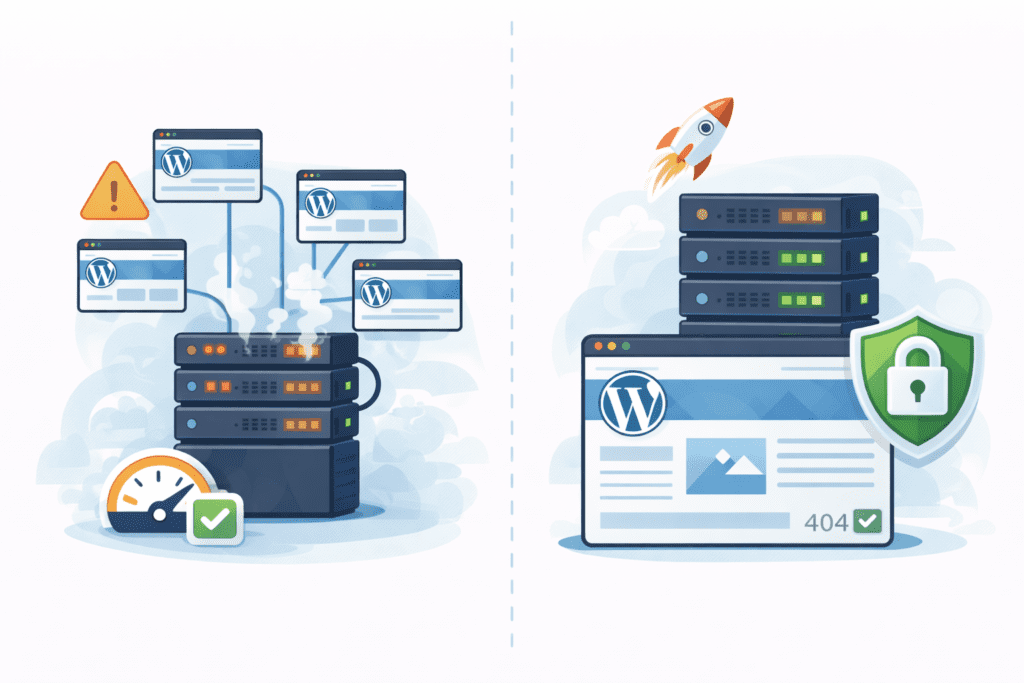
Managed WordPress hosting is a hosting option where the hosting provider takes care of most technical tasks related to running WordPress. Instead of managing updates, security, and performance yourself, the managed WordPress host handles those parts for you.
Unlike regular or shared hosting, this type of hosting is built specifically for WordPress. The server setup, software, and support are all optimized for WordPress sites.
With managed hosting, you still control your content, themes, and plugins. The difference is that the hosting environment is maintained by WordPress experts who know how the platform works at a deeper level.
How Managed WordPress Hosting Works
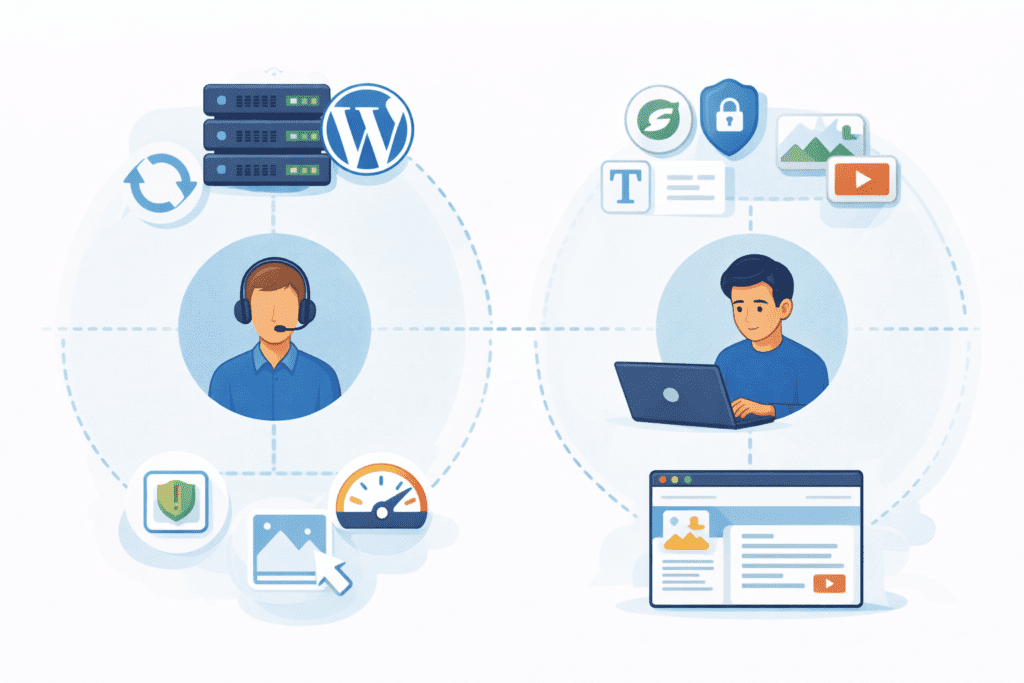
Managed WordPress hosting works by shifting responsibility. The hosting provider manages the server, while you manage the site content.
The server is configured specifically for WordPress. This includes optimized PHP versions, tuned databases, and built-in caching. Many managed hosting providers also handle core WordPress updates automatically, reducing the risk of security issues.
You don’t need to install WordPress manually in most cases. A managed WordPress hosting provider usually sets everything up for you, including the hosting plan and basic configuration.
❝ A small business site that updates content weekly often spends more time fixing WordPress issues on shared hosting than actually improving the site. ❞
That’s the gap managed hosting is designed to close.
What’s Included With Managed WordPress Hosting?
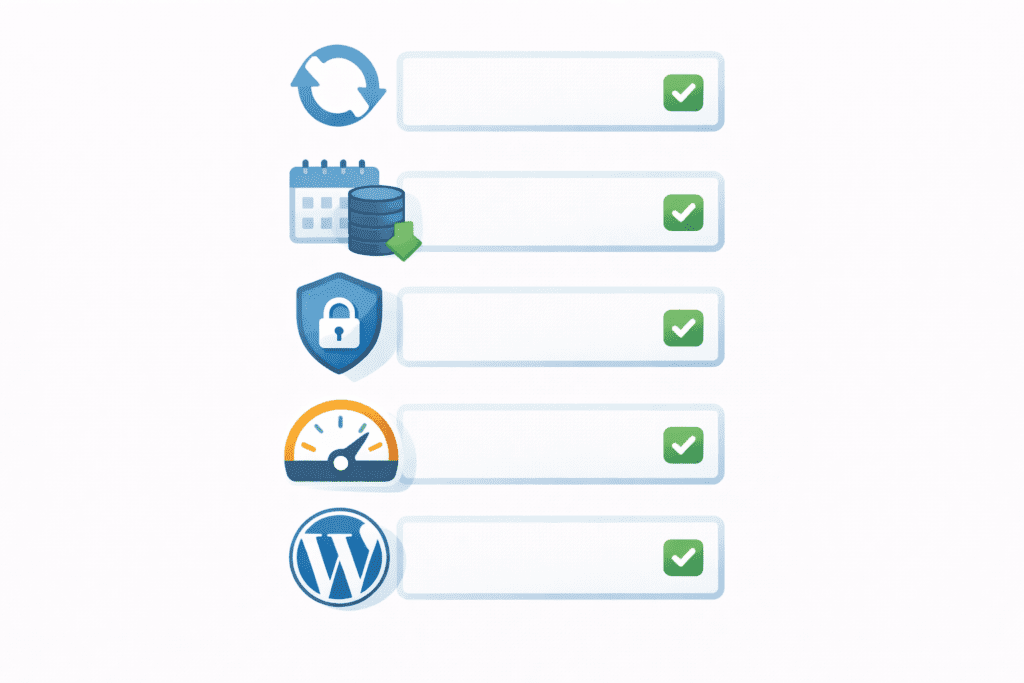
Most managed WordPress hosting plans include features that are optional or missing on basic hosting.
Automatic WordPress updates are one of the biggest benefits. Core updates are applied safely, often tested before rollout. Daily backups are also common, which makes recovery easier if something breaks.
Security is another key area. Managed hosting typically includes malware scanning, firewall rules, and active monitoring. These tools protect your WordPress site without constant manual checks.
Performance optimization is built in as well. The hosting environment is tuned to improve WordPress performance, especially for US visitors who expect fast load times.
WordPress-specific support is usually included. Instead of general support agents, you often get expert WordPress support from teams that work with WordPress every day.
Managed WordPress Hosting vs Regular Hosting
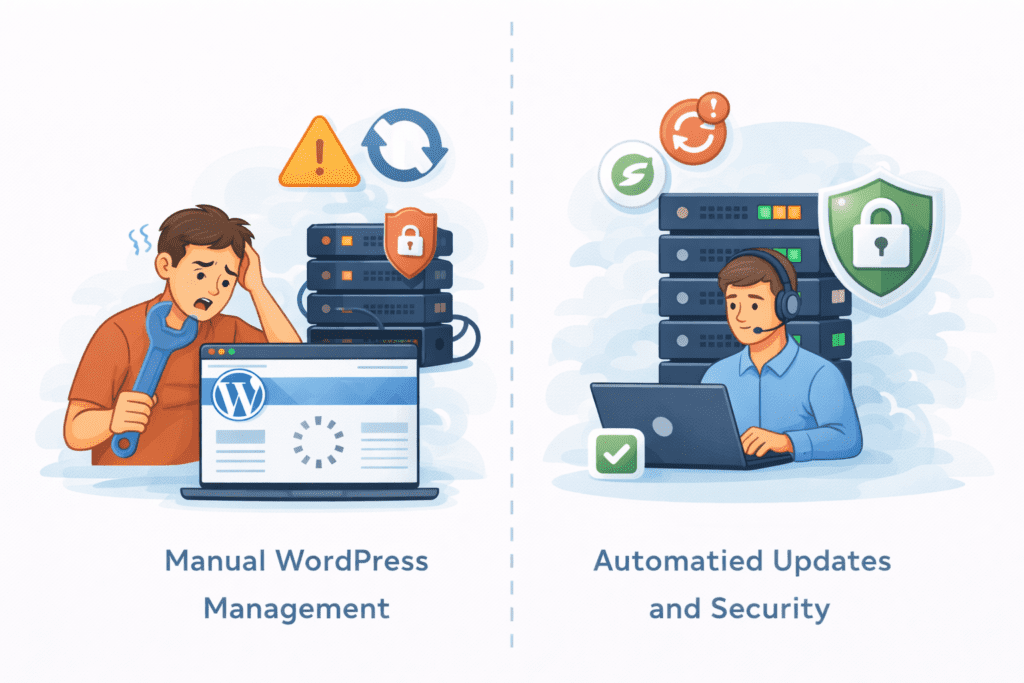
The biggest difference between managed WordPress hosting and regular hosting comes down to responsibility.
With regular hosting, including most shared hosting plans, you handle a lot yourself. You install WordPress, manage updates, deal with plugin issues, and troubleshoot performance problems. The hosting provider keeps the server running, but WordPress-specific tasks fall on you.
Managed WordPress hosting works differently. The hosting provider actively manages the server and the WordPress environment. Updates, security patches, and performance tuning are handled for you. This makes the experience smoother, especially for beginners who don’t want to manage technical details.
Performance is another key difference. Regular hosting is built to support many types of websites. Managed hosting is optimized specifically for WordPress, which usually results in faster load times and more consistent behavior.
Security and maintenance also set these options apart. On regular hosting, you’re responsible for keeping WordPress secure. With managed hosting, the provider monitors threats and applies fixes before issues spread.
How Managed WordPress Hosting Improves Website Performance
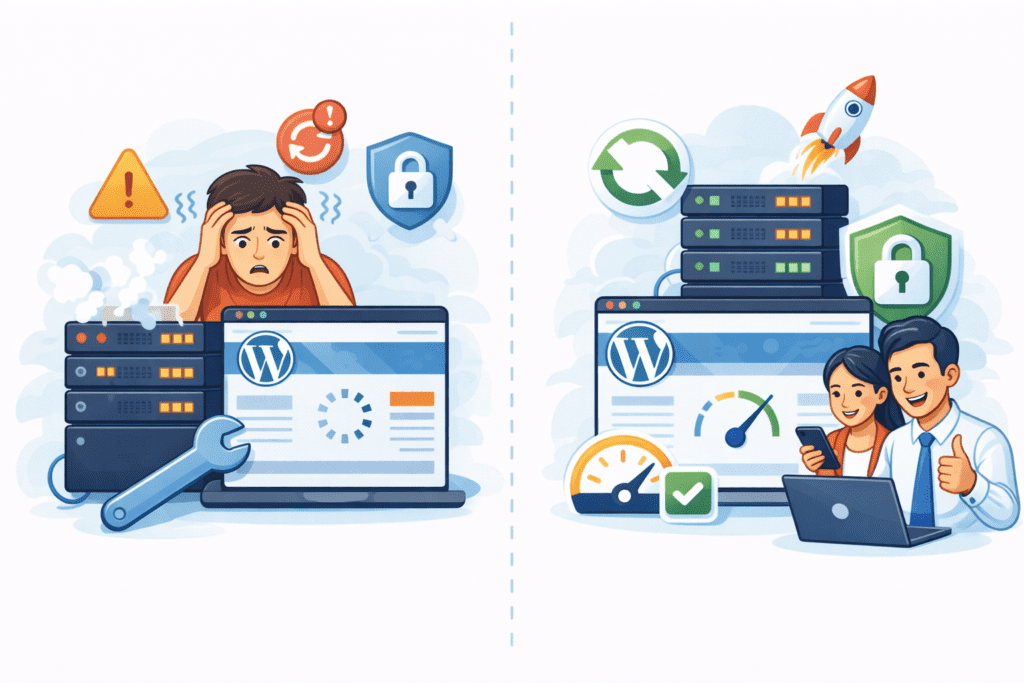
Performance is one of the main reasons people switch to managed WordPress hosting.
A managed WordPress host configures the server to work efficiently with WordPress. This includes server-level caching, optimized PHP settings, and database tuning. These changes reduce the time it takes to process each page request.
For US visitors, this matters a lot. Faster response times improve user experience and reduce bounce rates. Search engines also favor sites that load quickly and remain stable during traffic increases.
Unlike basic hosting, managed hosting focuses on WordPress performance from the ground up. You don’t need to rely on multiple plugins to fix speed issues because the hosting environment already does much of the work.
How Managed WordPress Hosting Handles Security
Security is another area where managed hosting stands out.
Managed WordPress hosting providers monitor servers continuously. They scan for malware, block suspicious activity, and apply security updates automatically. Firewalls and intrusion detection systems are usually part of the setup.
Core WordPress updates are handled carefully to reduce the risk of conflicts. If something goes wrong, backups are available so your WordPress site can be restored quickly.
This approach reduces common risks that affect sites on shared hosting, where one vulnerable site can impact others on the same server. Managed hosting isolates WordPress sites better and responds faster to threats.
Who Should Use Managed WordPress Hosting in the US?

Managed WordPress hosting makes sense for many US-based websites that want stability without daily technical work.
Bloggers who publish regularly often benefit because updates, backups, and performance tuning are handled automatically. This keeps the wordpress site running smoothly without constant checks.
Small businesses also fit well here. When a website supports services, bookings, or lead generation, downtime and slow pages become costly. A managed WordPress host reduces those risks and provides expert support when issues come up.
Growing content websites are another good match. As traffic increases, server demands grow too. Managed hosting helps handle that growth without forcing site owners to learn server management.
In short, if your time is better spent improving content or managing the business, managed hosting is usually a strong hosting option.
Who May Not Need Managed WordPress Hosting?
Managed WordPress hosting isn’t required for every site.
Very small or temporary websites often don’t need this level of support. A simple shared hosting plan can handle low traffic without issues.
Advanced users who already manage servers themselves may prefer VPS hosting or dedicated hosting. These users often want full control over the server and don’t need a managed environment.
If you enjoy handling updates, security, and performance manually, managed hosting may feel unnecessary at your current stage.
How Much Does Managed WordPress Hosting Cost in the US?
Pricing for managed WordPress hosting in the US varies based on features, traffic limits, and support level.
Most managed hosting plans cost more than shared hosting because they include ongoing maintenance and expert WordPress support. Costs increase with higher traffic allowances, storage, and performance tools.
What affects pricing most is how much the hosting provider manages for you. Automatic updates, daily backups, security monitoring, and optimized servers all add value. For many sites, the extra cost is justified by time saved and fewer technical issues.
It’s important to review renewal pricing as well. Some hosting providers offer low introductory rates that increase later. Comparing hosting plans carefully helps avoid surprises.
Pros of Managed WordPress Hosting
One of the biggest advantages of managed WordPress hosting is ease of use. Many technical tasks are handled by the hosting provider, which reduces daily maintenance work. Updates, backups, and monitoring happen in the background, so you can focus on your site instead of the server.
Performance is another strong benefit. Because the server and hosting environment are optimized for WordPress, pages usually load faster and stay stable during traffic increases. This improves user experience and supports long-term growth.
Security is also stronger. Managed hosting includes proactive monitoring, malware scanning, and automatic fixes. These layers of protection reduce risk, especially for US websites that handle customer data or business traffic.
Cons of Managed WordPress Hosting
The most common downside is cost. Managed WordPress hosting is more expensive than shared hosting, which can be a concern for new or very small sites.
Some managed hosts also restrict certain plugins. These limits exist to protect performance and security, but they can feel restrictive if you rely on specific tools.
Finally, advanced users may feel limited. If you want full server control or custom configurations, managed hosting may not offer enough flexibility compared to VPS or dedicated setups.
Common Mistakes Beginners Make With Managed Hosting
One mistake is paying for managed hosting too early. If a site is very small or rarely updated, the benefits may not justify the cost yet.
Another issue is not understanding plan limits. Traffic caps, storage limits, and visit counts matter. Exceeding them can lead to extra fees or forced upgrades.
Ignoring renewal pricing is also common. Introductory rates often increase after the first term, so it’s important to plan ahead.
FAQs-Managed WordPress Hosting
Is managed hosting worth it?
For many US websites, yes. It saves time, improves stability, and reduces technical stress.
Can I switch later?
Yes. Many sites start on shared hosting and move to managed WordPress hosting as they grow.
Is it better for SEO?
Managed hosting supports SEO by improving speed, uptime, and security, but content quality still matters.
Do I still need backups?
Most managed hosts include backups, but it’s still smart to understand how recovery works.
Managed WordPress hosting is a hosting solution specifically for WordPress websites where the hosting provider handles technical tasks like updates to WordPress core, security monitoring, backups, and performance optimization. Unlike a standard shared hosting plan or standard hosting plans where multiple types of websites share resources and you manage platform-level maintenance, managed WordPress plans are designed for WordPress sites and often include a team of WordPress experts and specialized wordpress expertise.
If you run a professional wordpress website, need reliable hosting with fast load times, or prefer expert support to manage technical maintenance, choose a managed WordPress hosting plan. Small businesses, e-commerce stores, and high-traffic blogs benefit from managed wordpress hosting provides including automatic updates, staging environments, and backups. For hobby sites with tight budgets, a standard shared hosting plan may be enough, but managed WordPress is the best managed WordPress path for scalability and peace of mind.
What features do top managed WordPress hosting providers typically offer?
Top managed WordPress hosting and best managed WordPress providers often include managed wordpress hosting offers such as automatic WordPress core updates, daily backups, malware scanning and removal, CDN and caching for fastest WordPress hosting performance, staging sites, and a dedicated team of WordPress experts. Many hosting companies also provide specialized wordpress tools and developer-friendly workflows specific to WordPress websites.
Is managed WordPress hosting more secure than regular hosting services?
Yes. Managed WordPress hosting providers prioritize security for WordPress sites with proactive measures: routine security audits, intrusion detection, application-level firewalls, automatic updates for the WordPress core, and immediate patching. While no hosting service can guarantee total security, managed plans reduce risk compared to shared hosting providers where security responsibility is often more distributed and less WordPress-focused.
How does managed WordPress hosting impact website performance and speed?
Managed WordPress plans are optimized for WordPress performance with server-level caching, CDN integration, and configurations tuned for PHP and database performance, which makes them among the fastest WordPress hosting choices. Cloud hosting options and infrastructure optimized for WordPress often yield faster load times than generic shared and dedicated hosting. Choosing the right managed WordPress hosting can provide measurable speed improvements for your wordpress website.
Can I migrate my existing WordPress site to a managed WordPress host?
Most managed WordPress hosting providers offer migration assistance or free migration tools to move your site from shared hosting providers or other hosts. The hosting provider or hosting service team of WordPress experts typically handles database transfer, DNS updates, and verification to ensure minimal downtime. Confirm migration terms with your chosen hosting company before switching to avoid surprises.
Managed WordPress hosting is generally more expensive than a basic shared hosting plan because it includes managed services, advanced security, support from wordpress expertise teams, and performance optimizations. For business-critical sites, e-commerce, or anyone who values time savings and reliability, the added cost is often justified by reduced maintenance, faster performance, and superior support compared to shared and dedicated hosting alternatives.
What support can I expect from a managed WordPress hosting provider?
Managed WordPress hosting providers typically offer expert support specifically for WordPress issues: troubleshooting plugin conflicts, advice on performance optimizations, help with WordPress core updates, and direct access to WordPress-savvy technicians. This contrasts with general hosting support from hosting companies that may not have specialized WordPress expertise and may focus on server-level issues only.
How do I choose the right managed WordPress hosting provider for my site?
To choose a hosting provider or the right managed WordPress hosting, evaluate factors like uptime guarantees, backup and restore policies, security features, scalability, included performance tools (CDN, caching), migration support, and the availability of specialized wordpress hosting plans. Compare managed wordpress hosting plan tiers, read reviews of top managed WordPress hosting, and test support responsiveness to find a reliable hosting solution that fits your budget and technical needs.
What Should You Do Next After Learning About Managed Hosting?
Start by comparing managed WordPress hosting with shared hosting based on your site’s size and goals. Look closely at performance features, support quality, and pricing structure.
Think about future growth. Choosing a hosting option that scales smoothly helps avoid rushed decisions later.
If your site is becoming harder to manage or performance issues keep showing up, managed hosting may be the right next step.
Final Thoughts
Managed WordPress hosting exists to remove friction. It doesn’t replace good content or strategy, but it does remove many technical barriers that slow websites down.
For US beginners who want reliability without daily maintenance, managed hosting often makes sense. For others, waiting until growth demands it can be the smarter move.
The key is alignment. When your hosting matches your site’s needs, everything runs more smoothly—and that’s when WordPress starts to feel manageable instead of stressful.