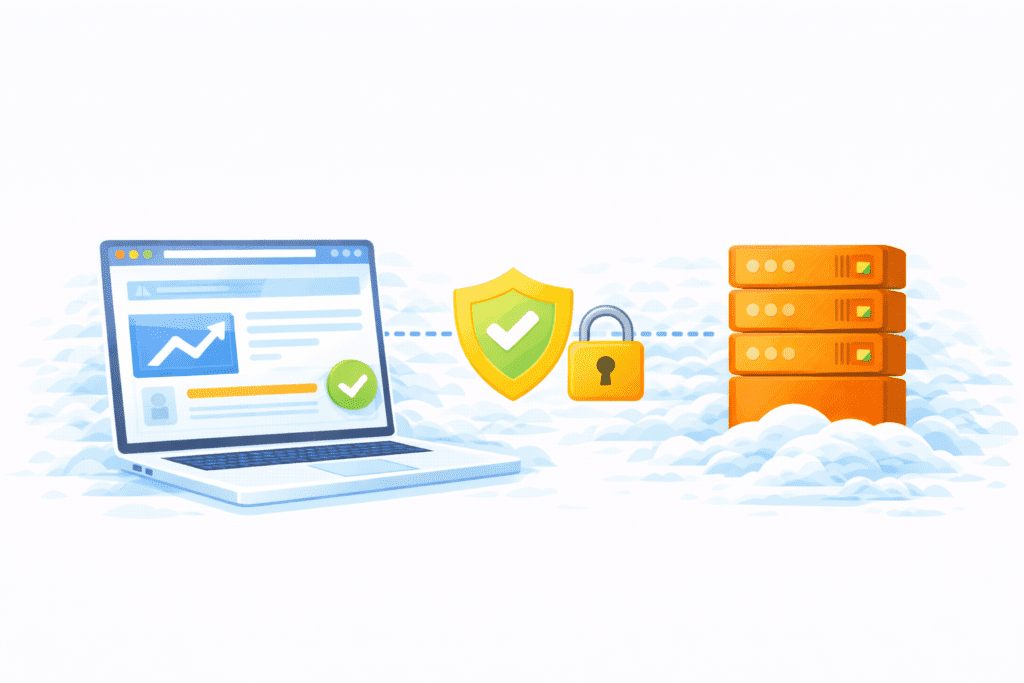
Let’s keep it simple. If your website gets hacked, nothing else matters. Your traffic drops. Your visitors lose trust. And fixing the mess can take weeks.
From my research, many US website owners focus on design and content first. That’s fine. But they forget one big thing: Web Hosting Security. Your web host and hosting environment are the foundation of your site’s safety.
Here’s what I noticed. Sites with weak hosting security don’t just risk small issues. They risk losing website data, rankings, and even customer trust overnight.
This guide will walk you through 10 best practices for web hosting security in 2026. No scary tech talk. Just clear steps you can actually follow.
If you run a blog, WordPress site, or small business website in the US, this matters more than ever.
Why Web Hosting Security Matters More Than Ever

This guide will cover:
- What web hosting security really means
- The biggest security risks for US websites
- The best practices you can use to protect your site in 2026
Why is security critical for US websites now?
Because attacks are more common. Automated bots scan thousands of sites every day. If they find one weak spot, they jump in.
For a website owner in the US, a breach can lead to:
- Stolen website data
- Lost trust from visitors
- Downtime and sales loss
- SEO damage and warnings
Here’s the thing. Security threats don’t care if your site is big or small. Even new sites get hit.
Bottom line? Hosting security isn’t optional anymore. It’s part of running a serious website.
What Is Web Hosting Security?
Let’s keep this easy.
Web hosting security is all the tools and steps used by your hosting provider and you to protect your website from attacks, data loss, and unauthorized access.
Your web host helps secure:
- The web server your site runs on
- The hosting account that stores your files
- The hosting environment shared with other sites
- Network access and firewalls
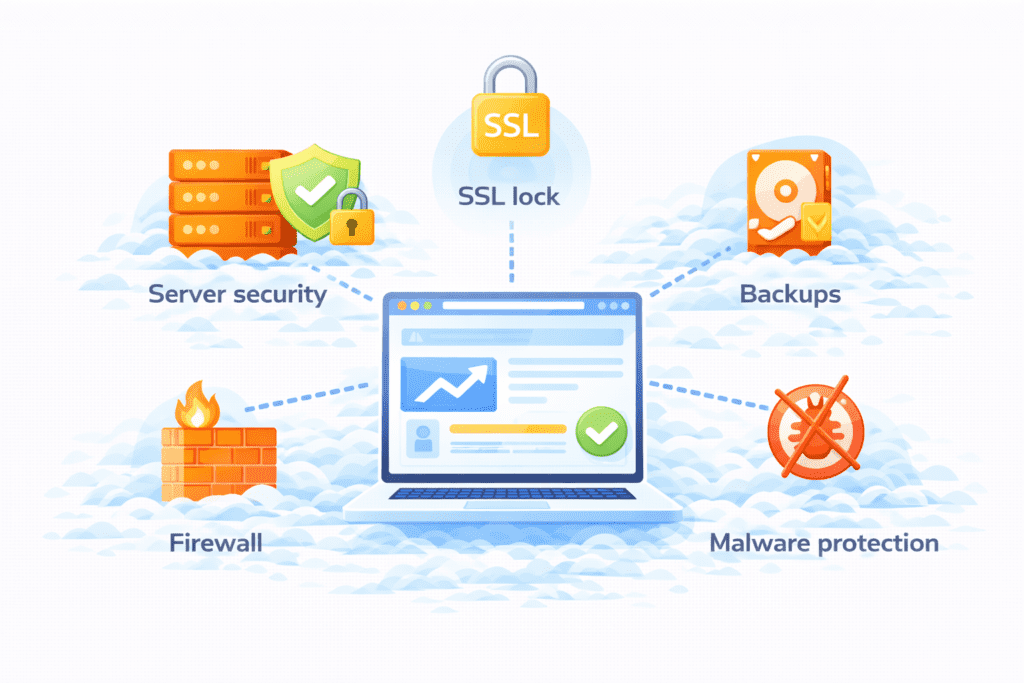
So hosting security isn’t just about one tool. It’s about the full setup that keeps your site safe.
This includes:
- Server security
- SSL certificates
- Backups
- Malware protection
- Access controls
From my research, a secure web host gives you a safer base, but you still play a role too.
Think of it like a house. Your host builds strong walls, but you still lock the doors.
Why Web Hosting Security Is Important for US Websites

Now let’s talk about why this really matters.
User trust and data protection
Visitors expect your site to be safe. If they see warnings or hear about a breach, trust drops fast. Website security protects personal info and builds confidence.
Business and legal risks
For small business sites, security issues can lead to legal trouble if customer data leaks. That’s a risk no one wants.
SEO and reputation impact
Search engines flag hacked sites. That hurts rankings and traffic. Once your reputation takes a hit, recovery is slow.
From my research, many US sites only take security seriously after something goes wrong. Honestly, that’s too late.
Good hosting security helps:
- Protect your website
- Keep your site online
- Maintain your reputation
And in 2026, that’s not a “nice to have.” It’s required.
Best Practice 1: Choose a Secure and Reliable Hosting Provider

Everything starts with your web host. If the base is weak, nothing on top is truly safe.
From my research, choosing a secure web host means looking for:
- Strong server security and monitoring
- A clean hosting environment
- Clear uptime and safety promises
- Support teams that respond fast
Good web hosting companies invest in:
- Firewalls
- Malware scanning
- DDoS protection
- Regular system checks
A secure host should also offer key security features like backups, SSL, and isolation between accounts, especially on shared hosting.
Here’s the thing. Many web hosts offer cheap plans, but not all of them provide the best web hosting security. Look for a hosting provider with a solid track record in the US.
Choosing a secure web host is one of the most important web hosting security best practices you can follow.
Best Practice 2: Use SSL Certificates (HTTPS Everywhere)
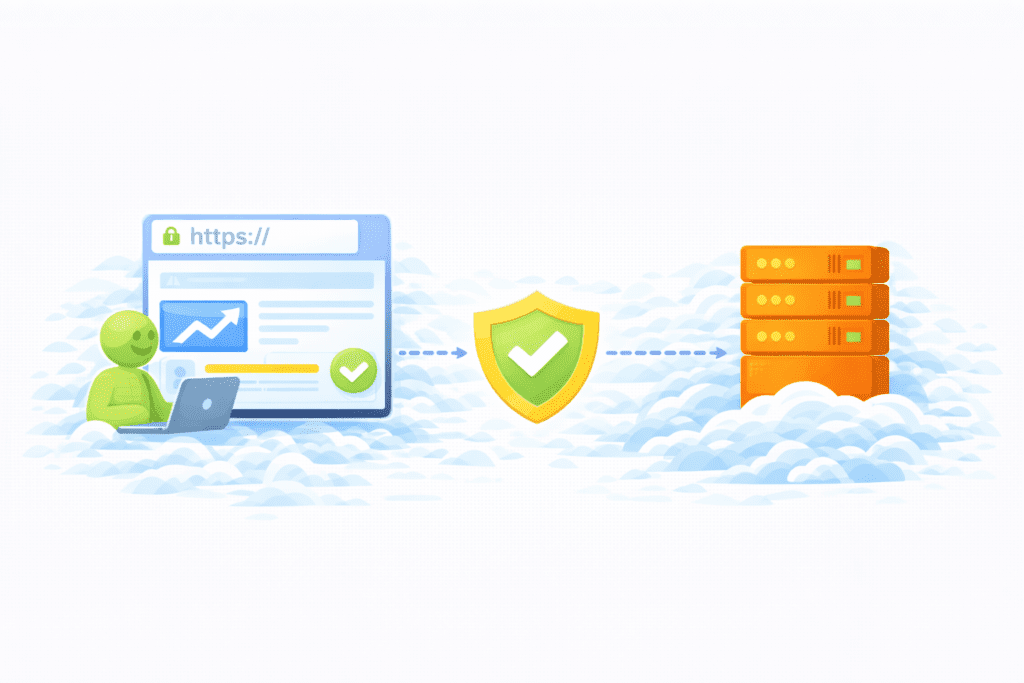
If your site still shows “Not Secure,” that’s a problem.
An SSL certificate encrypts data between your site and visitors. It uses secure sockets layer technology so hackers can’t easily read what’s sent.
Why HTTPS matters:
- Protects login details and forms
- Builds visitor trust
- Helps with SEO and browser warnings
Most web hosts offer free SSL now as part of their web hosting service. Some even auto-install it for you.
From my research, every website owner should enable SSL on day one. It’s a simple step that protects your website data and improves security for your website.
If your hosting plan doesn’t include SSL, that’s a red flag.
Best Practice 3: Keep Software and Applications Updated
Outdated software is one of the biggest causes of hacks.
If you run WordPress or any other web application, you must keep:
- Core CMS updated
- Themes updated
- Plugins updated
These updates include security patches that fix known holes. Skipping updates leaves your site open to security threats.
Here’s what I noticed. Many beginners delay updates because they’re afraid something might break. But in most cases, not updating is riskier.
From my research, regular updates are basic software security measures that stop common attacks before they start.
So yes, keep your site and apps up to date. It’s one of the simplest security practices that actually works.
Best Practice 4: Use Strong Passwords and Two-Factor Authentication
Weak passwords are an open door.
Your hosting account, control panel, and admin logins should all use:
- Long, unique passwords
- A password manager if needed
- Two-factor authentication (2FA) when available
2FA adds an extra layer of security. Even if someone guesses your password, they still can’t log in without your code.
This protects:
- Your web hosting account
- Your web server access
- User accounts on your site
From my view, strong access control is one of the most ignored but powerful hosting security steps.
If your web host offers 2FA, turn it on. Don’t wait.
Best Practice 5: Enable Regular Backups

Let’s be honest. Things break. Sites get hacked. Updates fail.
That’s why backups matter.
A good web host should offer automatic backups as part of the hosting service. Some also let you trigger manual backups before big changes.
What to look for:
- Daily or weekly backups
- Easy restore options
- Offsite storage, not just on the same server
Offsite copies protect you if the whole web server goes down.
From my research, having regular backups of your website is one of the most important hosting security best practices. It’s your safety net.
If something goes wrong, you can restore and move on.
Best Practice 6: Use Firewalls and Malware Protection

Firewalls block bad traffic before it reaches your site.
A web application firewall filters requests and stops common attacks like SQL injection and brute force attempts.
Many secure web hosting services include:
- Built-in firewalls
- Malware scanning tools
- Alerts when something looks wrong
This protects your web application and keeps your site clean.
From my research, a web application firewall plus malware scanning cuts down a huge number of attacks automatically.
It’s one of those security measures that works quietly in the background.
Best Practice 7: Limit User Access and Permissions
Not everyone needs full access.
If multiple people work on your site, follow the principle of least privilege:
- Give users only the access they need
- Remove old accounts
- Avoid sharing admin logins
For WordPress sites, use roles like editor or author instead of admin.
This reduces security risks if an account is compromised.
From my view, many website owners forget to clean up old logins. That’s an easy win for attackers.
Limiting access is a simple security practice that makes a big difference.
Best Practice 8: Monitor Your Website and Server Activity
You can’t fix what you don’t see.
Monitoring helps you spot:
- Downtime
- Unusual login attempts
- Spikes in traffic
- File changes
Some hosting providers include uptime and security alerts. Others require tools or plugins.
Basic log monitoring lets you see:
- Who logged in
- From where
- What changed
From my research, proactive monitoring helps catch security issues early before they turn into major incidents.
It’s not about watching every second. It’s about knowing when something’s off.
Best Practice 9: Secure Email and File Transfers
Email and file access are often overlooked, but they’re common attack paths.
If your hosting service includes email hosting, make sure it has:
- Spam filters
- Phishing protection
- Secure login
For file transfers, avoid plain FTP. Use:
- SFTP
- Secure file managers in your control panel
These encrypt data so attackers can’t easily steal passwords or files.
From my research, many security incidents start with weak email accounts or exposed FTP logins. Lock these down.
This step helps protect your site and your web hosting account at the same time.
Best Practice 10: Have a Recovery and Incident Response Plan
Even with good security, things can still go wrong.
So ask yourself: what will you do if your site is hacked?
Your plan should include:
- How to take the site offline
- How to contact your hosting provider
- How to restore from backups
- How to change passwords and check logs
If your host offers managed hosting, they may help clean up. But you should still know the steps.
From my view, having a simple recovery plan turns panic into action. It saves time and stress.
This is one of those web hosting security best practices people skip, until they need it.
Common Security Mistakes Beginners Make
Here’s what I see beginners do wrong:
Relying only on the host
A secure host helps, but you still need updates and strong passwords.
Ignoring updates
Skipping updates leaves holes open.
No backups
Without backups, recovery becomes much harder.
Weak passwords
Short or reused passwords are easy targets.
These mistakes turn small issues into big security problems.
FAQs – Web Hosting Security in 2026
Is hosting security enough by itself?
No. Hosting security sets the base, but you must manage updates, passwords, and plugins too.
Do I need extra security plugins?
For WordPress sites, security plugins can add an extra layer of security. They’re often worth it.
How often should I back up?
At least weekly. Daily is better for active sites.
Can cheap hosting be secure?
Sometimes. But cheap plans often cut corners. Look closely at security features.
How secure is web hosting and what security features should a web hosting provider offer?
Web hosting security depends on the hosting provider and the hosting plan: secure web hosting provider options such as managed server hosting or VPS generally offer stronger security features than basic shared web hosting. A reliable web host should offer SSL/TLS, regular security updates, firewall and intrusion detection, DDoS protection, malware scanning, secure backups and role-based access controls. When choosing a hosting solution, verify the web host’s security tools and security protocols to ensure your website is protected from potential threats.
Shared hosting can be convenient and fast and secure for small sites, but it carries increased potential security risks because multiple sites share the same server resources. Security issues include cross-account vulnerabilities, noisy neighbors affecting performance, and a higher exposure to malware spread. Compared to dedicated or VPS hosting, shared web hosting relies on the hosting provider’s isolation controls and patching; choose a shared hosting plan from a reputable web hosting company that implements strong isolation and continuous monitoring.
What are the best web hosting security best practices for website owners?
Best web hosting security practices include keeping software up to date, using strong passwords and multi-factor authentication, limiting file and database permissions, enforcing least-privilege access, configuring firewalls and security extensions, and maintaining regular backups. Implement security and maintenance routines, apply security updates promptly, and use reputable security tools and services to keep your website safe. The provider and the website owner share responsibility for complete website security.
How do security plugins and software security help protect my site?
Security plugins and security extensions (for platforms like WordPress) add practical protections such as malware scanning, web application firewalls, login hardening and automated backups. While plugins enhance software security, they are most effective when combined with server-level protections offered by your hosting provider. Be selective with plugins, keep them updated, and use well-reviewed wordpress security plugins to reduce vulnerability.
How important are security updates and backups from a secure host or web hosting provider?
Security updates and automated backups are essential web hosting security elements. Security updates close vulnerabilities in server hosting software, CMS platforms and plugins; timely patching reduces the window for exploits. Regular backups let you restore your site after an attack or failure. A good web hosting service will offer managed updates and scheduled backups as part of a secure hosting environment, but you should also maintain off-site backups.
What should I look for when choosing a hosting provider or hosting type to keep your website secure?
When choosing a hosting plan, evaluate the provider’s security features, reputation, and incident response. Look for DDoS protection, encrypted storage options, access controls, compliance certifications, proactive monitoring and clear security policies. Consider the hosting type – shared, VPS, or dedicated – depending on the hosting provider and the website’s needs. Many web hosting companies advertise fast and secure performance, but verify security advantages through third-party reviews and support responsiveness.
Can a secure web host protect my website from distributed denial of service and other attacks?
A secure host with integrated DDoS mitigation and traffic filtering can significantly reduce the impact of distributed denial of service attacks and other volumetric threats. While no provider can guarantee absolute immunity, combining hosting-level DDoS protection, web application firewalls, rate limiting and CDN services helps protect your website from potential disruptions. For high-risk sites, choose a secure hosting provider that includes scalable DDoS defenses and an incident response plan.
Are there top 10 best web hosting security recommendations or a 10 best checklist to follow?
Yes – think of a 10 best checklist for essential web hosting security: 1) choose a secure web host, 2) select the right types of hosting for your needs, 3) enable SSL/TLS, 4) keep software and plugins updated, 5) use strong authentication and passwords, 6) limit permissions and implement least privilege, 7) enable firewalls and WAF, 8) schedule automated backups, 9) monitor logs and use security tools, 10) have an incident response and recovery plan. Following these best web hosting security practices helps protect your site whether you run a shared hosting plan or a dedicated server.
What Should You Do Next to Improve Your Hosting Security?
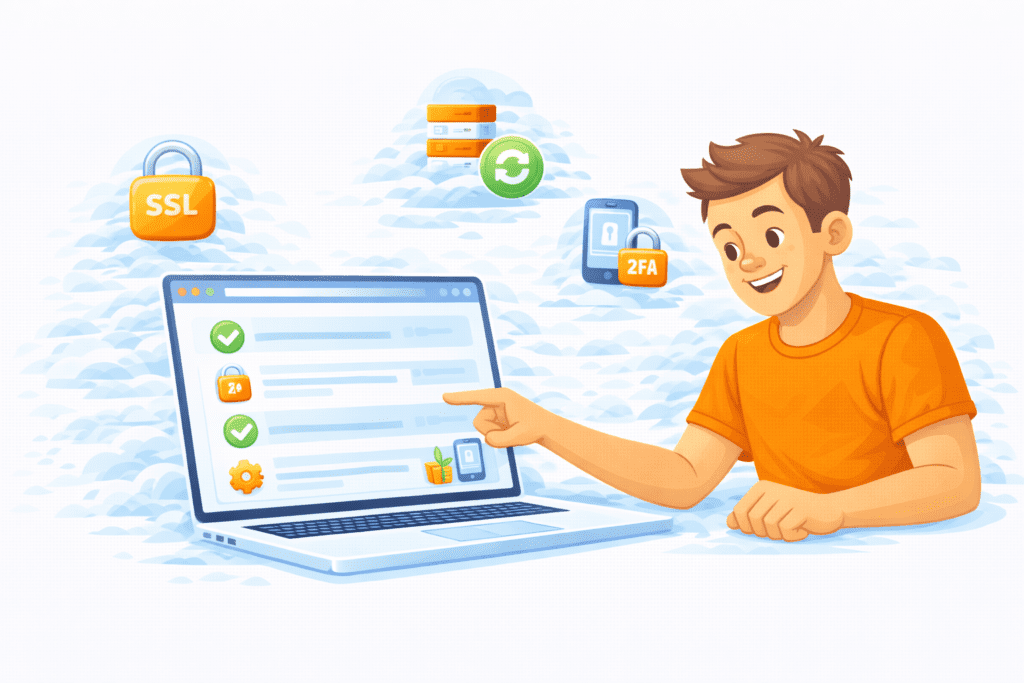
Now that you know the best practices, here’s what to do:
- Review your current setup
- Check if SSL, backups, and firewalls are active
- Turn on 2FA
- Update all software
- Learn the basics of security management
Even small steps can greatly improve the security of your website.
Final Thoughts
Here’s the key takeaway for US website owners.
Web hosting security is not a one-time setup. It’s an ongoing process. Threats change. Tools improve. And your site grows.
From my research, the sites that stay safe are the ones that stay proactive.
If you follow these 10 best practices, choose a secure web host, and keep learning, you’ll be far ahead of most beginners in 2026.
Bottom line?
Protect your site now, so you don’t have to fix it later.