Here’s what I noticed when talking to new site owners in the US: a lot of people think you can just build a website and somehow it will “be online.” No web host, no setup, no bills. Sounds nice, right?
Most beginners get confused because:
- Website builders promise quick sites
- Some tools offer free web pages
- And “hosting” sounds technical
So the big question becomes:
What actually happens if you don’t use web hosting?
This guide will explain, in simple words:
- What a hosting service really does
- If a site can exist without it
- What happens when you stop or skip paying for hosting
- And what it means for your online presence in the US
Let’s keep it simple. No tech talk. Just clear answers.
Short Answer: What Happens If You Don’t Use Web Hosting?
Short answer?
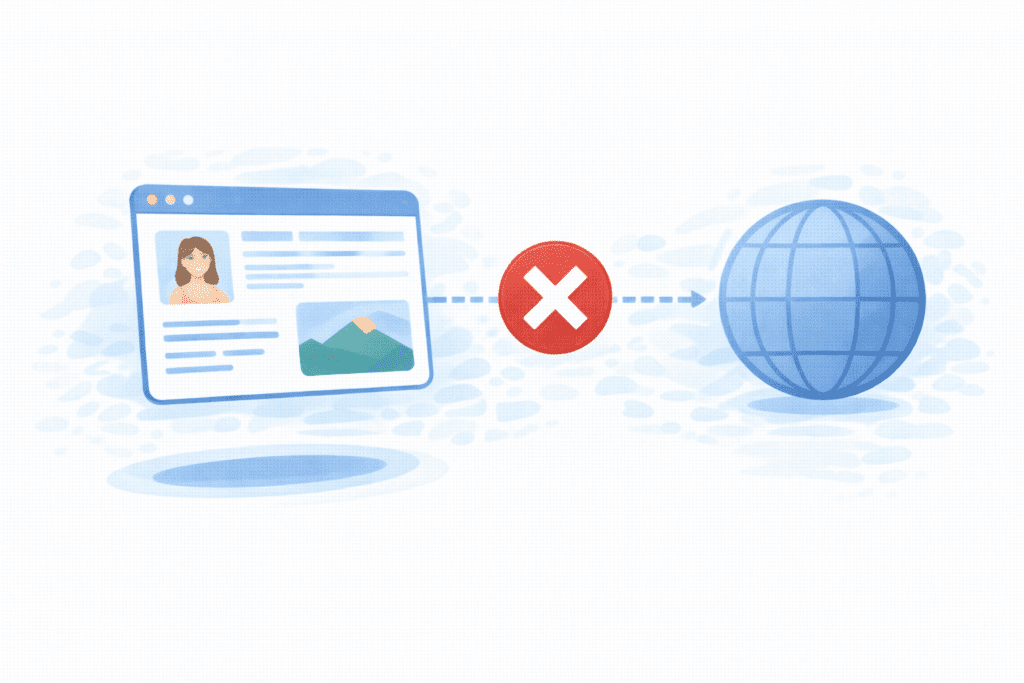
Your website won’t be publicly accessible on the internet.
In most cases, without a web hosting service, your site:
- Can’t be reached by others
- Won’t have a live url people can visit
- Won’t show up in search engine results
You might still see your site on your own computer or inside a builder tool, but that’s not the same as real website hosting.
For almost every website, hosting is usually required to:
- Store files
- Connect to the internet
- Keep the site live 24/7
There are exceptions, like free website hosting platforms, but even those are still a form of hosting — just handled by someone else.
What Web Hosting Does for a Website
To understand what happens without hosting, you first need to know what hosting actually does.
A hosting provider gives your site a place on a server that’s always connected to the internet.
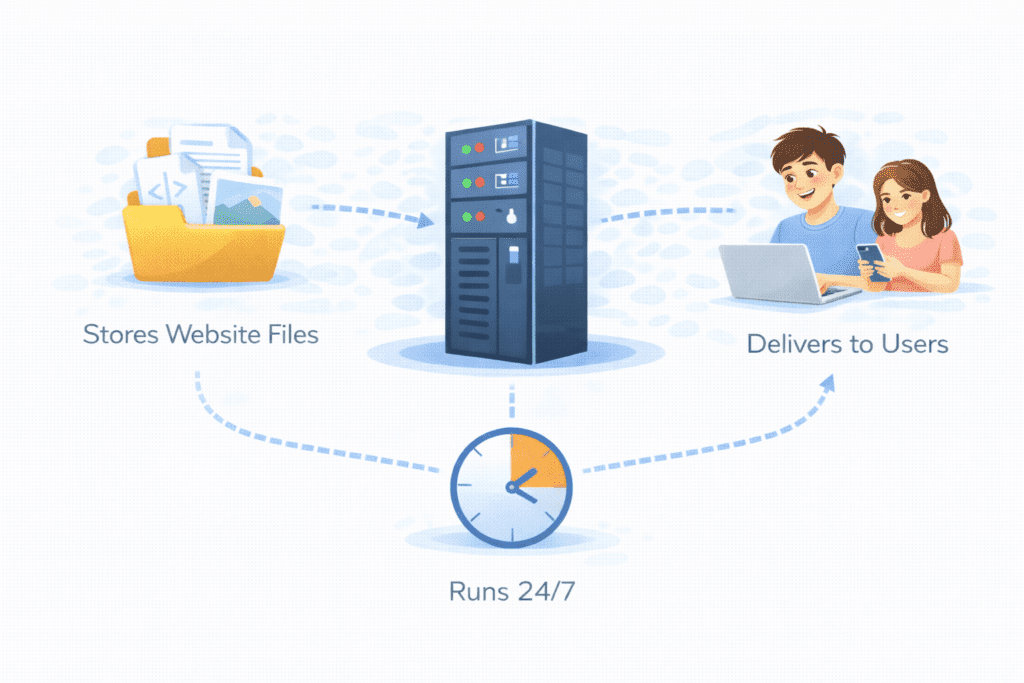
In simple terms, hosting does three big things:
Stores Website Files
Your site’s pages, images, and data live on a server. Without that space, there’s nowhere to keep them online.
Makes Sites Accessible Online
Hosting makes your site website accessible to anyone with a browser. When someone types your url, the server sends your site to them.
Keeps Websites Running 24/7
Good hosting offers strong uptime, meaning your site stays online day and night. If there’s no hosting, there’s nothing keeping it live.
That’s why people say a web host is what puts your site on the internet.
Can a Website Exist Without Web Hosting?
This is where many beginners get tripped up.
Technically, yes — you can build a site without hosting.
But practically, no — it won’t be online.
You can:
- Design pages on your computer
- Build a site in a tool
- Even make a free website inside a platform
But without a real hosting service, your site:
- Isn’t on a public server
- Can’t be reached by others
- Has no real online presence
So while a website can “exist” as files, it can’t exist as a public website without hosting.
That’s the key difference most beginners miss.
Where Would Your Website Be Without Hosting?
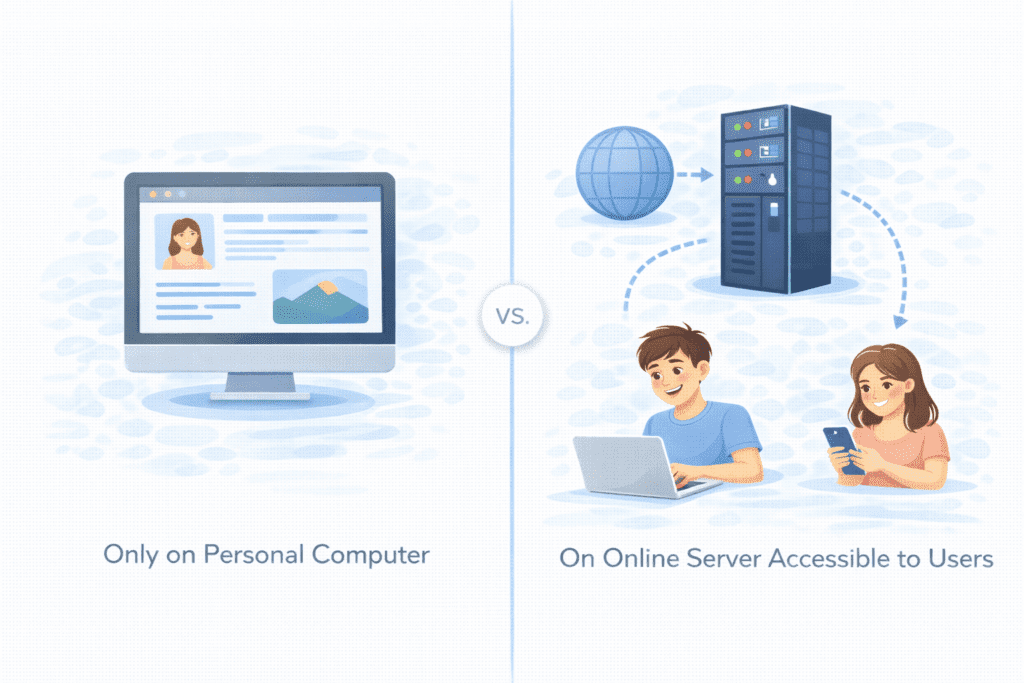
If you don’t use a hosting provider, your site will usually be in one of two places.
On Your Local Computer Only
Your site files might live on your laptop or desktop. You can open them, but no one else can.
Unless your computer acts like a server (which is rare and risky), your site stays private.
Inside a Tool or App
Some builders show your site inside their editor. It feels live, but it’s not truly public unless they also give you hosting.
In both cases:
- There’s no public website hosting
- No stable uptime
- No real online business potential
So without hosting, your site is basically offline.
Alternatives to Traditional Web Hosting

Now here’s where people get confused.
Some platforms say you don’t need hosting. What they really mean is:
They include hosting for you.
Let’s look at common alternatives.
Website Builders With Hosting Included
Many builders give you:
- A site editor
- A subdomain
- And hosting provided by the hosting platform
You don’t see the server, but it’s still there.
This is still hosting — just bundled into the tool.
Free Blogging Platforms
These often offer free web hosting or free website hosting where:
- Your site runs on their servers
- You don’t manage a hosting account
- You follow their rules
It’s easy, but limited.
What “Hosted” Really Means
When something is hosted, it means:
- Your site lives on someone’s server
- Hosting is provided as part of the service
So even if you don’t buy a plan, hosting still exists in the background.
There’s really no way around it.
What Happens If You Build a Site but Don’t Add Hosting?
Let’s say you design a site but never connect it to a web hosting provider.
Here’s what happens:
- Only you can see it
- It won’t have a public domain name
- Search engines can’t find it
- Your digital presence stays zero
You might feel like your site is done, but online? It’s invisible.
This is why most guides say hosting is required if you want a real website people can visit.
What Are the Limitations Without Web Hosting?
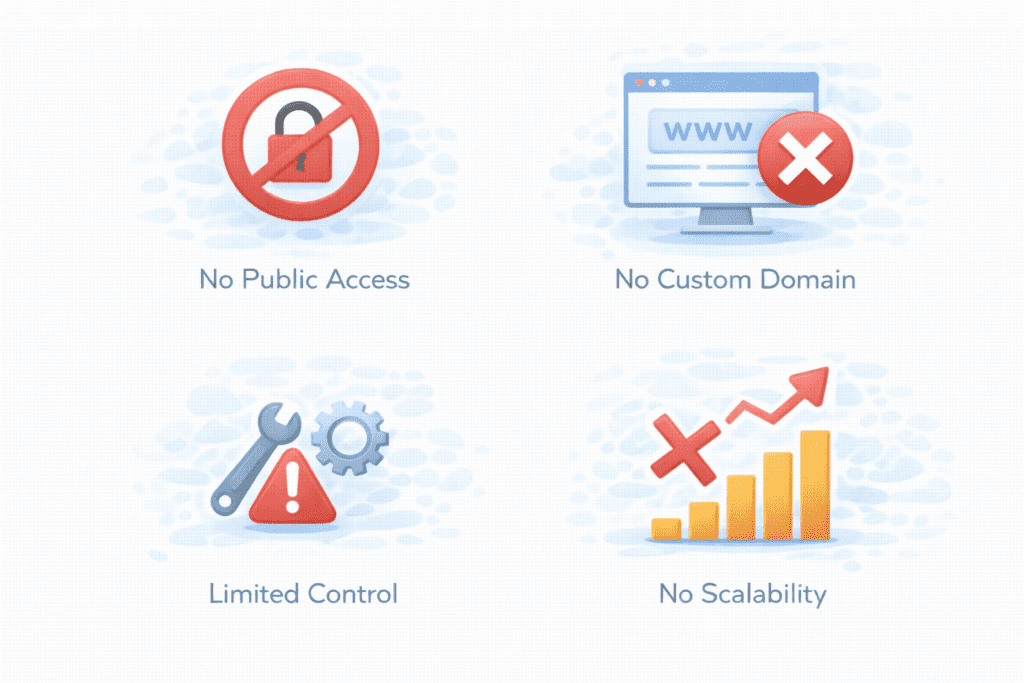
If you don’t use a hosting service, your website faces some real limits. This is where most beginners in the US get surprised.
No Public Access
Without a web host, your site can’t be seen by others on the internet. There’s no public url to share, so your site has no real online presence.
No Custom Domain Connection
You won’t be able to connect a custom domain name like yourname.com. That’s a big deal if you want to look professional.
Limited Control
Without proper website hosting, you can’t use a full control panel to manage files, emails, or settings. Your options stay basic.
No Scalability
You can’t grow traffic or features easily. Real hosting offers scalability, meaning your site can grow as your business needs change. Without it, growth is stuck.
Bottom line? Without hosting, your site stays small, private, and limited.
Does Google Index Websites Without Hosting?
Short answer: No.
Search engines like Google need to:
- Visit your site
- Access pages from a public server
- Read content through a live url
If your site isn’t on a real web hosting service, Google can’t reach it. That means:
- No listing in search engine results
- No chance of traffic from the US or anywhere else
Even if you use free web tools, Google can only index your site if it’s actually hosted and public.
So if visibility matters, hosting isn’t optional.
Risks of Not Using Proper Web Hosting
Some beginners try to skip hosting or rely only on weak free hosting. That can lead to problems.
Data Loss
Without a proper backup, your site files can vanish. Many hosting plans include automatic backups so you can keep your website safe.
Downtime
Sites without stable hosting face more downtime. And with poor setups, you may see increased downtime — sometimes without warning.
Security Issues
Weak setups invite trouble. A hacker, malicious scripts, or even ddos attacks can break your site. Without good hosting, there’s no real protection.
Poor Performance
A slow or unstable server hurts your user experience. Visitors in the US expect fast, seamless sites.
Business Impact
If you run a store or service:
- impact on your business can be huge
- loss of revenue and lost sales add up
- For ecommerce businesses, this is serious
That’s why people invest in reliable hosting.
Common Misunderstandings Beginners Have
Let’s clear up a few things I hear all the time.
Confusing Hosting With Domains
Many think buying a domain name means they’re hosted. It doesn’t. The name points to hosting, but hosting is still needed.
Thinking Builders Remove Hosting
Builders still use a server. They just hide it. Hosting is still there, just bundled.
Believing Hosting Is Optional
For any public site, hosting isn’t optional. It’s required if you want your site online.
Once you get this, the whole idea of hosting makes more sense.
Is It Ever Okay Not to Use Web Hosting?
In most cases, no. But there are a couple of small exceptions.
Local Testing and Development
You might build a site on your computer to test it. This is standalone use, just for you.
Temporary Projects
Short demos or school projects might live offline.
But even then, the moment you want:
- A real online presence
- Visitors
- Or a public site
You’ll need hosting.
FAQs – Not Using Web Hosting
Can I host a website on my own computer?
Technically yes, but it’s risky. Your computer must act as a server, stay online 24/7, and handle security. Most beginners shouldn’t try this.
Are free platforms the same as hosting?
They offer free website hosting, but with limits. You don’t control much, and the service is free because you accept restrictions.
Can I add hosting later?
Yes. You can design first, then move to a new provider when ready. Just take your website files and upload them.
Do I need hosting for WordPress?
Yes, for wordpress sites from WordPress.org, you need wordpress hosting or another hosting plan. Without it, the site can’t go live.
What Happens If You Stop Paying for Hosting?
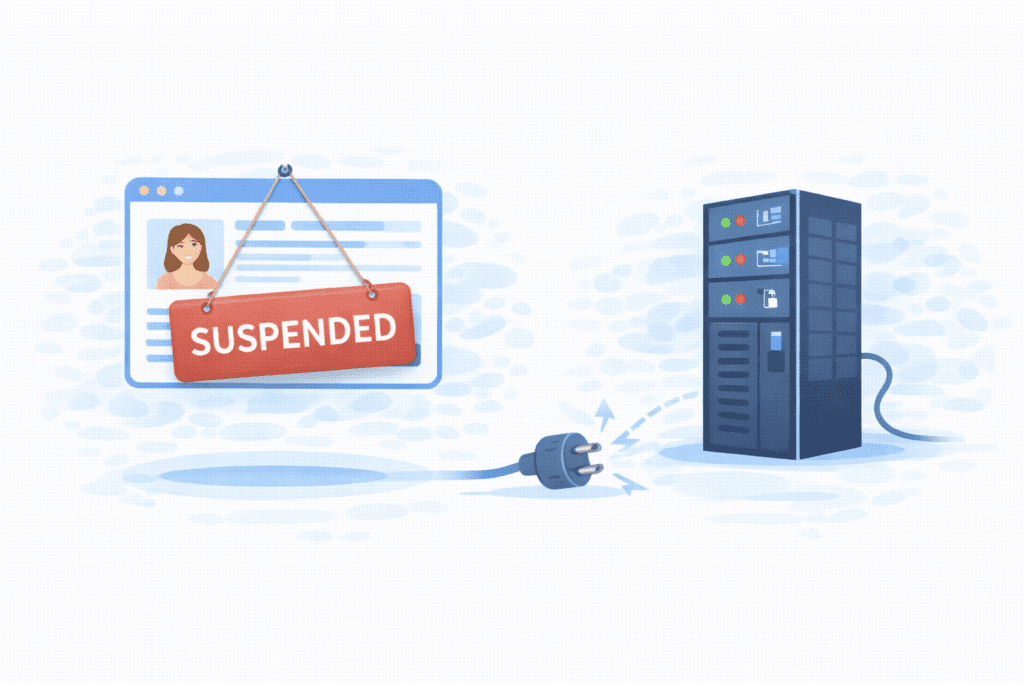
This is a big one for beginners.
If you stop paying for hosting or stop paying for your hosting, your hosting provider will usually do this:
- Suspend your site – your website becomes unavailable
- Show an error page instead of your site
- After some time, they may delete your data
That means:
- Your url won’t load
- Visitors will see nothing
- Your online presence disappears
In some cases, your files may be removed without warning if the bill stays unpaid.
This is why paying for hosting on time matters, especially if your site supports an online business.
Free Hosting vs Paid Hosting: What’s the Difference?
Many beginners think:
“Why not just choose free hosting?”
Let’s be real.
Free Hosting
With free hosting or free web hosting, you often get:
- Limited server resources
- Forced ads
- A subdomain instead of your own domain name
- Weak uptime and more downtime
- Little or no tech support
Some free hosting providers may also:
- Limit bandwidth
- Restrict features
- Shut down sites anytime
You might see free website hosting as easy, but it can feel unprofessional for serious sites.
Paid Hosting
With paid hosting, you pay a small monthly fee to a web host or web hosting company and get:
- Better user experience
- More control and customization
- Stronger security with ssl
- Better uptime and less downtime
- Real backup options
- Support when you need help
Paid hosting is usually provided by the hosting company as a full hosting package with tools and features.
That’s why most serious sites move to paid hosting sooner or later.
If you decide to use paid hosting, you’ll see different hosting options.
- Shared hosting – cheapest and best for beginners
- VPS hsoting – more power and control
- Cloud hosting – flexible and scalable
- Dedicated hosting – full power for large sites
Each option changes how much control, cost, and scalability you get.
For blogs and small sites, shared hosting is often enough. For growth, VPS or cloud may fit better.
What Should You Do Next After Understanding This?
Now that you know what happens without hosting, here’s what to do:
- Set clear goals for your website
- Decide if you want free or paid hosting
- Compare hosting plans and features
- Pick a web hosting provider with good reviews
- Think about your business needs and budget
If you want to save money, look for a better deal. If your site matters, choose reliable hosting.
This helps you make your website truly public and professional.
Final Thoughts
Let’s keep this simple.
If you don’t use web hosting:
- Your site won’t be public
- Google can’t see it
- Visitors can’t reach it
- Your digital presence stays zero
You can build a site without hosting, but you can’t run a real website without a web host.
For most beginners in the US:
- Hosting is not optional
- It’s what makes your site live
- And it protects your work
Bottom line?
If you want a real website people can visit, trust, and use — you need hosting.
Once you get this part right, everything else becomes much easier.