Starting a website in the US sounds easy until hosting enters the picture. Web Hosting for Beginners often feels unclear because prices look low, features sound technical, and advice online feels outdated. Many beginners choose a plan fast, then realize later it was not the right fit.

This guide exists to remove that confusion. Not by overselling features. Not by pushing upgrades. Just by explaining how hosting works, why beginner needs are different in 2026, and how to avoid early mistakes that cost time and money.
A common situation is a beginner paying five dollars to start, then renewing at fifteen without realizing that was part of the hosting plan.
By the end of this guide, beginners will understand hosting clearly enough to choose with confidence instead of guessing.
Quick Picks: Best Web Hosting for Beginners (2026)
If you don’t want to read the full guide, here are the best beginner-friendly hosting options based on price, speed, and ease of use.
Best Overall: Bluehost – easy setup, free domain, beginner dashboard
Best Budget: Hostinger – lowest starting price, fast loading
Best Support: SiteGround – top-rated customer help
What Is Web Hosting for Beginners

Web Hosting for Beginners means using a service that stores your website files and makes them available online. Without a web host, a website cannot load for visitors. The files exist, but no one can reach them.
A web host provides space on a server for your site. That server stays connected to the internet all the time. When someone visits your domain, the server delivers your pages to their screen.
This process sounds technical, but beginners do not manage it themselves. The hosting provider handles the server, maintenance, and basic setup so your site stays accessible.
Website vs Web Hosting
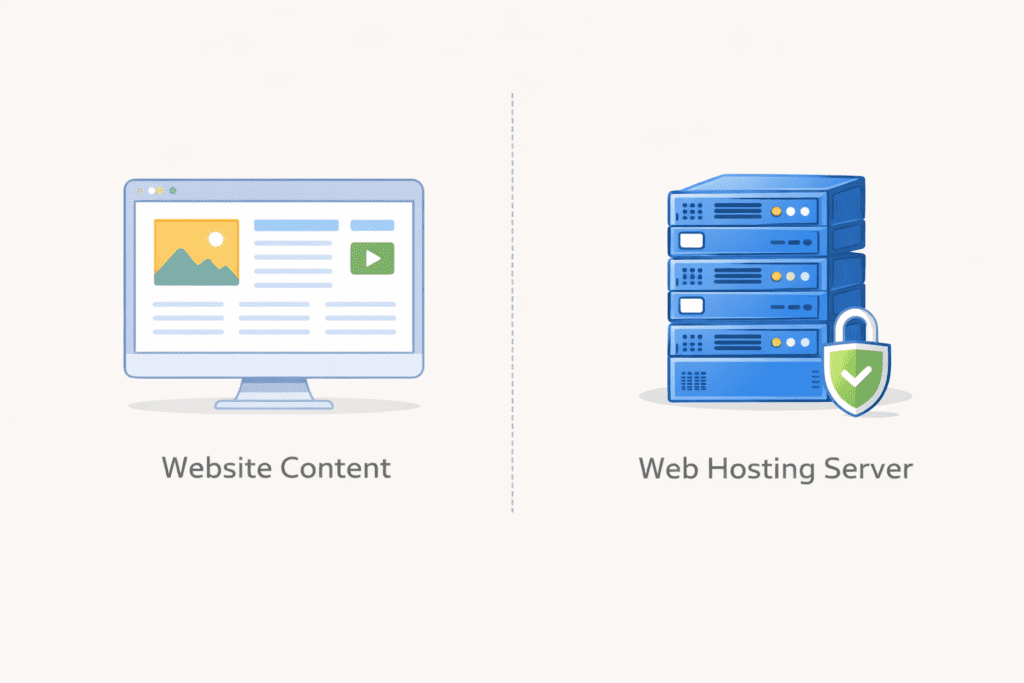
Many beginners confuse a website with hosting. They are not the same.
A website is the content. Pages, images, text, and layout.
Web hosting is the service that stores those files and delivers them to visitors.
A website builder helps you create pages. A hosting service keeps those pages online. You usually need both, but they do different jobs.
Understanding this difference helps beginners avoid buying tools they do not need.
How Web Hosting Works Without the Technical Noise
When someone types your domain name, a request is sent to a server. That server responds by loading your website files. This happens in seconds.
Your hosting account controls where those files live. The web hosting provider keeps the server running, updated, and protected.
Beginners do not configure servers. They choose a hosting plan, upload content, and manage the site through a dashboard. That is it.
Why Hosting Matters Even for Small Websites
Some beginners think hosting only matters when traffic grows. That idea causes problems.
Slow hosting frustrates visitors. Poor uptime means the site disappears. Weak security risks data loss. Even small sites depend on reliable hosting.
Good hosting quietly supports your site. It does not demand attention. That is exactly what beginners need.
Common Beginner Misunderstandings About Hosting
Many beginners assume all hosting is the same. It is not.
Some think cheaper always means better. Others believe advanced plans are safer. Both assumptions lead to wasted money.
Another issue is ignoring renewal pricing. The first year looks affordable. The second year changes everything.
Understanding these basics early prevents regret later.
What This Guide Helps Beginners Avoid
This guide helps beginners avoid choosing the wrong type of hosting, paying for features they do not need, and locking themselves into bad long term costs.
It explains hosting in simple language. It focuses on US based expectations like pricing transparency, support access, and performance reliability.
Most importantly, it helps beginners choose the right web host without feeling rushed.
Why Web Hosting for Beginners Is Different in 2026
Web hosting did not always work this way. A few years ago, beginners had to deal with complex panels, manual setups, and confusing limits. In 2026, expectations are different, especially in the US.
Hosting has changed in recent years
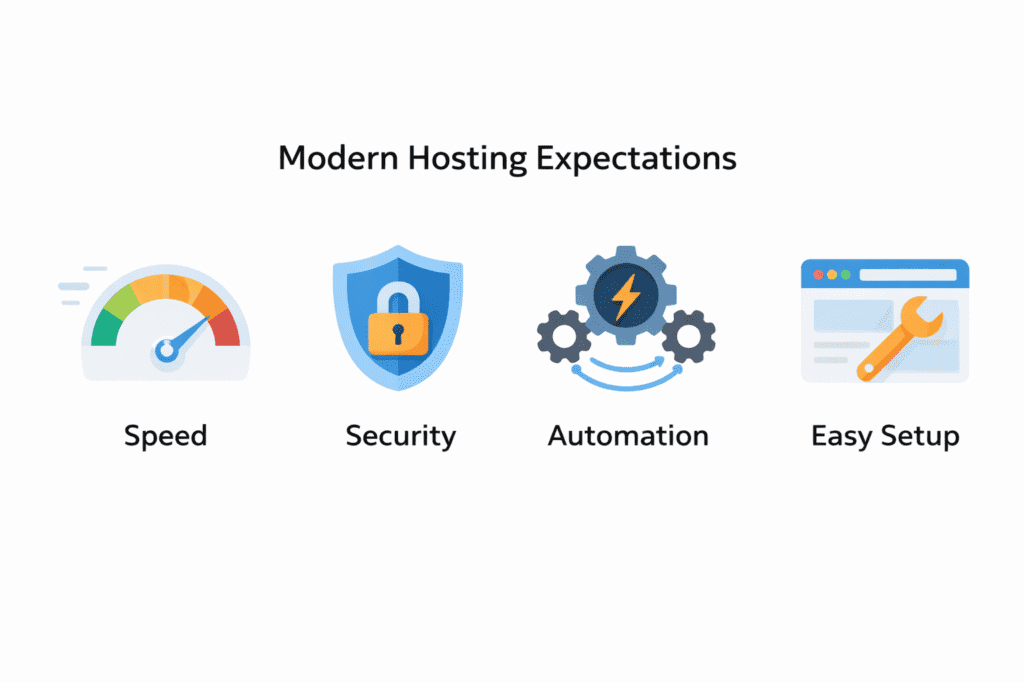
Modern web hosting services are built to reduce friction. Most hosting companies now focus on automation. Setup takes minutes instead of hours. Updates run in the background. Security is no longer optional.
This shift matters because beginners no longer want to manage technical details. They want hosting that works quietly while they focus on content or business.
That expectation is reasonable.
New beginner expectations in 2026
A beginner today expects three things right away.
First, speed. Even a new site should load fast. Visitors do not wait anymore.
Second, simplicity. Dashboards should be clean. Controls should be clear. A good web hosting solution does not overwhelm.
Third, built in tools. Many hosts now include helpers, installers, and basic automation. These features save time without forcing upgrades.
This is why older advice often fails. It assumes beginners are comfortable managing servers. Most are not.
Why outdated hosting advice no longer works
Some guides still recommend setups meant for developers. Others push expensive upgrades too early. That advice ignores how hosting for beginners in 2026 actually works.
A hosting provider today competes on ease, not complexity. If a host feels confusing on day one, it is usually the wrong fit.
Beginners do not need control over everything. They need clarity.
What beginners really need now
Beginners need hosting that supports learning, not testing patience.
A web host can feel like a barrier or a support system. The difference comes down to design choices and support quality.
Good hosting removes friction. Bad hosting creates it.
That is why choosing the right web hosting service matters more now than ever.
Why US based beginners should be extra careful
For US beginners, pricing transparency matters. Support availability matters. Performance for US traffic matters.
Some web hosting providers look cheap at first but charge heavily later. Others limit help when issues appear. These problems show up only after launch.
Understanding how hosting has evolved helps beginners avoid repeating mistakes that were common years ago.
What This Means Before Choosing a Hosting Plan
Before looking at providers, beginners need to know what to value.
Ease of use matters more than advanced features.
Support matters more than marketing claims.
Clear pricing matters more than low intro deals.
Once these priorities are clear, choosing a hosting plan becomes simpler.
That leads directly to the features beginners should look for next.
Key Features Beginners Should Look for in Web Hosting for Beginners
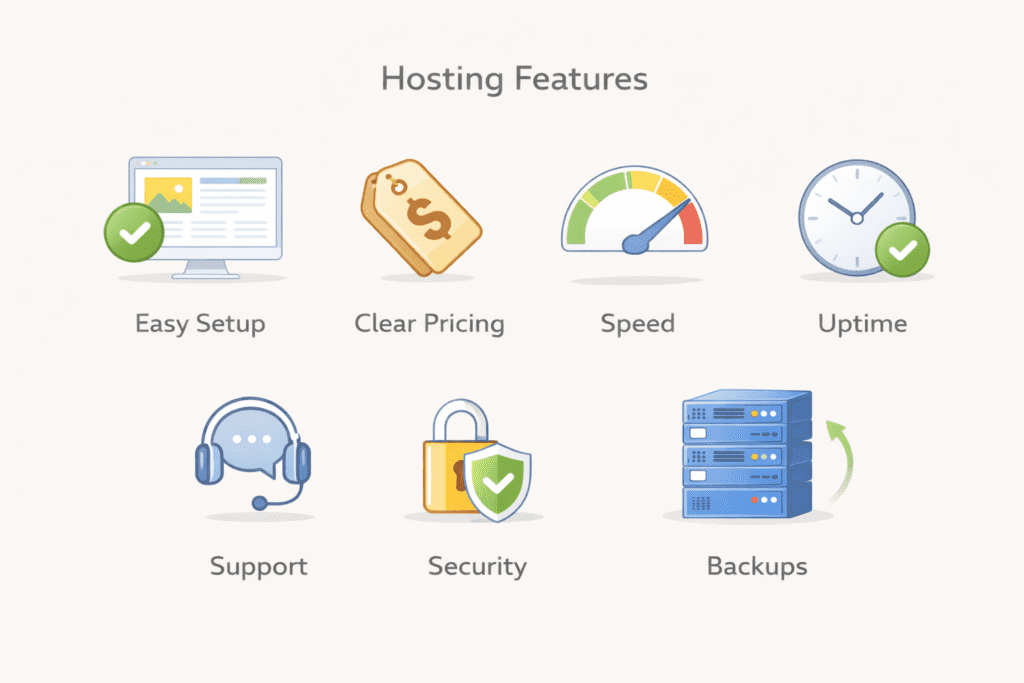
Choosing Web Hosting for Beginners works best when features solve real problems. Not when they sound impressive. In 2026, beginners need hosting that removes friction and keeps things predictable.
Easy setup and a beginner friendly dashboard
A good web host should guide setup without confusion. One click installs matter because they prevent mistakes early on. Clean dashboards matter because beginners should not hunt for basic settings.
A hosting provider that keeps advanced controls out of the way helps beginners stay focused. You can always access more tools later.
Affordable pricing without surprise renewals
Pricing is where trust breaks for many beginners.
A hosting plan should show the intro price and the renewal price clearly. When that information is hidden, beginners end up paying more than expected.
Some host offers include a free domain during signup. That reduces upfront cost, but renewal pricing still matters. Long term planning avoids regret.
Reliable performance and speed
Speed is not just for large sites. Even new sites lose visitors if pages load slowly.
A well managed shared hosting setup can still perform well. The key is how the web hosting provider manages servers and traffic.
Uptime matters too. It refers to the percentage of time your website stays available. Reliable hosting stays online consistently without attention.
Strong customer support for beginners
Support matters most when something breaks.
For beginners, live chat often works better than tickets. Faster replies reduce stress. Clear answers prevent mistakes.
Good customer support acts like a safety net. Expert support saves time when learning curves feel steep.
Built in security for new websites
Security should not feel technical.
A free SSL certificate protects visitor data by encrypting traffic. Backups protect content from mistakes or failures. Malware protection prevents common attacks.
These security features should be automatic. Beginners should not manage them manually.
Why These Features Matter More Than Extras
Many beginners compare hosting based on bonus tools. That usually backfires.
Good hosting focuses on stability, clarity, and support. Flashy features come later.
A hosting solution that does basics well allows beginners to learn without pressure. That is the goal.
What Comes Next
Now that features are clear, the next step is understanding hosting types. Not all hosting fits beginners equally.
Knowing which types work and which ones to avoid saves money and time.
Types of Web Hosting for Beginners Compared Clearly
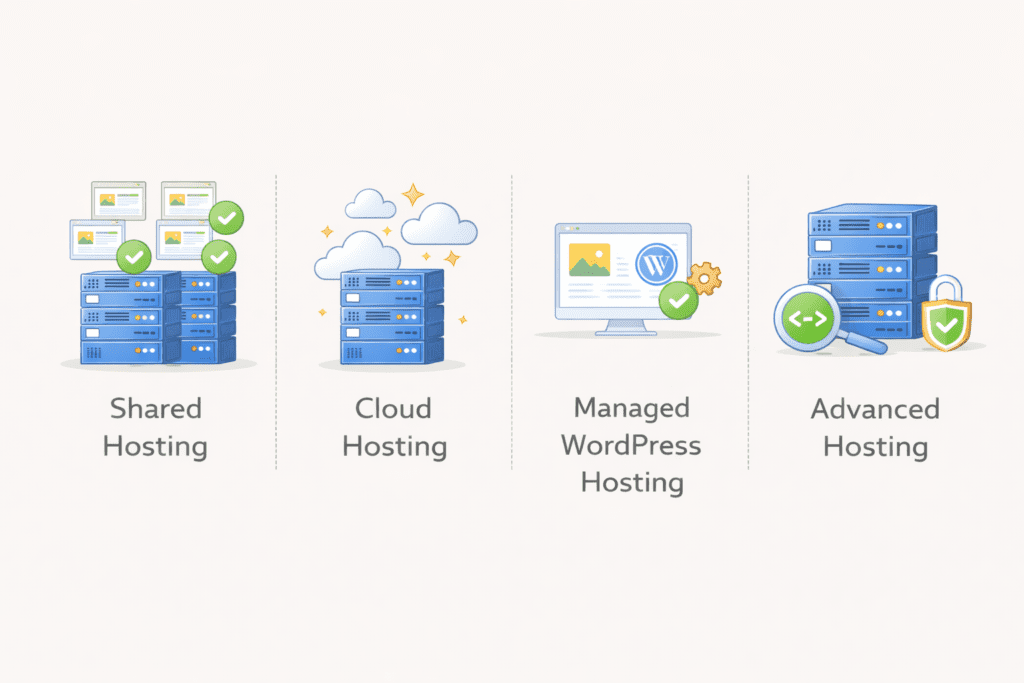
Not every hosting type is built for beginners. Some options sound powerful but create more problems early on. This section explains which types of web hosting actually make sense when starting out.
Shared hosting is the most common starting point for beginners. Your website shares a server with other sites, which keeps costs low and setup simple.
A shared hosting plan works well for blogs, small business sites, and personal projects. Performance stays stable as long as traffic is normal.
This option is often the best choice for beginners because it balances price, ease, and reliability.
Cloud hosting when growth begins
Cloud hosting spreads your site across multiple servers instead of one. This helps handle traffic changes better.
For beginners, cloud hosting usually makes sense only after growth. It is more flexible and more powerful than shared hosting, but also costs more.
Most beginners do not need it on day one.
Managed WordPress hosting explained
Managed WordPress hosting is designed only for WordPress sites.
Updates, backups, and performance tuning are handled automatically. A managed wordpress hosting setup reduces technical work and saves time.
Some managed wordpress hosting offers include tools that help with site management. These are helpful but not required for every beginner.
A wordpress hosting plan like this fits beginners who want less maintenance and more guidance.
Hosting types beginners should avoid early
Some hosting options create unnecessary complexity.
Dedicated hosting gives full server control but costs more and requires experience. Beginners rarely benefit from it.
VPS hosting offers flexibility but adds technical responsibility. For beginners, this often causes confusion.
Starting simple works better. A basic hosting solution supports learning without pressure.
Choosing the Right Hosting Type
Choosing the right web host starts with choosing the right type.
For most beginners, shared hosting is enough. When traffic grows, upgrades are easier than rebuilding from scratch.
Understanding hosting types prevents overspending and frustration.
What Comes Next
Now that hosting types are clear, the next step is comparing actual providers.
Not all hosts treat beginners the same. Some focus on pricing. Others focus on support.
That comparison matters.
9 Best Web Hosting for Beginners in 2026
Bluehost
Overview and best fit
Bluehost is a common web host for beginners building a first blog or small business site. It supports basic sites and simple website management without overload.
Ease of use
Setup is guided from start to finish. The dashboard keeps things simple, which helps beginners avoid mistakes during early setup.
Performance and reliability
On a shared hosting setup, performance is stable. It handles normal traffic well and keeps pages loading consistently.
Pricing and value
The entry hosting plan starts low with introductory offers. Renewals are higher, so planning ahead matters. The plan offers a free domain for the first year and includes free SSL.
Pros and cons for beginners
The main advantage is ease. The limitation is renewal pricing. For many beginners, the trade off still makes sense.
InMotion Hosting
Overview and best fit
InMotion Hosting works well for beginners who want strong help from day one. It suits blogs, service sites, and growing projects.
Ease of use
Setup takes slightly longer, but instructions are clear. The control panel stays organized without feeling stripped down.
Performance and reliability
InMotion Hosting offers consistent speed and uptime. Even entry level shared hosting performs well for US traffic. This makes it a solid example of reliable hosting.
Pricing and value
Pricing is mid range. Renewals increase, but features justify the cost. Many plans include a free domain name and free SSL certificate.
Pros and cons for beginners
Support quality stands out. Pricing is higher than budget hosts, which may not suit every beginner.
SiteGround

Overview and best fit
SiteGround is built for beginners who care about speed and polish. It supports content sites and business pages well.
Ease of use
The interface is clean and modern. Beginners can find tools quickly without feeling lost.
Performance and reliability
Performance is strong. Load times stay fast, even on basic plans. Uptime remains consistent.
Pricing and value
Starting prices are higher than average. Renewals increase noticeably. This is not the cheapest option, but quality is clear.
Pros and cons for beginners
Speed and interface are strong points. Cost is the main drawback for budget focused beginners.
Hostinger
Overview and best fit
Hostinger targets beginners looking for affordable web hosting. It fits blogs, side projects, and starter sites.
Ease of use
The custom dashboard is simple and easy to follow. Beginners can manage settings without technical knowledge.
Performance and reliability
On shared hosting, performance is decent for the price. It handles light to moderate traffic without issues.
Pricing and value
Intro pricing is very low. Renewals increase but remain reasonable. Some plans include a free domain and SSL.
Pros and cons for beginners
Low cost is the main benefit. Support response times can vary during busy hours.
DreamHost

Overview and best fit
DreamHost works well for beginners who want flexibility and fewer restrictions. It supports blogs, portfolios, and small business sites.
Ease of use
The dashboard is simple and uncluttered. Beginners can manage their site without feeling overwhelmed.
Performance and reliability
Performance is steady. It may not be the fastest option, but it stays consistent. For many beginners, consistency matters more than peak speed.
Pricing and value
Pricing is transparent. Monthly billing is available, which helps beginners who do not want long commitments.
Pros and cons for beginners
Flexibility is a strong point. The learning curve is slightly higher than fully guided hosts.
A2 Hosting

Overview and best fit
A2 Hosting fits beginners who care about speed early on. It supports blogs and small business websites.
Ease of use
Setup is guided, but the interface feels slightly more technical. Beginners can manage it, but it takes a bit of time.
Performance and reliability
Speed is the main focus here. Pages load fast, even on basic plans. Uptime remains stable.
Pricing and value
Pricing sits in the middle range. Renewal costs rise, but performance justifies the price for speed focused beginners.
Pros and cons for beginners
Speed is a clear benefit. The interface may feel less friendly to complete beginners.
GreenGeeks
Overview and best fit
GreenGeeks appeals to beginners who want a balanced hosting experience with an eco friendly focus.
Ease of use
Setup is straightforward. The dashboard stays beginner friendly without unnecessary tools.
Performance and reliability
Performance is solid for everyday use. It handles normal traffic without problems.
Pricing and value
Intro pricing is competitive. Renewals increase, but not sharply. Plans often include SSL and basic security.
Pros and cons for beginners
Balanced features are a plus. Advanced tools are limited.
Liquid Web
Overview and best fit
Liquid Web is aimed at growing sites, not brand new ones. It is mentioned here so beginners understand when it becomes relevant.
Ease of use
The platform is professional and well supported. Beginners can use it, but it feels advanced.
Performance and reliability
Liquid Web offers strong performance and uptime. It is built for stability under load.
Pricing and value
This is premium hosting. Costs are high compared to beginner plans.
Pros and cons for beginners
Excellent support and performance. Price makes it unsuitable for most beginners at the start.
GoDaddy
Overview and best fit
GoDaddy is widely known and easy to access. It supports many site types.
Ease of use
Setup is fast. The interface can feel busy, which may confuse beginners.
Performance and reliability
Performance is acceptable for basic sites. Uptime is generally stable.
Pricing and value
Intro pricing looks low. Renewals increase, and add ons raise costs quickly.
Pros and cons for beginners
Quick setup is helpful. Pricing structure requires careful review.
Why Splitting Providers Matters
Not all beginners need the same thing.
Some need guidance. Some need speed. Some need low cost entry.
Looking at providers in parts helps beginners compare without feeling overwhelmed.
Comparison Table: Best Web Hosting for Beginners in 2026
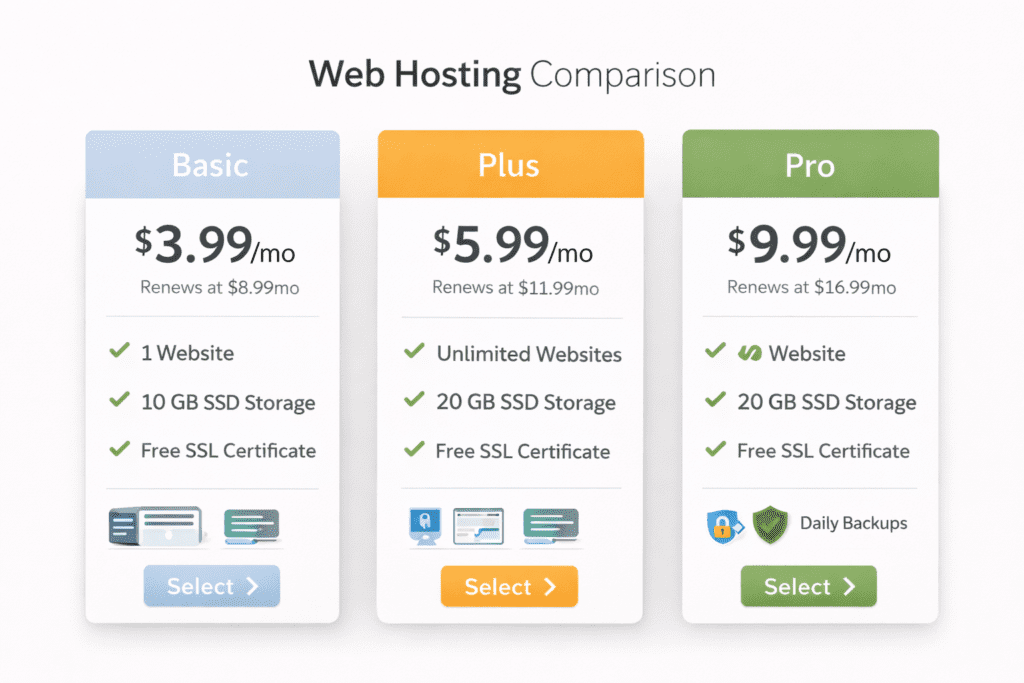
These prices reflect typical entry-level US plans beginners usually see at signup. Renewal prices are higher, but this table keeps the comparison simple and fair.
| Hosting Provider | Ease of Use | Starting Price (USD) | Support Quality | Best For Which Beginner |
|---|---|---|---|---|
| Bluehost | Very easy, guided setup | $2.95/month | Helpful live chat | First-time bloggers |
| InMotion Hosting | Easy, slightly detailed | $2.99/month | Strong US-based expert support | Beginners who want support |
| SiteGround | Clean, modern dashboard | $3.99/month | Fast and knowledgeable support | Speed-focused beginners |
| Hostinger | Simple custom panel | $2.99/month | Decent chat support | Budget-focused beginners |
| DreamHost | Minimal and flexible | $2.59/month | Email and chat support | Beginners wanting flexibility |
| A2 Hosting | Moderate learning curve | $2.99/month | Technical but helpful support | Speed-focused beginners |
| GreenGeeks | Easy setup | $2.95/month | Responsive support | Eco-conscious beginners |
| GoDaddy | Fast setup, busy interface | $2.99/month | Mixed support quality | Quick-launch beginners |
This makes cost differences clear without marketing language. Beginners can now compare real numbers, not promises.
How to Choose the Best Web Hosting for Beginners
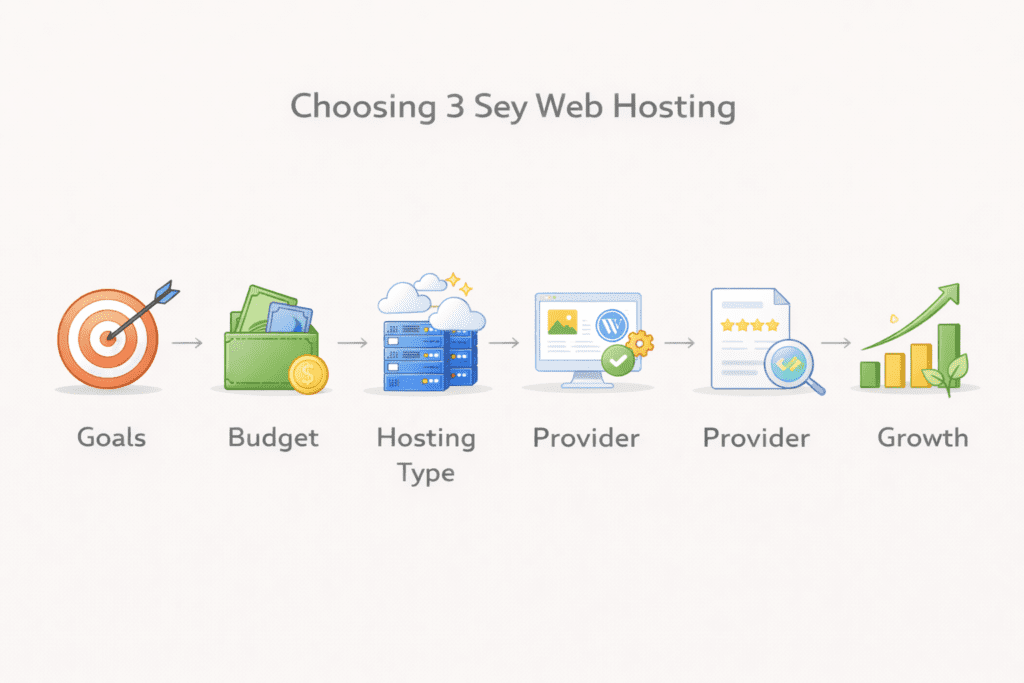
Choosing hosting works better when decisions follow a clear order.
Step 1: Define your website goal
Start with one purpose. A blog, a service site, or a portfolio.
This determines the type of hosting you need. Most beginners only need shared hosting at first.
Step 2: Choose the right hosting type
A shared hosting plan fits most new sites.
Cloud hosting works later when traffic grows.
Managed WordPress helps beginners who want less maintenance.
Starting simple avoids wasted money.
Step 3: Set a realistic budget
Intro prices do not last. Renewal prices matter more.
When beginners pay for hosting, planning yearly costs avoids surprises. Clear pricing equals better decisions.
Step 4: Avoid common beginner traps
Many beginners buy features they never use. Others skip backups or SSL.
A provider that offers essentials by default saves time and stress. Security should not feel optional.
Step 5: Think about future growth
Your site may stay small or grow faster than expected.
A right hosting provider allows upgrades without rebuilding everything. That flexibility matters.
Common Web Hosting Mistakes Beginners Should Avoid
Choosing only by price causes regret later.
Ignoring renewal pricing breaks budgets.
Overbuying advanced plans like VPS hosting or dedicated hosting adds complexity without benefit.
Skipping backups risks data loss. Fixing problems later costs more than preventing them.
Good hosting avoids these issues quietly. That is what beginners need.
Web Hosting for Beginners vs Website Builders
This is where many beginners pause. Hosting or a website builder. Both work, but they solve different problems.
A website builder is fast. Pages are created visually. Hosting is included. That convenience helps beginners launch quickly, but flexibility is limited.
With web hosting, you control your site. You choose themes, plugins, and structure. A web host provides the space, but you decide how the site grows.
Over time, builders often cost more. Hosting usually costs less long term and offers better control. For beginners who want room to expand, hosting becomes the better option.
Cost Differences Over Time
Website builders bundle everything into one price. That price increases as you add features.
Hosting separates costs. Domain, hosting, and tools are chosen as needed. Many plans include free domain and SSL, which reduces startup cost.
For beginners planning a long term site, hosting offers more value and flexibility.
Flexibility and Growth
Builders are easy to start but harder to outgrow.
Hosting adapts as your site grows. You can upgrade plans, move to managed hosting, or switch providers if needed.
This flexibility matters for beginners who do not yet know where their site will go.
Frequently Asked Questions About Web Hosting for Beginners
What is the best web hosting for beginners in 2026
The best option depends on budget, ease of use, and support needs. Beginners should focus on clarity and support first.
How much does web hosting for beginners cost per month
Most beginners in the US pay between five and fifteen dollars per month after renewals.
Yes. Shared hosting supports most beginner sites without problems.
Do beginners need managed WordPress hosting
Not always. It helps reduce maintenance, but standard plans work well early.
Can I switch web hosting later if I outgrow my plan
Yes. Moving to a new host is common and manageable.
Is free web hosting safe for beginners
Free hosting often has limits and risks. It is usually not recommended.
How long does it take to set up web hosting
Most setups take only a few minutes.
What happens if my website gets traffic spikes
Good hosting handles short spikes without issues.
Do beginners really need daily backups
Yes. Backups protect content and save time if something goes wrong.
What is the easiest web hosting for beginners with no technical skills
Hosts with guided setup and strong support are the easiest to start with.
Final Verdict: Best Web Hosting for Beginners in 2026
Bottom line. Hosting should support learning, not complicate it.
For beginners in the US, ease of use, clear pricing, and reliable support matter more than advanced features. Starting simple is not a weakness. It is a smart move.
If you choose hosting that fits your current needs and allows growth later, you are already on the right path.